Lecture Blocks look for PowerPoint
Lecture slides in the manner of LaTeX: a navigation strip names the sections and the content sits in titled blocks (Definition, Theorem, Example), each with a coloured heading bar. Familiar to anyone who has sat in a mathematics lecture, and editable in PowerPoint.
- Lectures and courses
- Mathematics, physics and engineering talks
- Group meetings and tutorials
Type this code on PPTNative, or open pptnative.com/c/LEC100, to come back to this look. A code gives the same look (style, colours and fonts), not the same slides.
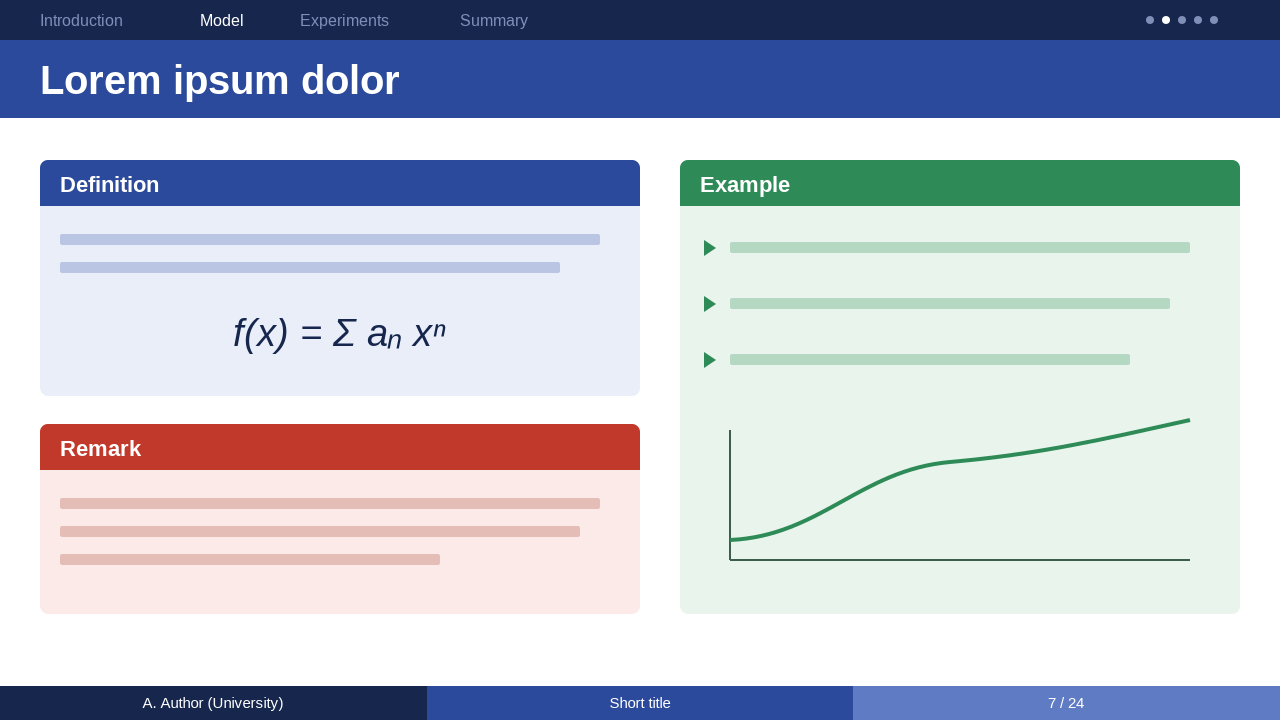
Decks made in this look
Real decks from the gallery. Open one to see every slide or download the .pptx.
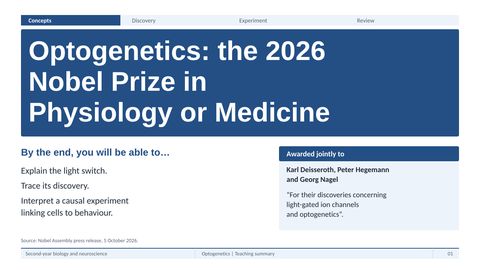 Optogenetics: the 2026 Nobel Prize in Medicine, a lecture
Questions
When is Lecture Blocks the right choice?
Lectures, courses, technical talks and group meetings, above all where there are definitions, methods and worked examples. For a talk to a general audience it looks like a classroom; Scholar or Soft Rounded is more open.
How do charts and tables look in Lecture Blocks?
Inside or beside a block, with a caption. Charts are native PowerPoint charts in the structural colour; a table sits in a block of its own.
Does Lecture Blocks use pictures?
Rarely. Blocks, formulas and your own figures lead.
Is the deck editable?
Yes. Every slide is native PowerPoint: text boxes, shapes, charts with Edit Data and tables. The look is colours, fonts and layout, so you can change any of it.
Other looks
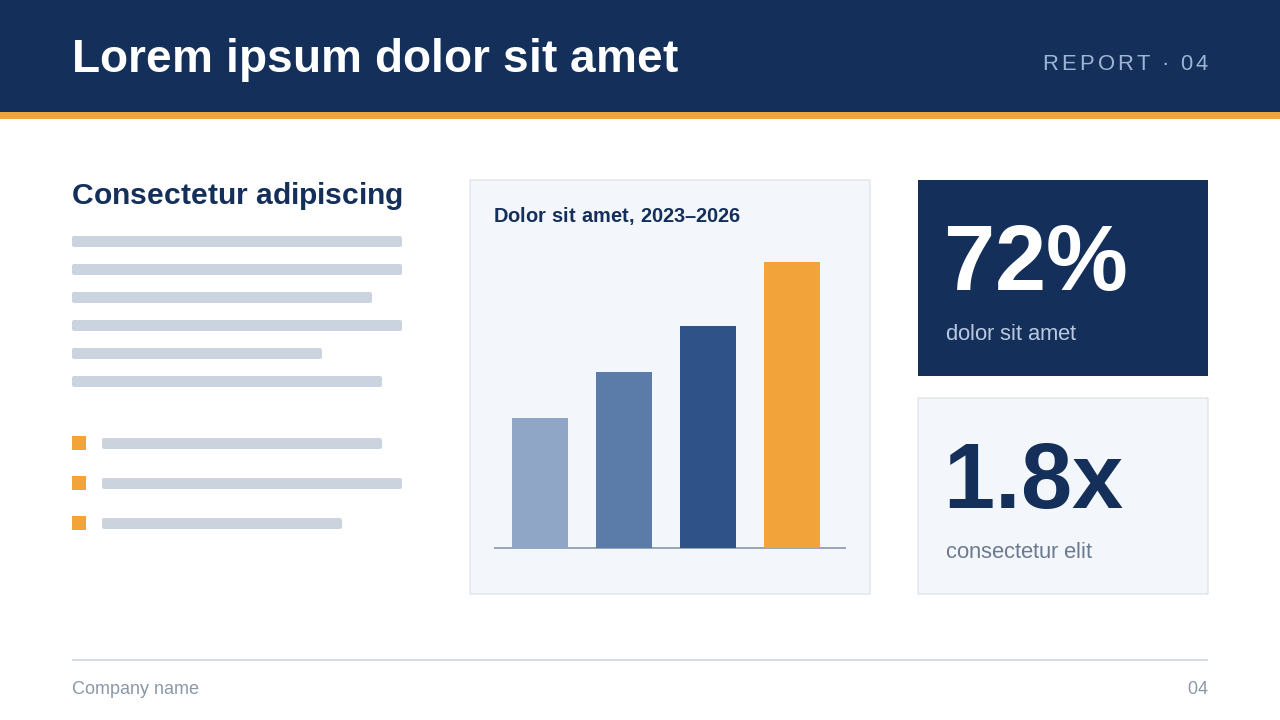 Classic Navy
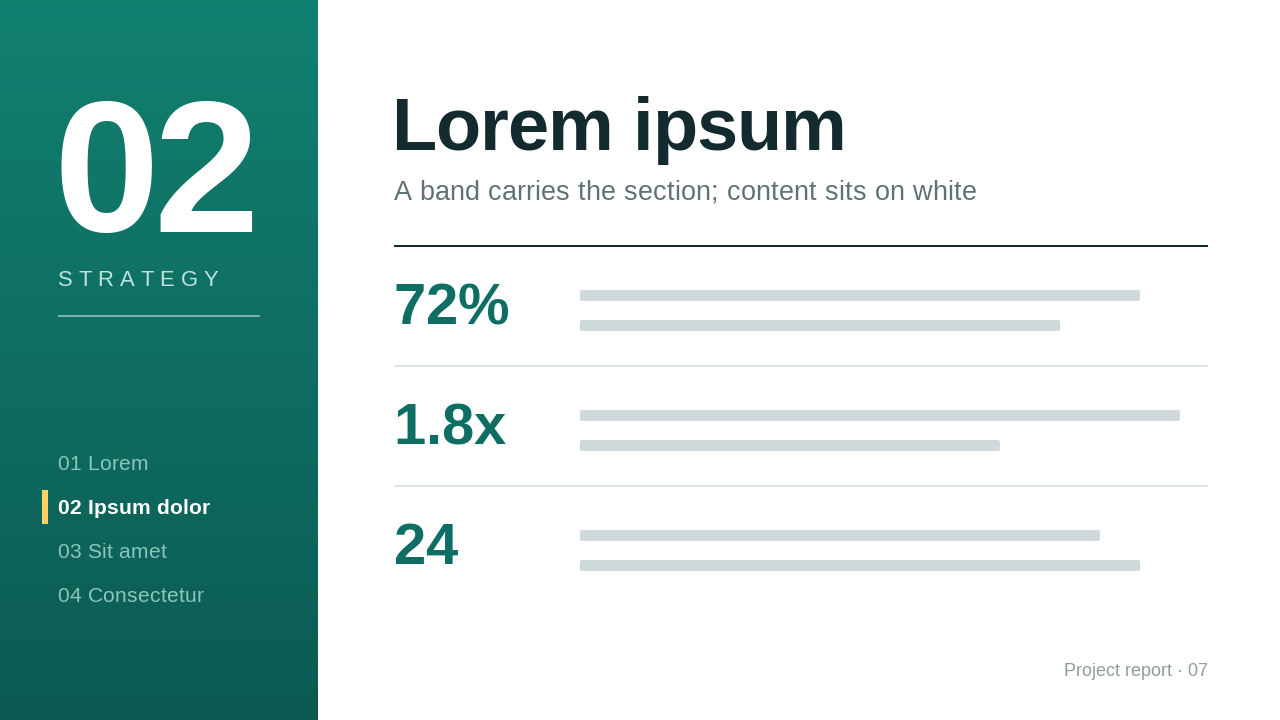 Side Band
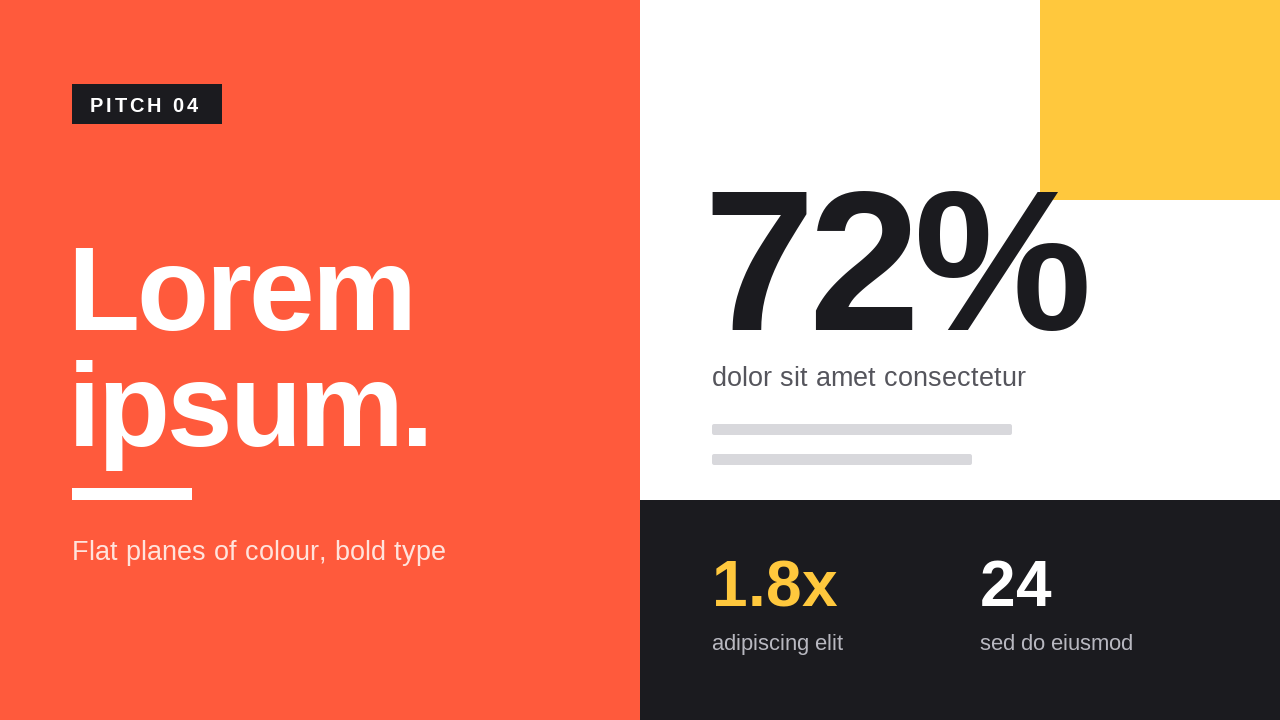 Color Block
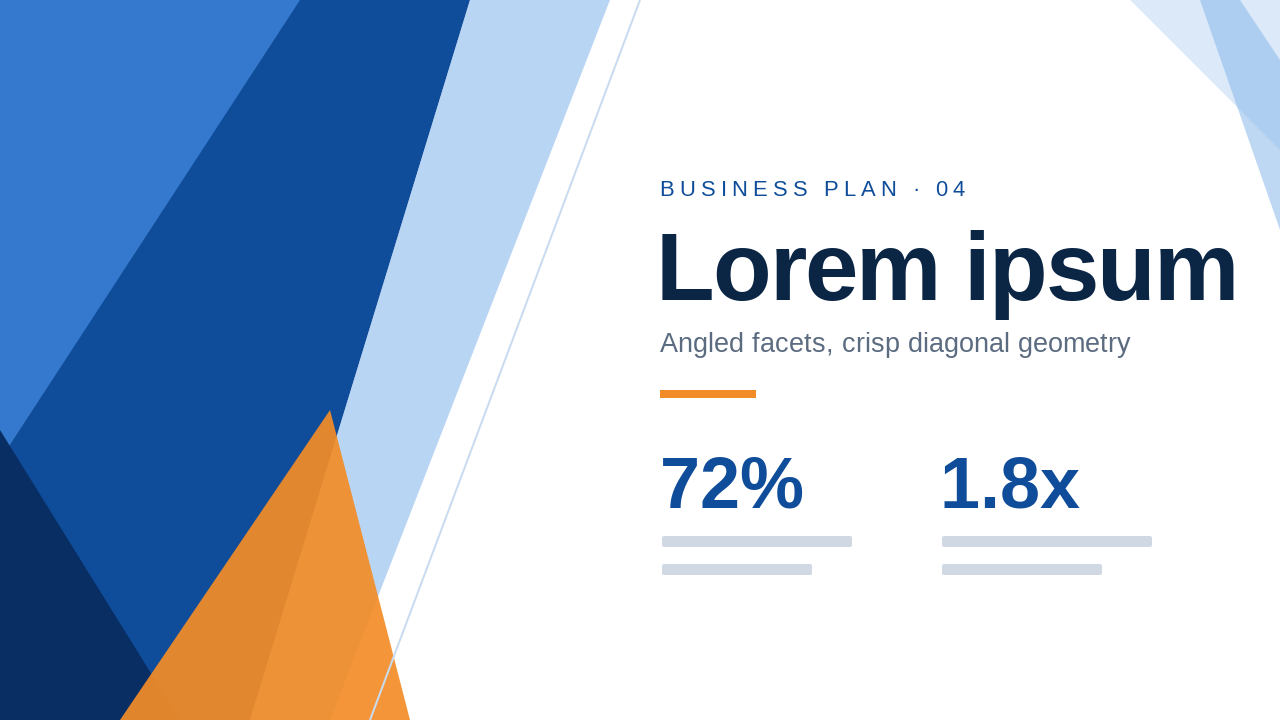 Facet
 Wave
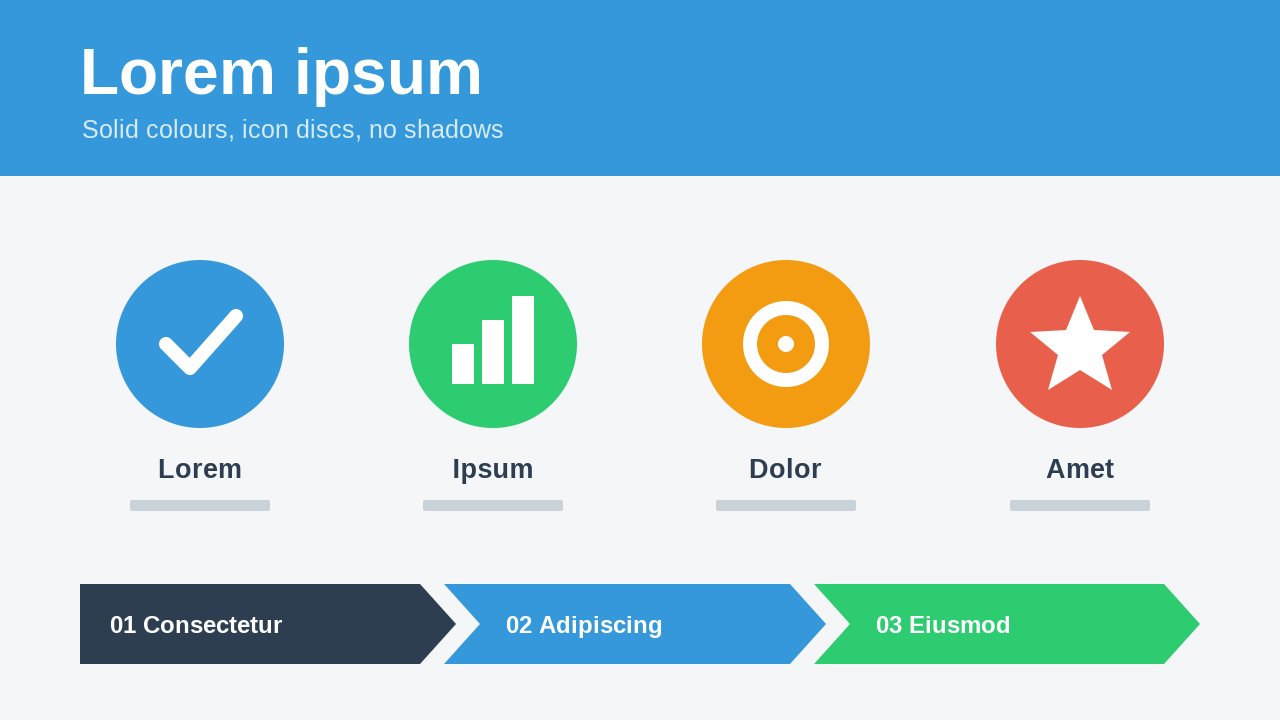 Flat
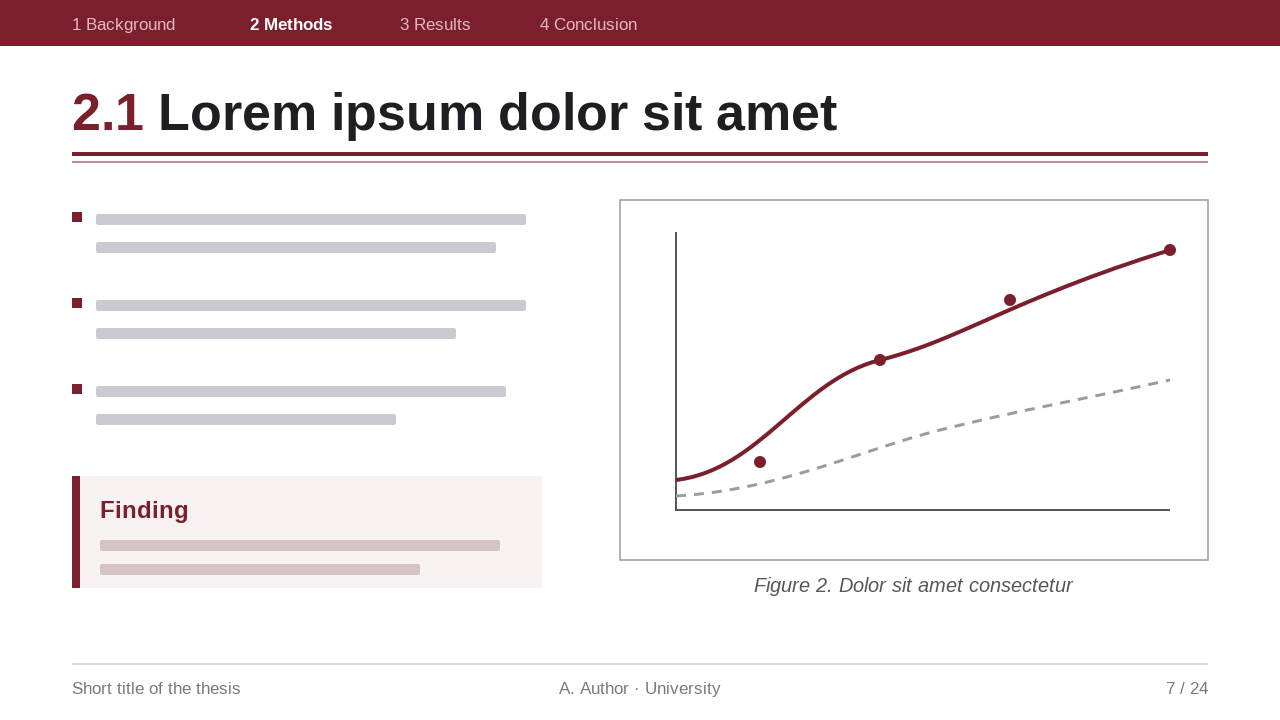 Scholar
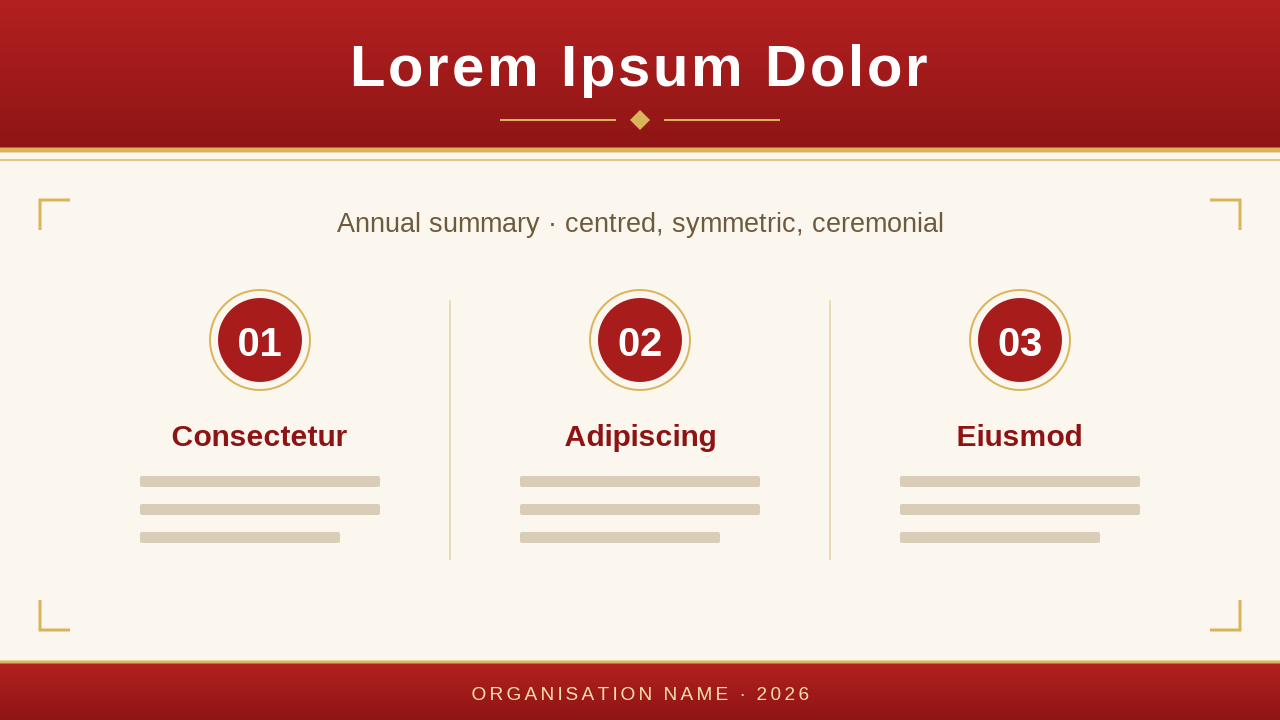 Formal Red
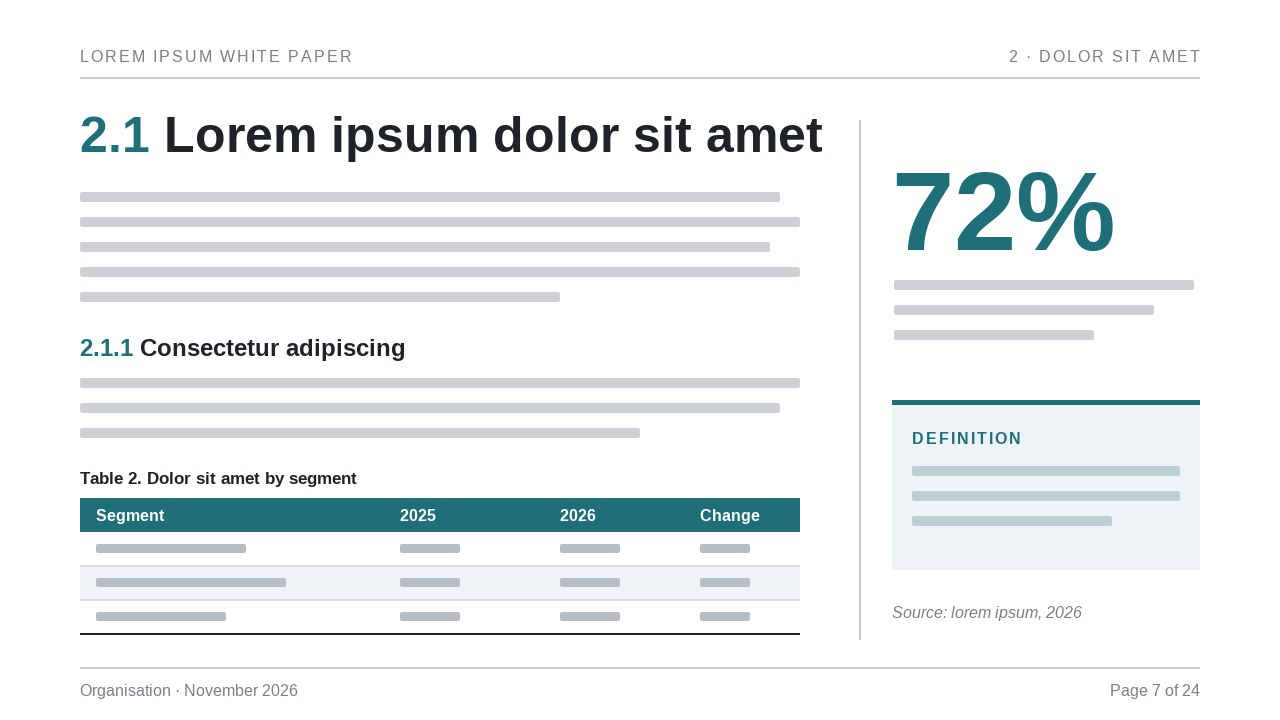 White Paper
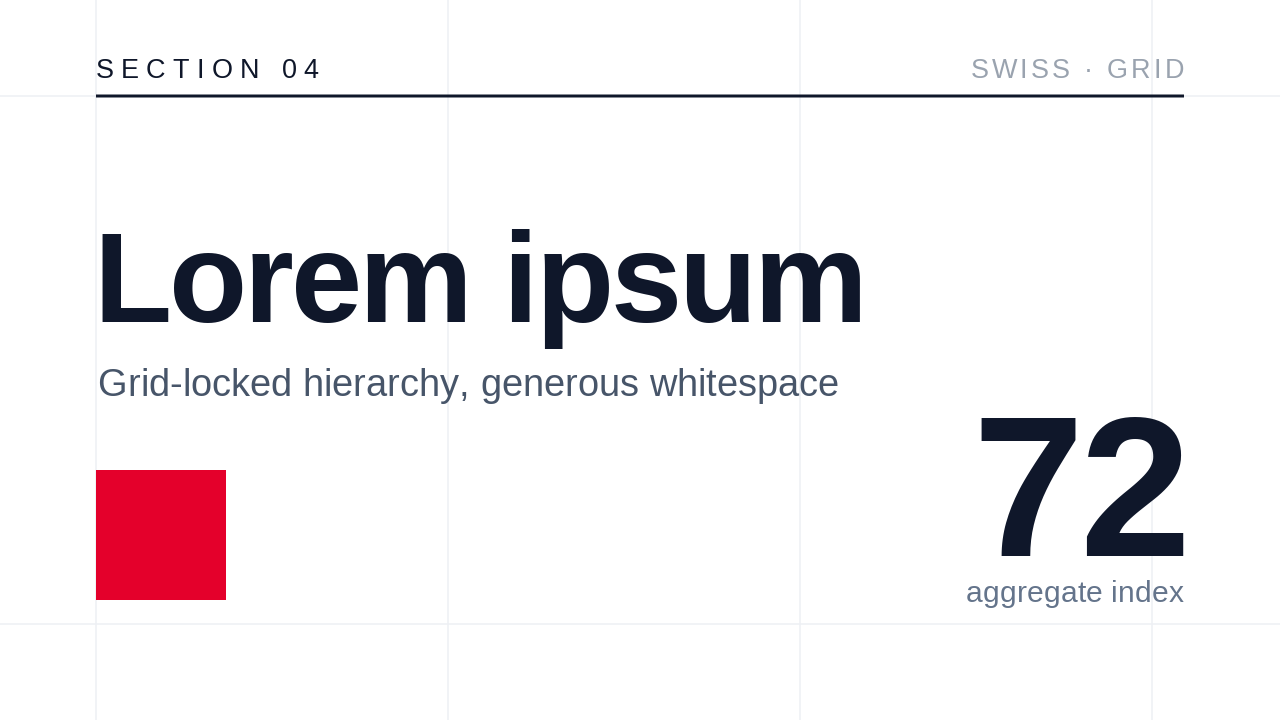 Swiss Minimal
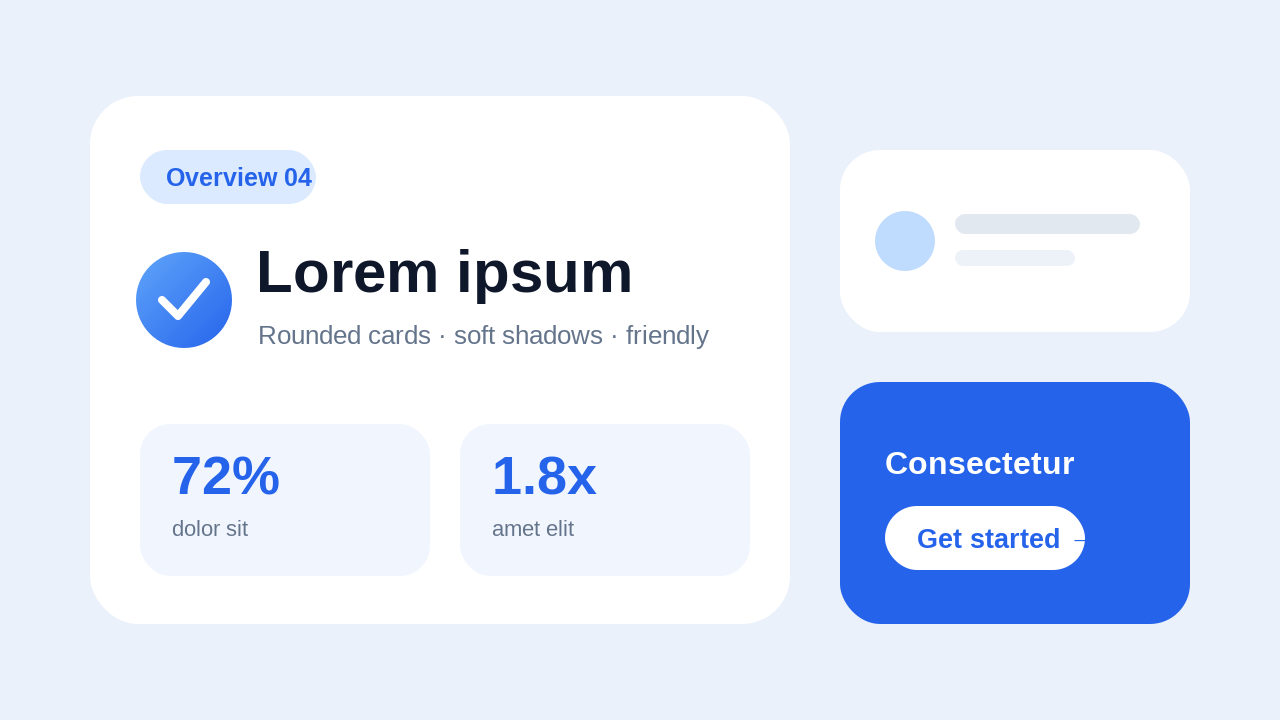 Soft Rounded
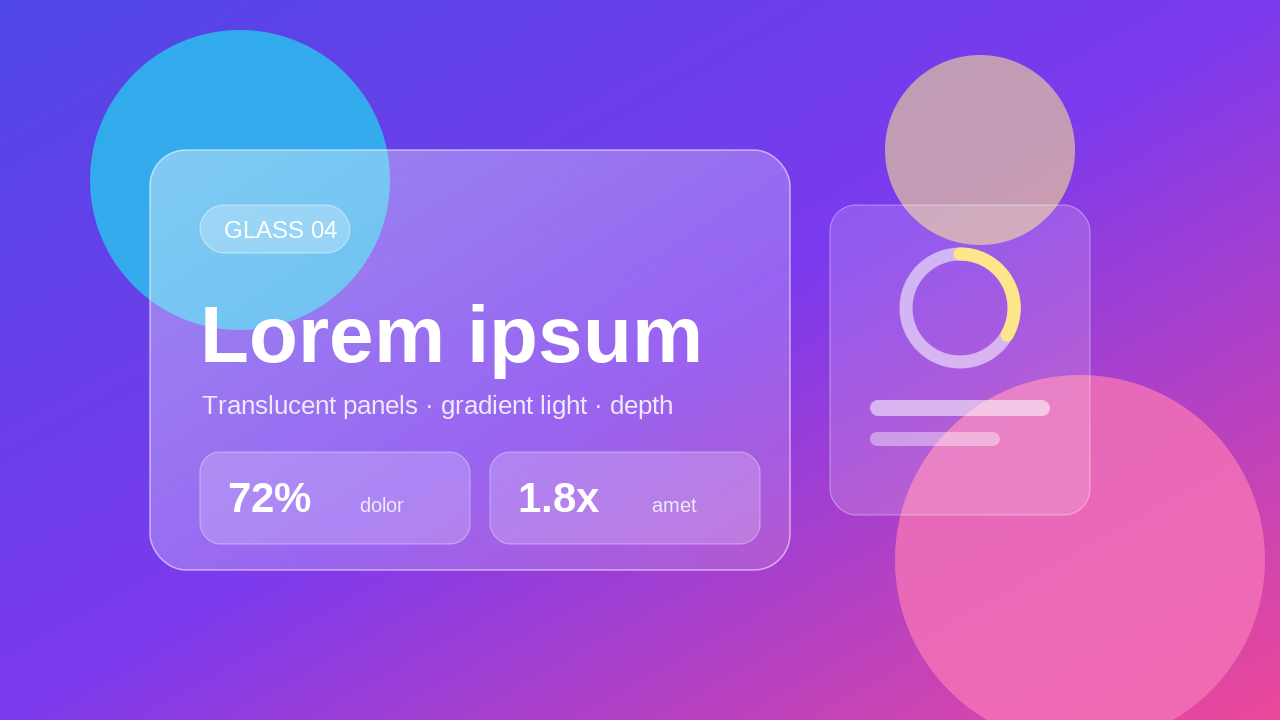 Glassmorphism
 Dark Tech
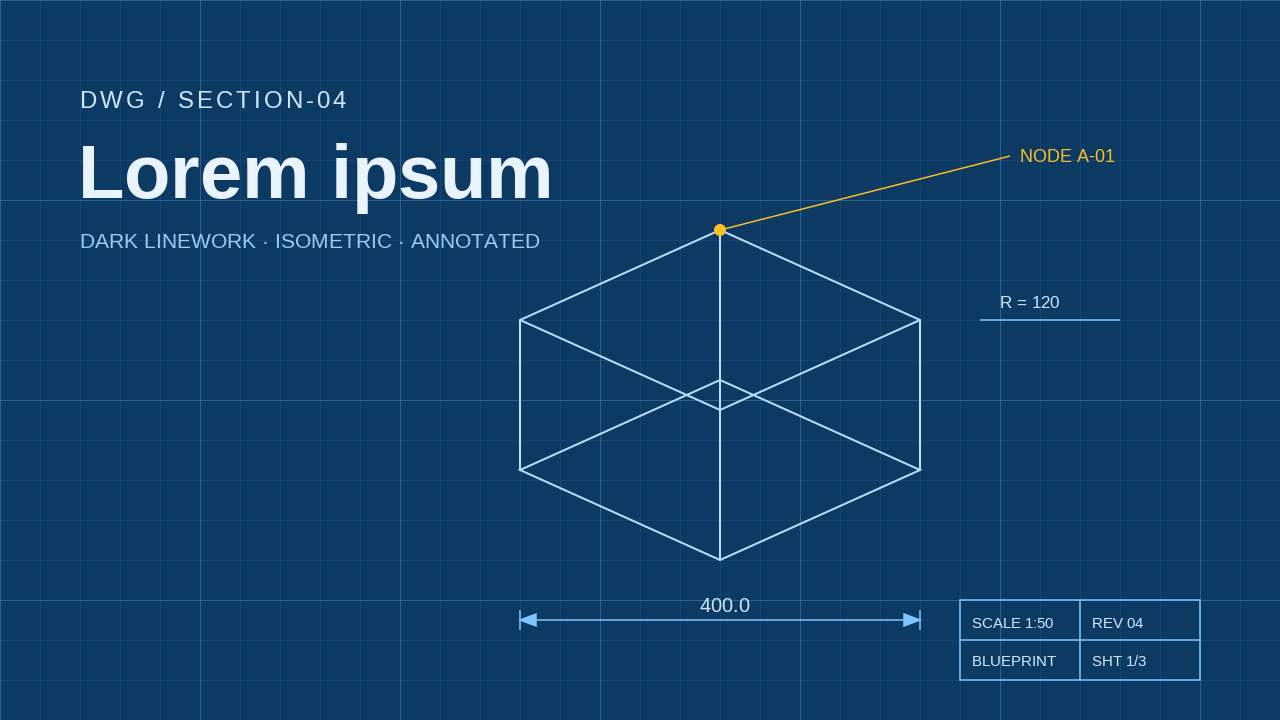 Blueprint
 Light Tech
 Dashboard
 Gradient
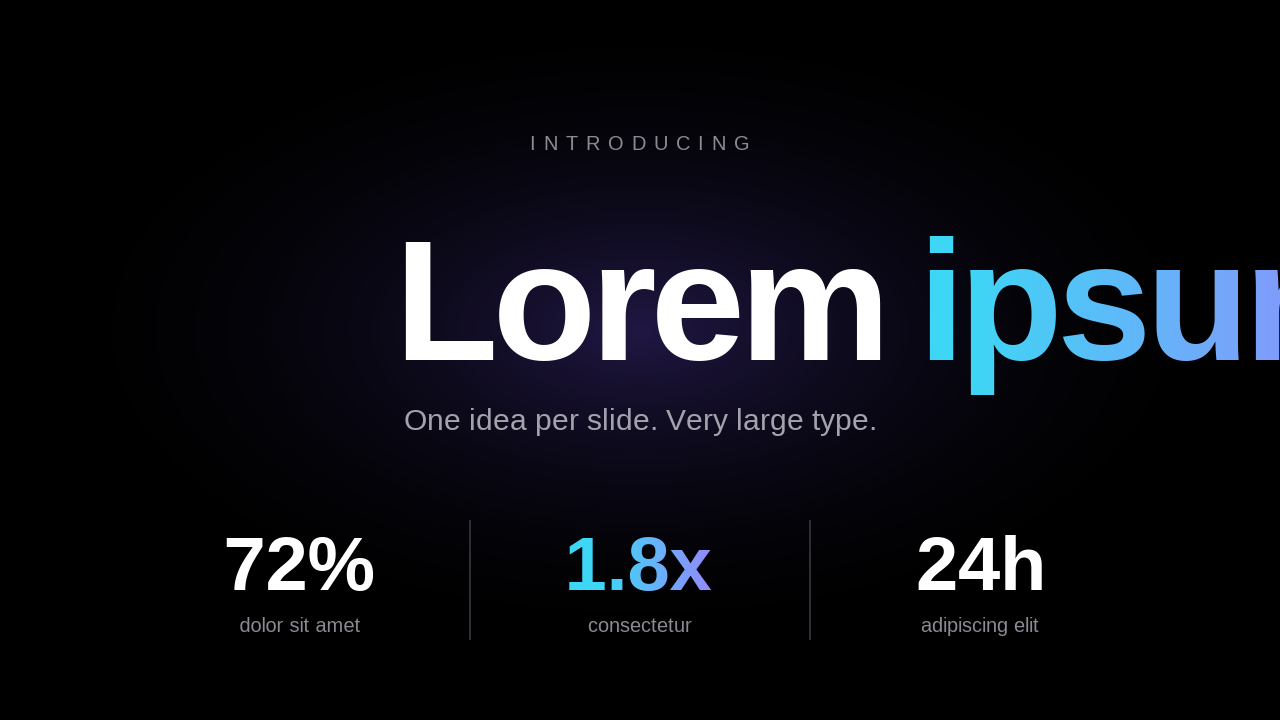 Stage
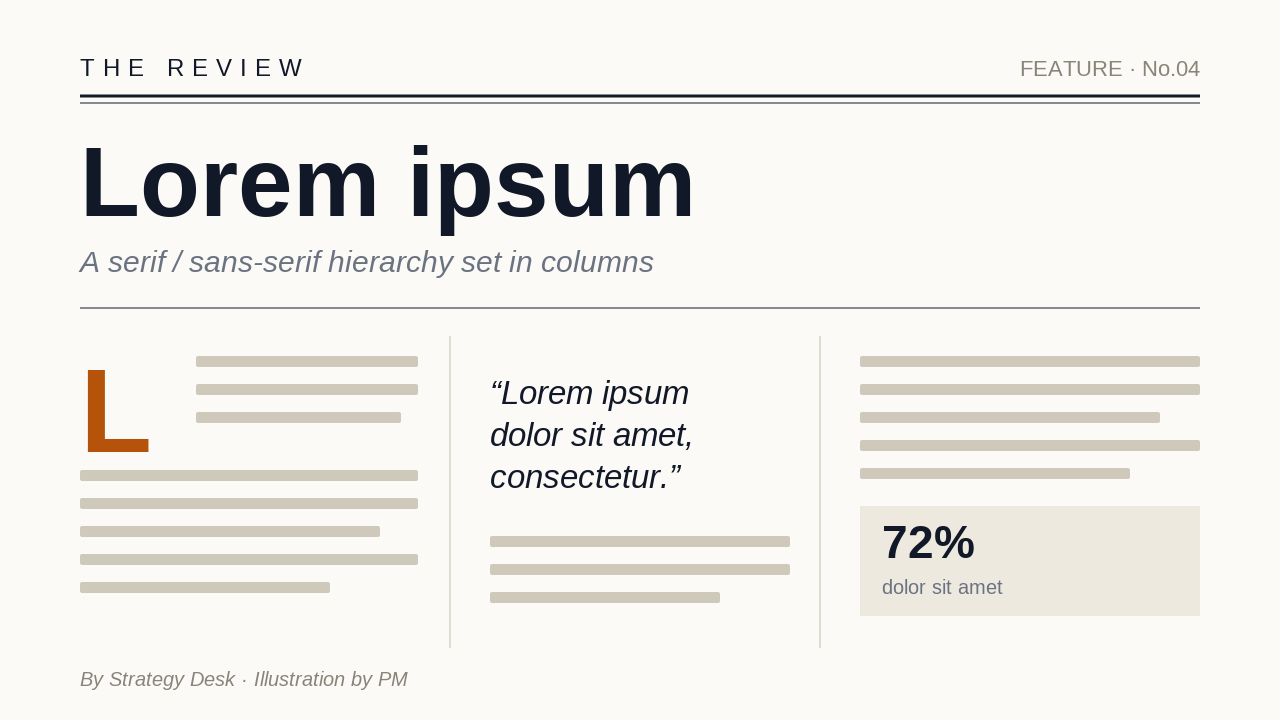 Editorial
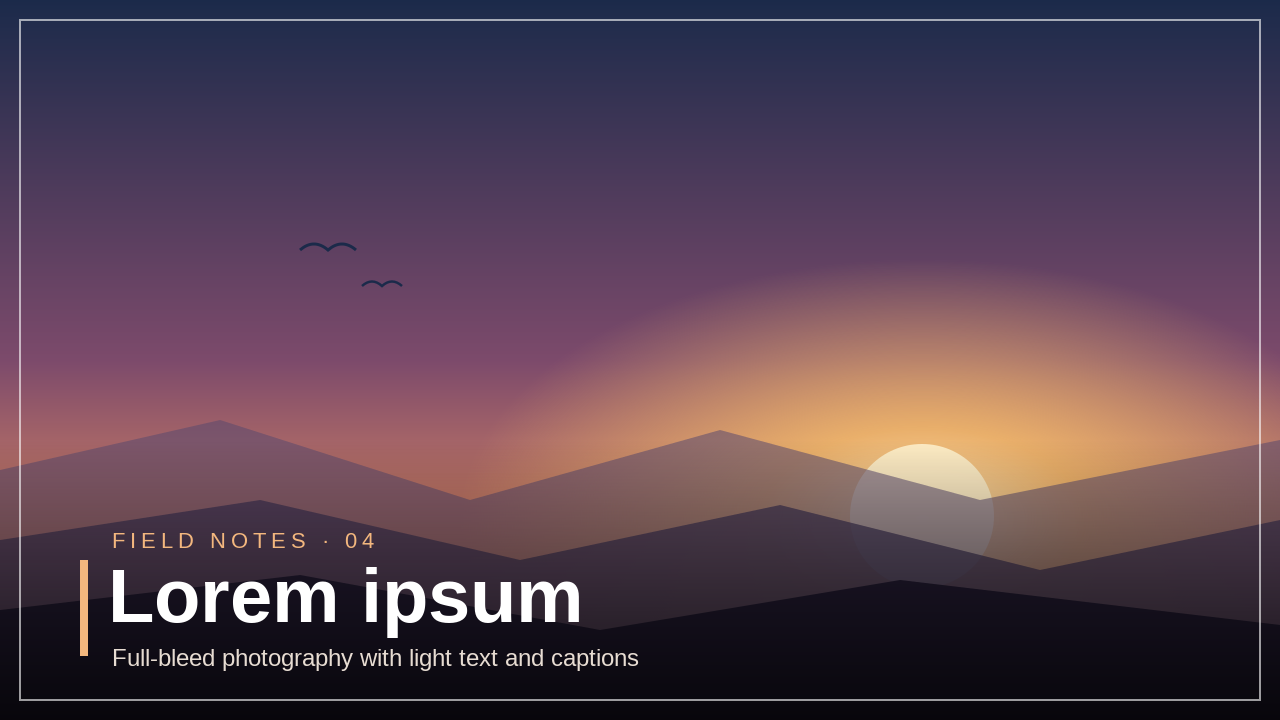 Photo Editorial
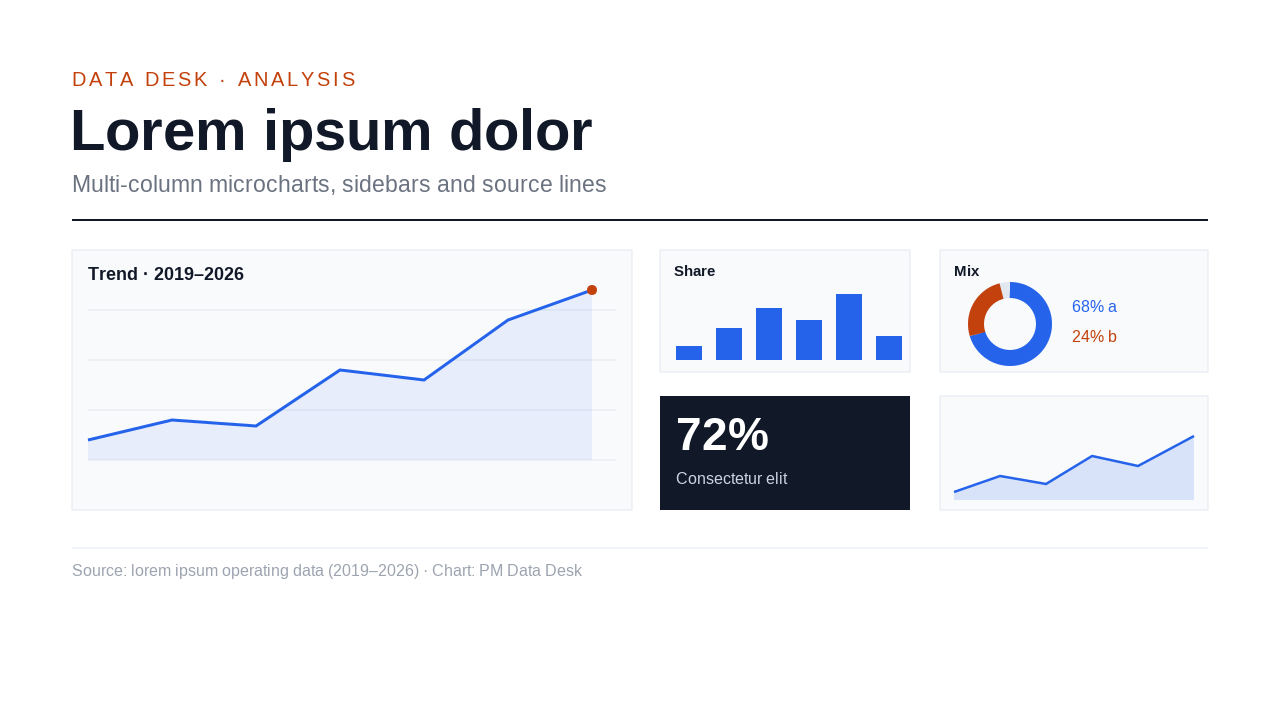 Data Journalism
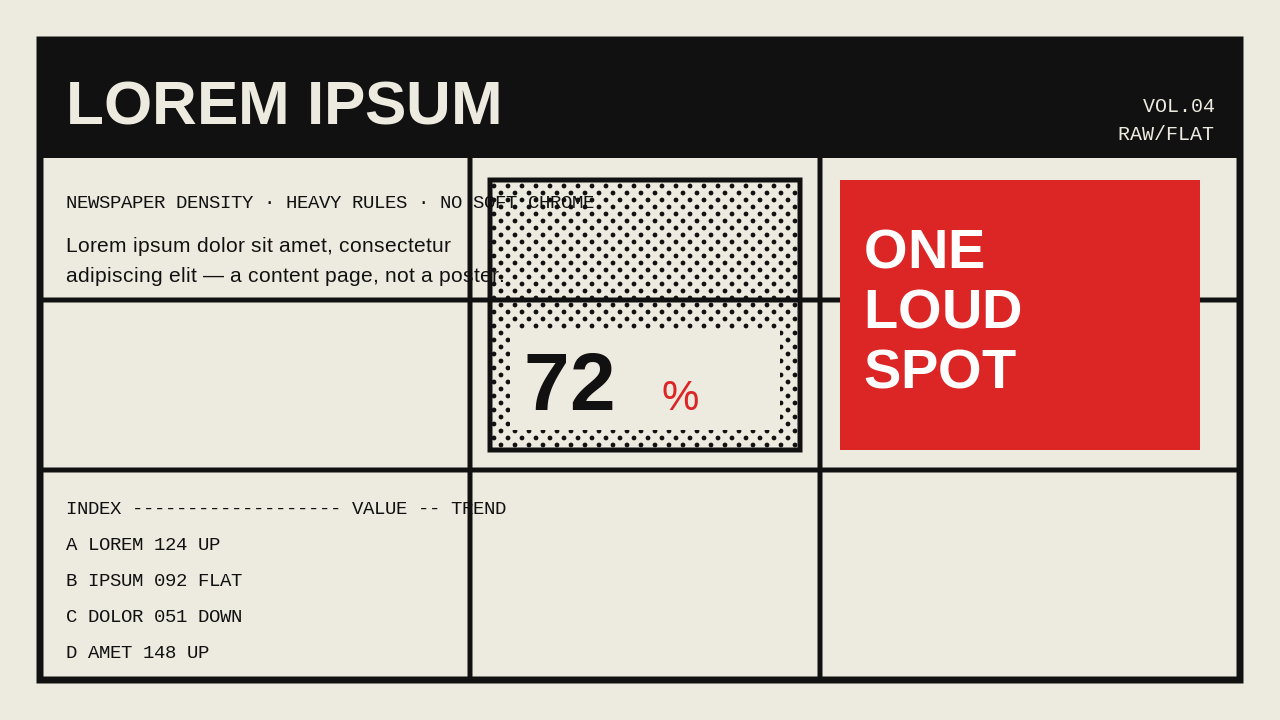 Brutalist
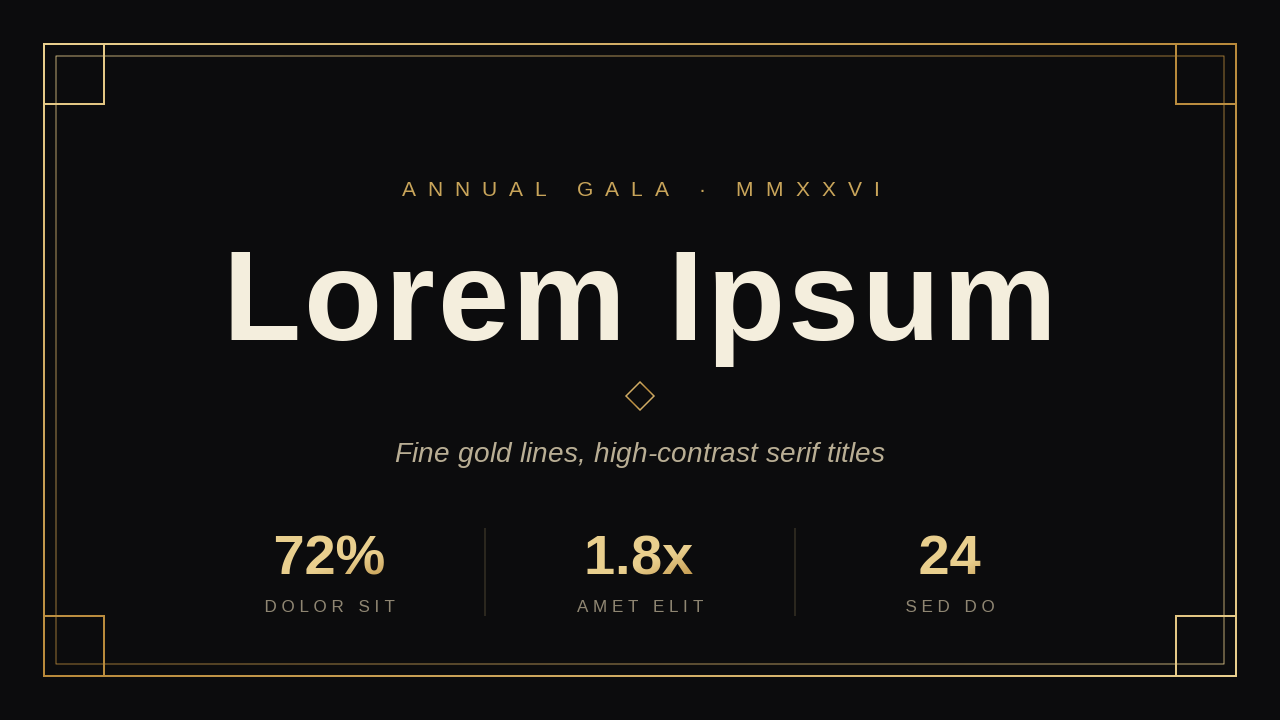 Black & Gold
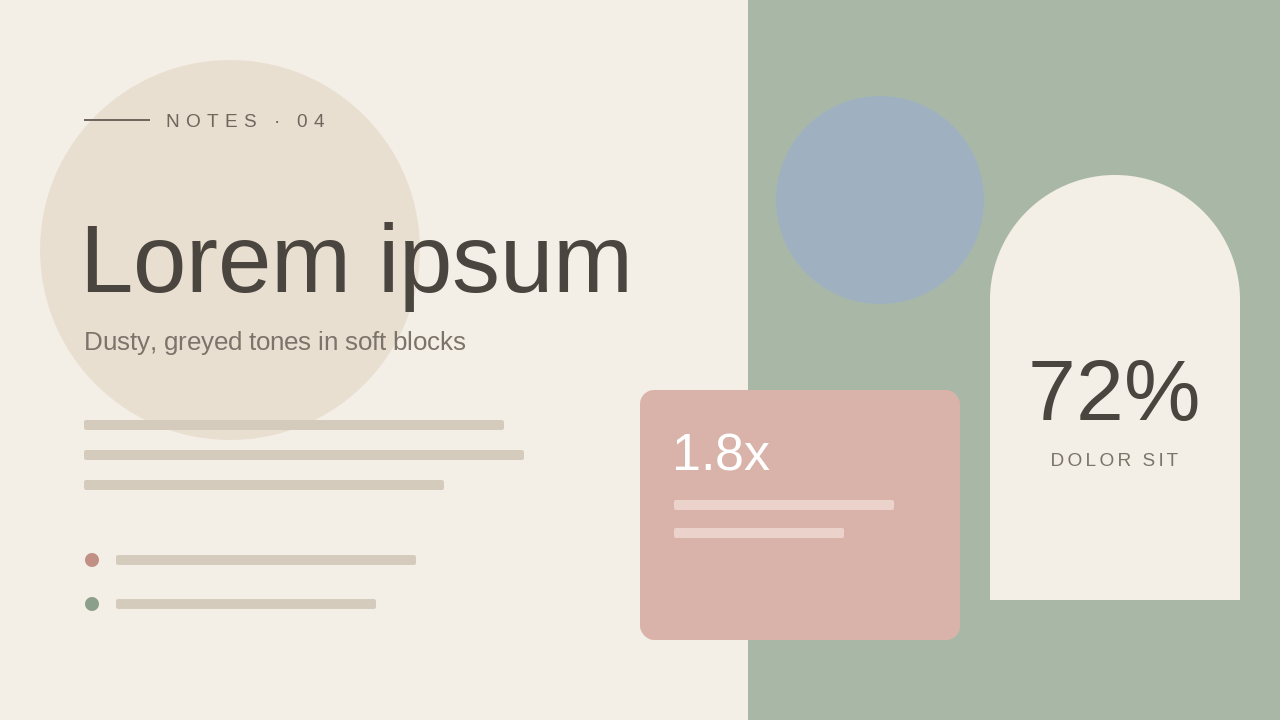 Muted Tones
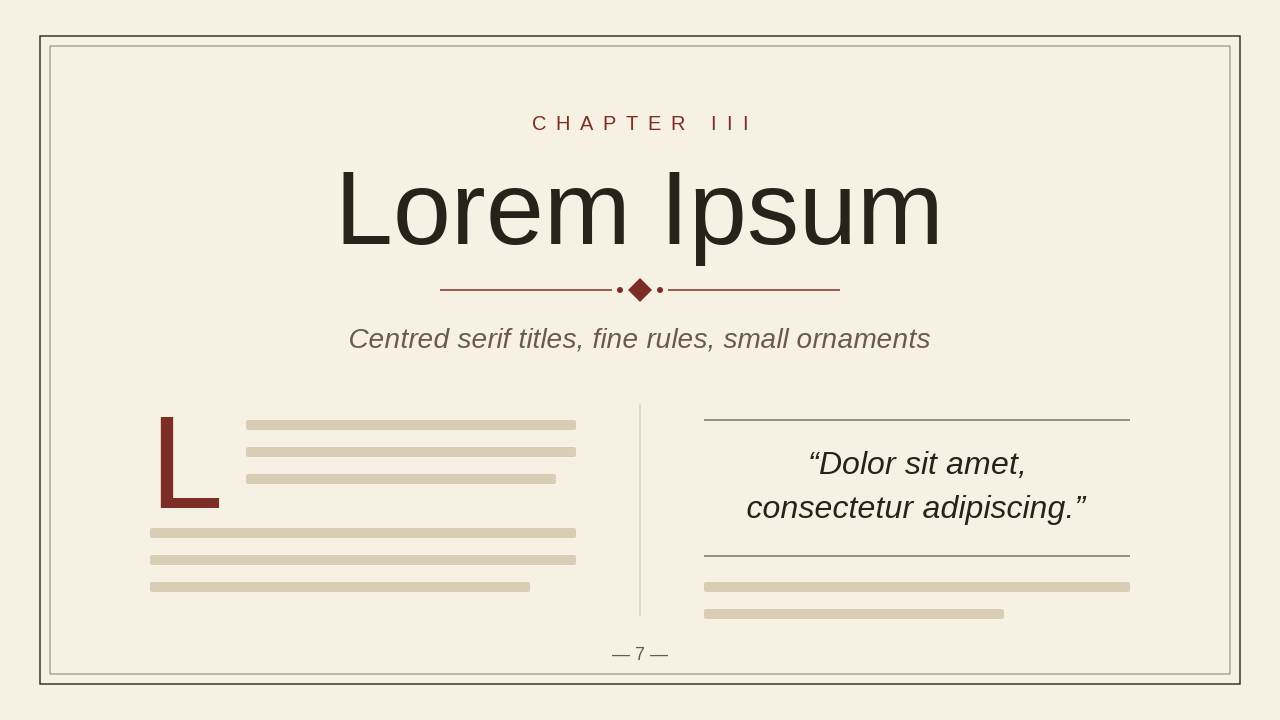 Literary
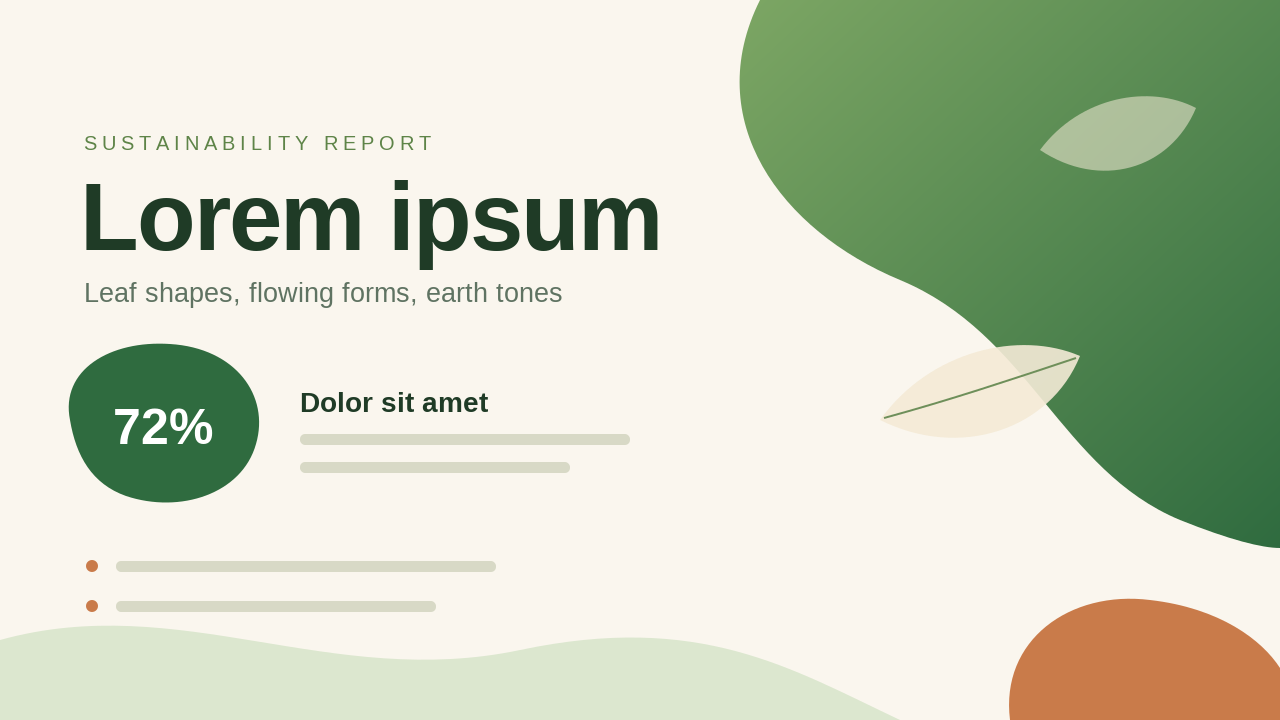 Organic
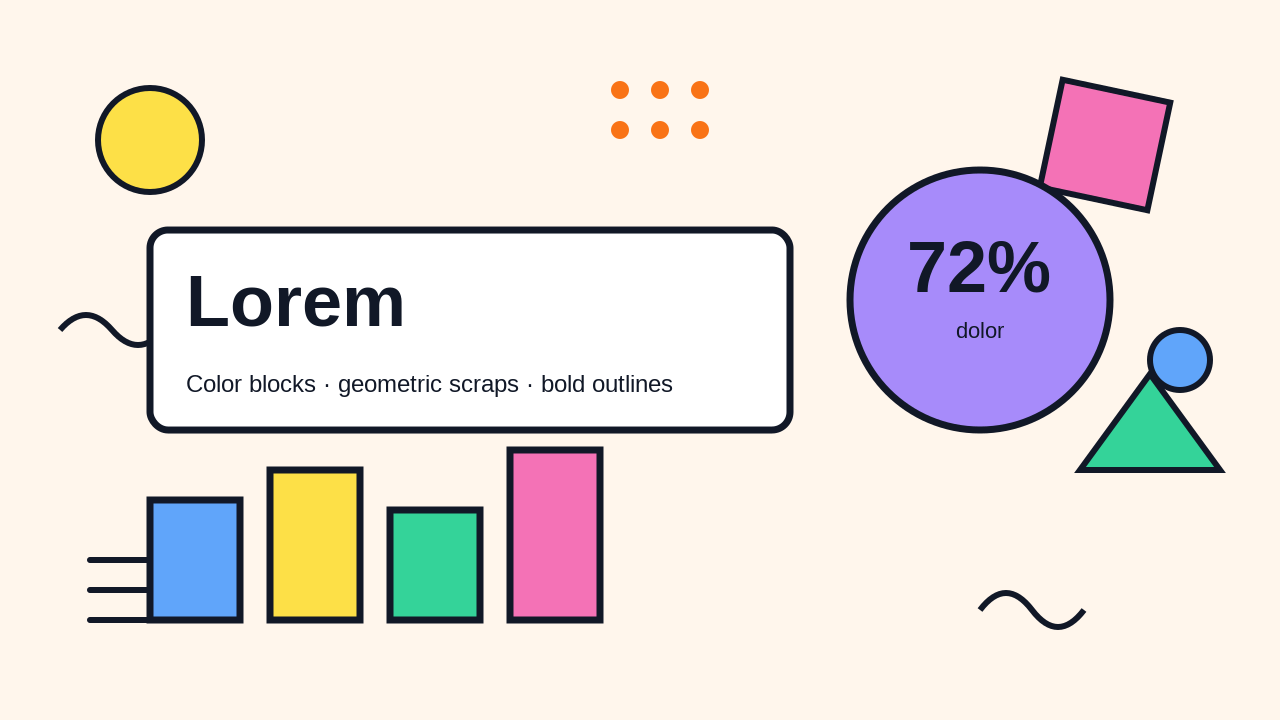 Memphis
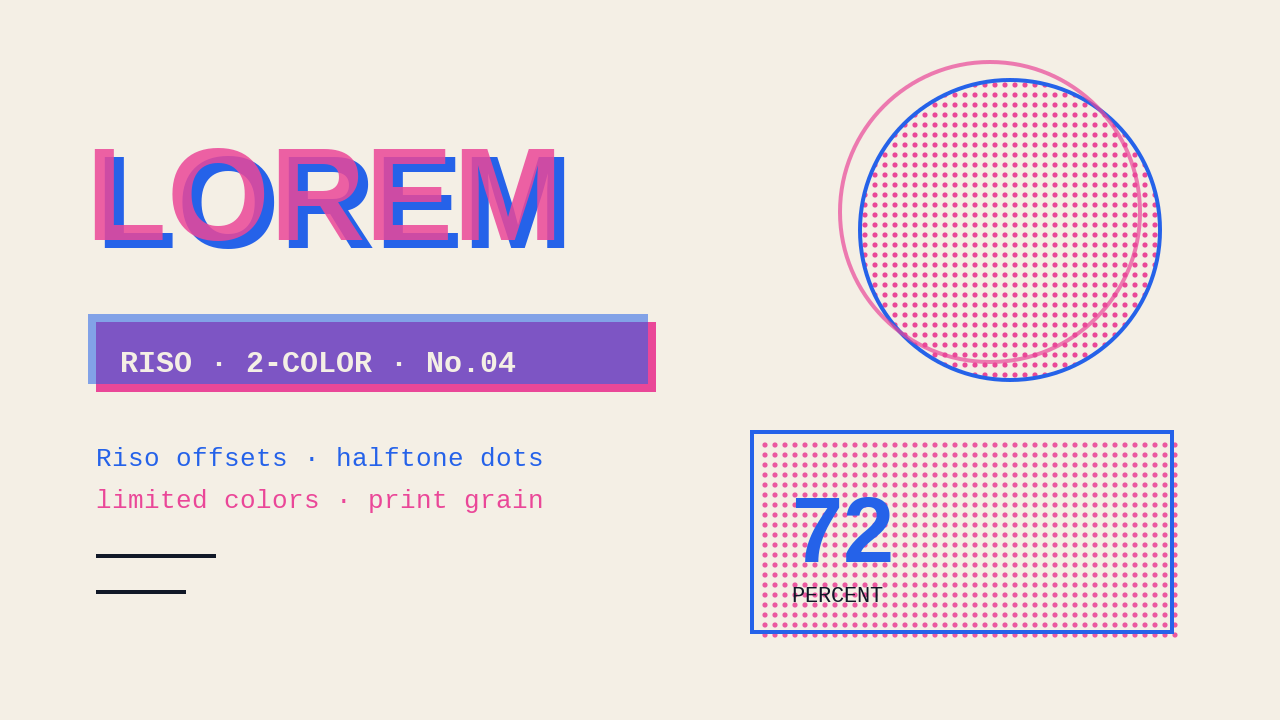 Zine
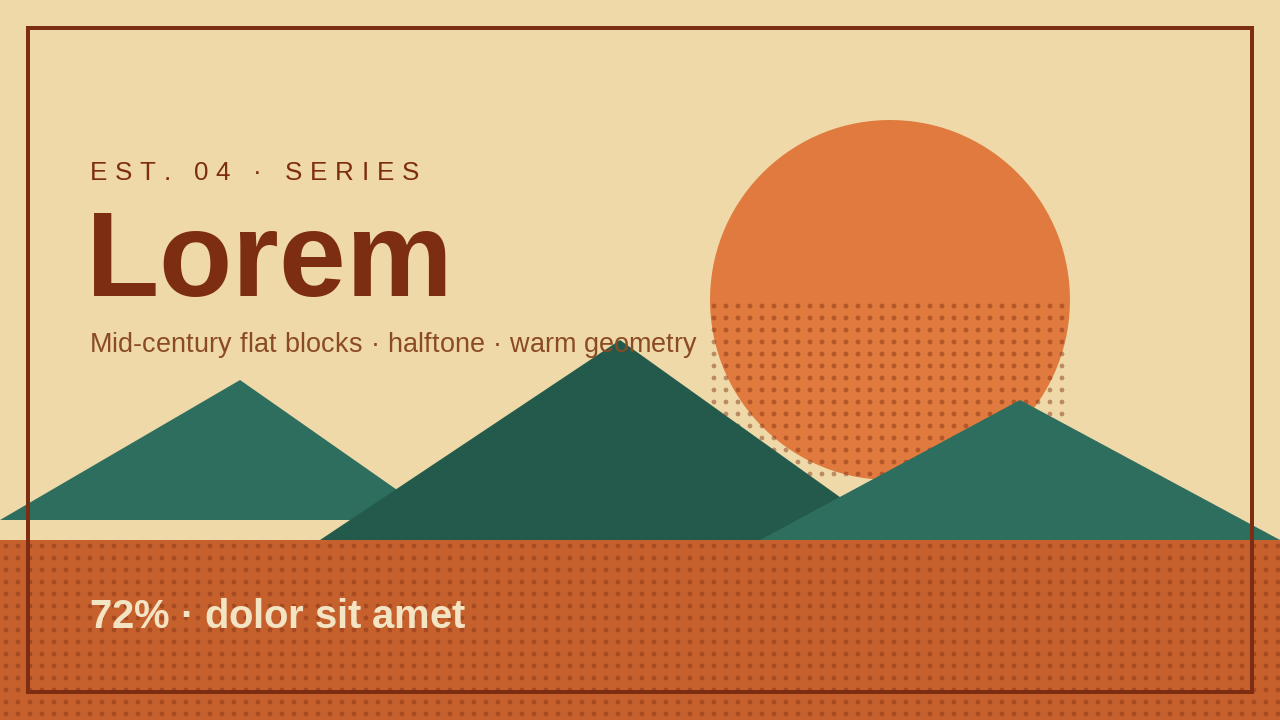 Vintage Poster
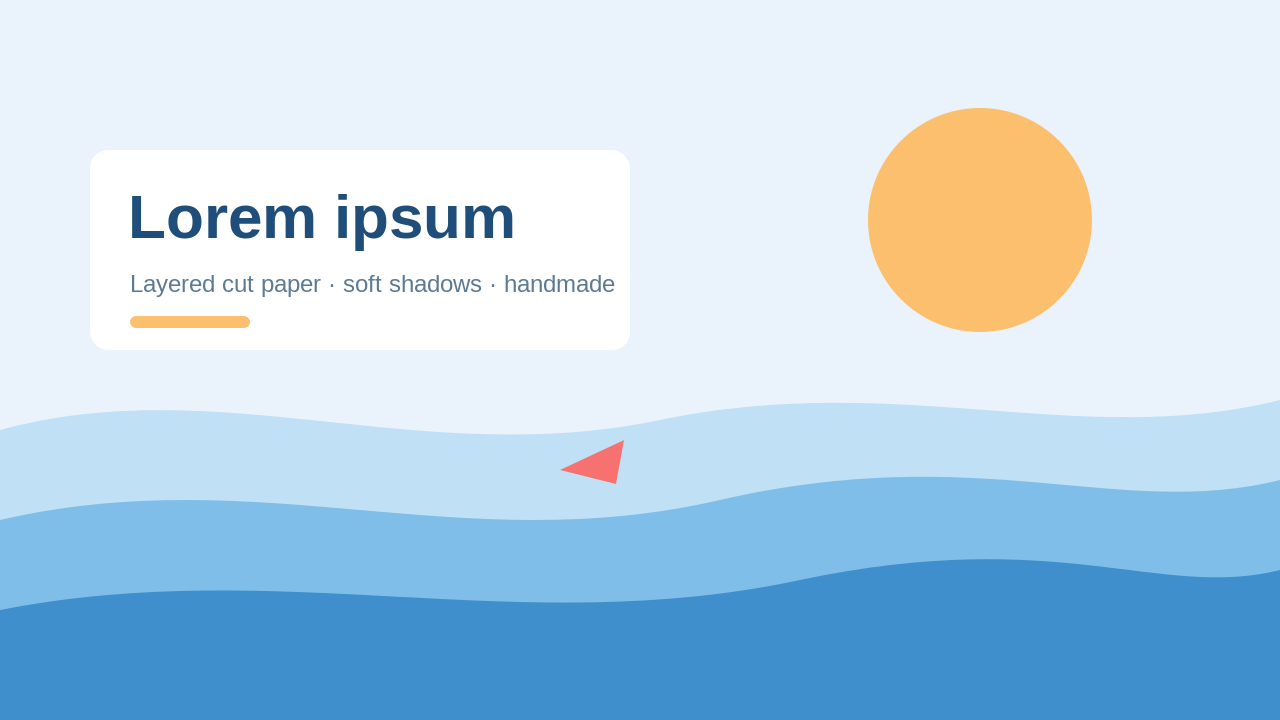 Paper Cut
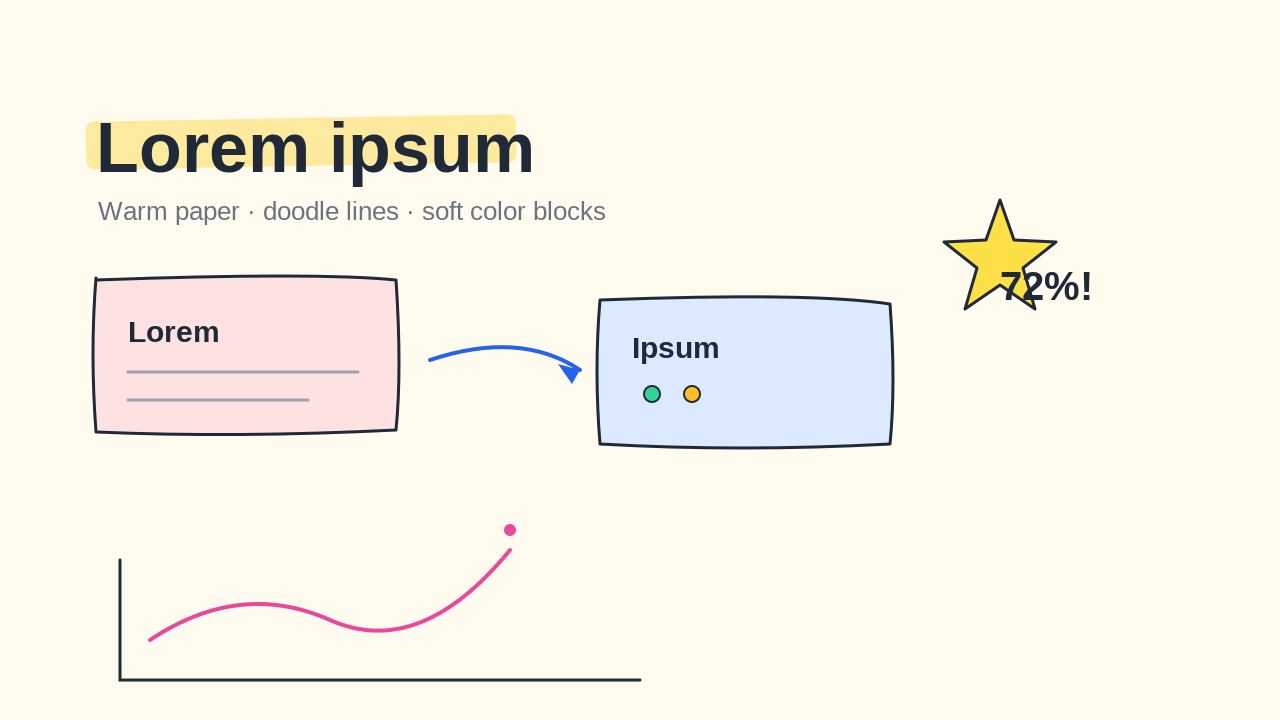 Sketch Notes
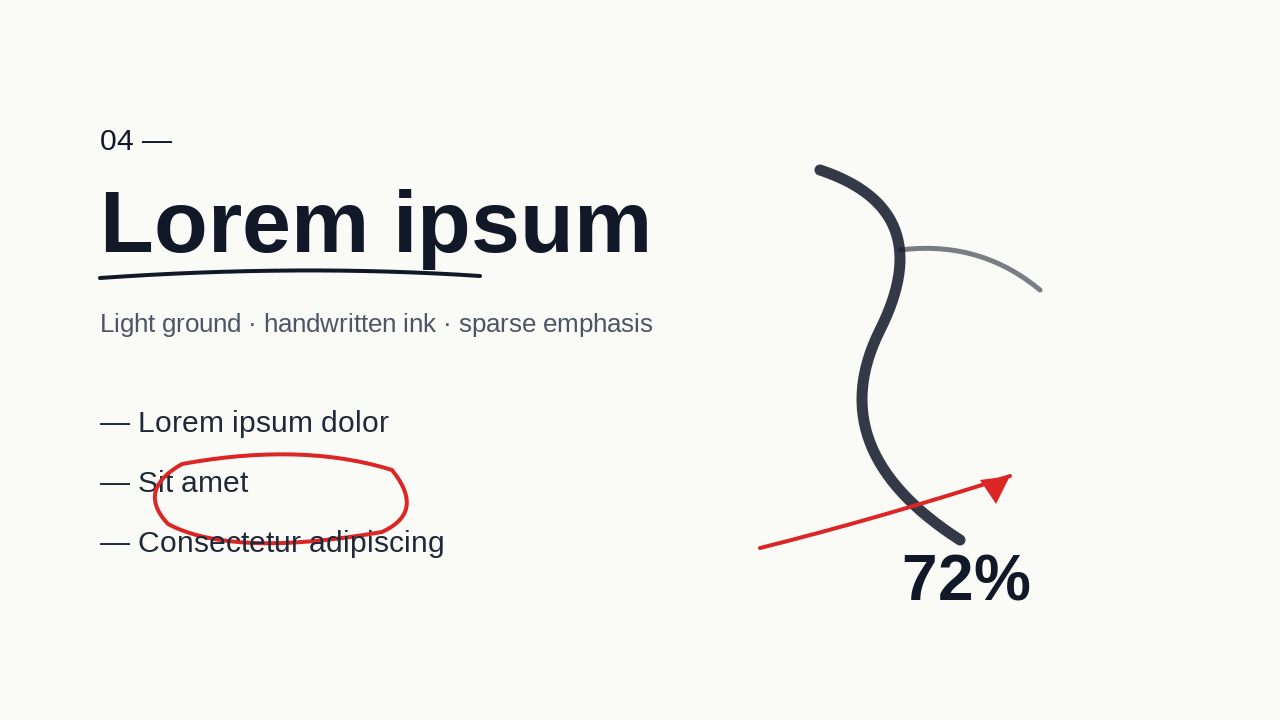 Ink Notes
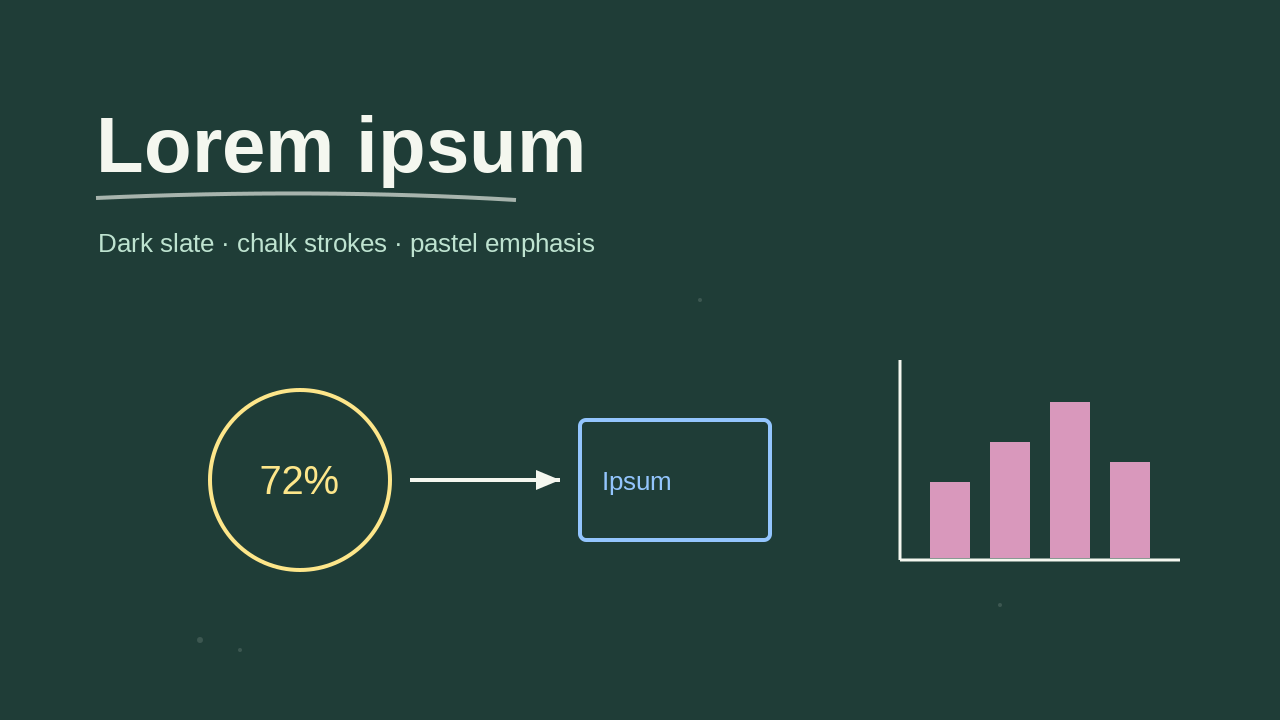 Chalkboard
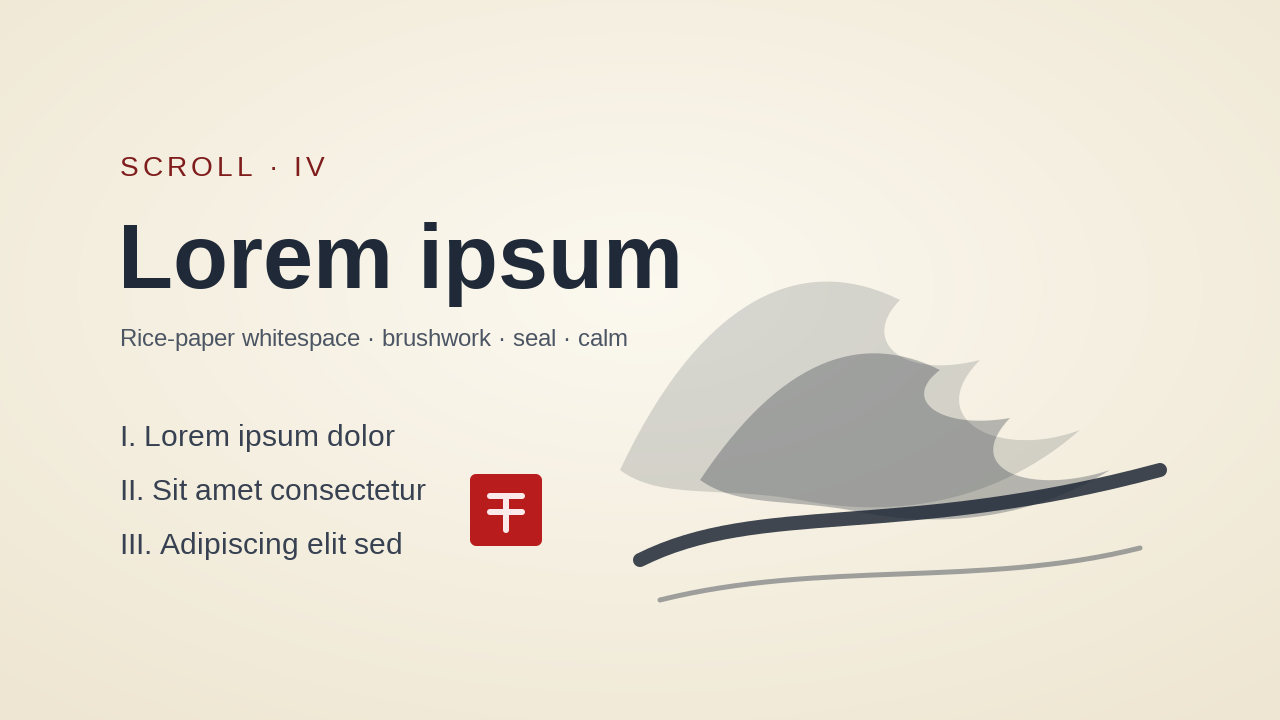 Ink Wash
 Pixel Art
Make your next deck in minutes, then make it yours.
Start with 20 free credits. No card needed.
Make my deck in this look