Ink Notes look for PowerPoint
Whiteboard ink: a pale field, confident black hand-drawn lines and sparse colour for meaning.
- Methods and frameworks
- Before-and-after stories
- Workshops
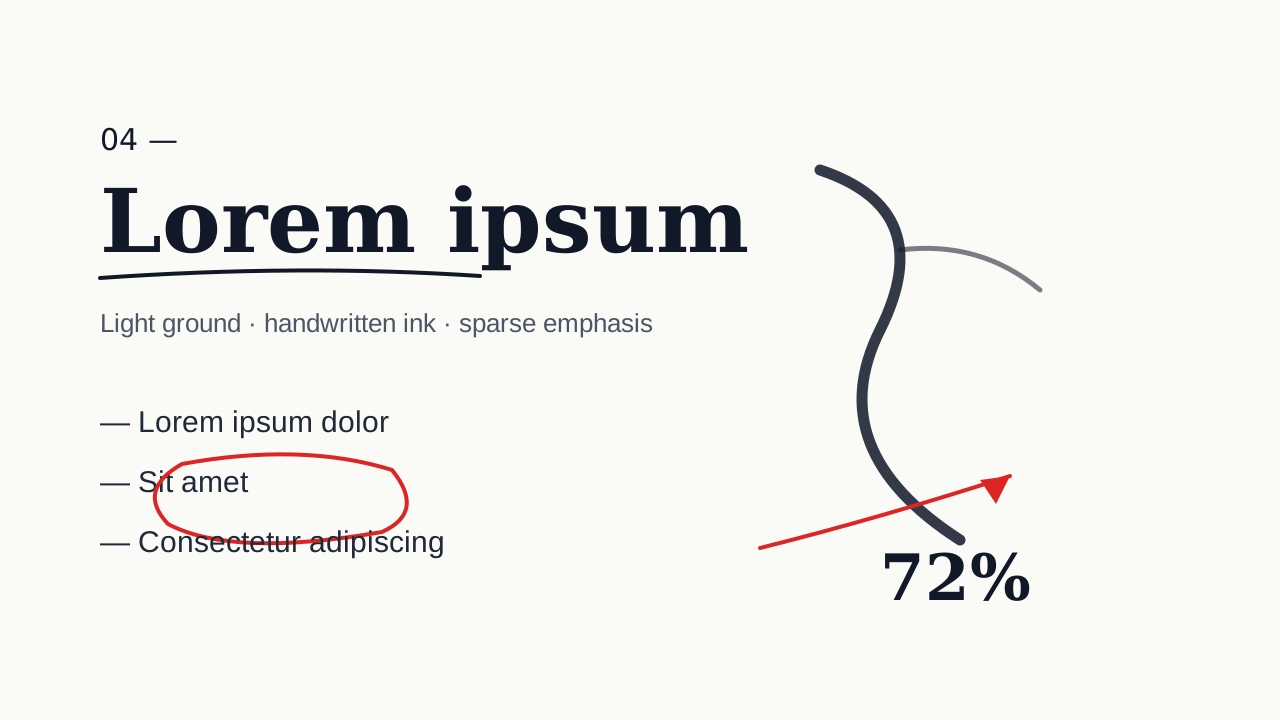
Decks made in this look
Real decks from the gallery. Open one to see every slide or download the .pptx.
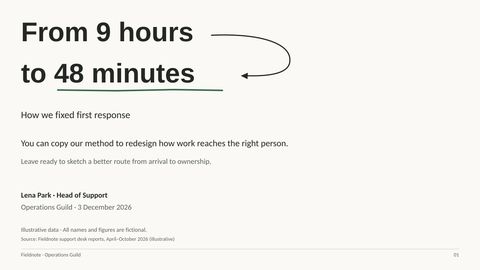 How a support team cut first response time
Questions
When is Ink Notes the right choice?
Methods, frameworks, before-and-after stories and workshops: it is the professional end of hand-drawn. If you want warmth and colour, Sketch Notes is friendlier.
How do charts and tables look in Ink Notes?
Near-monochrome: confident black lines on a clean pale field, with colour only where it means something, such as risk or a good result.
Does Ink Notes use pictures?
A few. Ideas are carried by diagrams drawn in ink; AI pictures, when used, are black-ink notes on a clean field.
Is the deck editable?
Yes. Every slide is native PowerPoint: text boxes, shapes, charts with Edit Data and tables. The look is colours, fonts and layout, so you can change any of it.
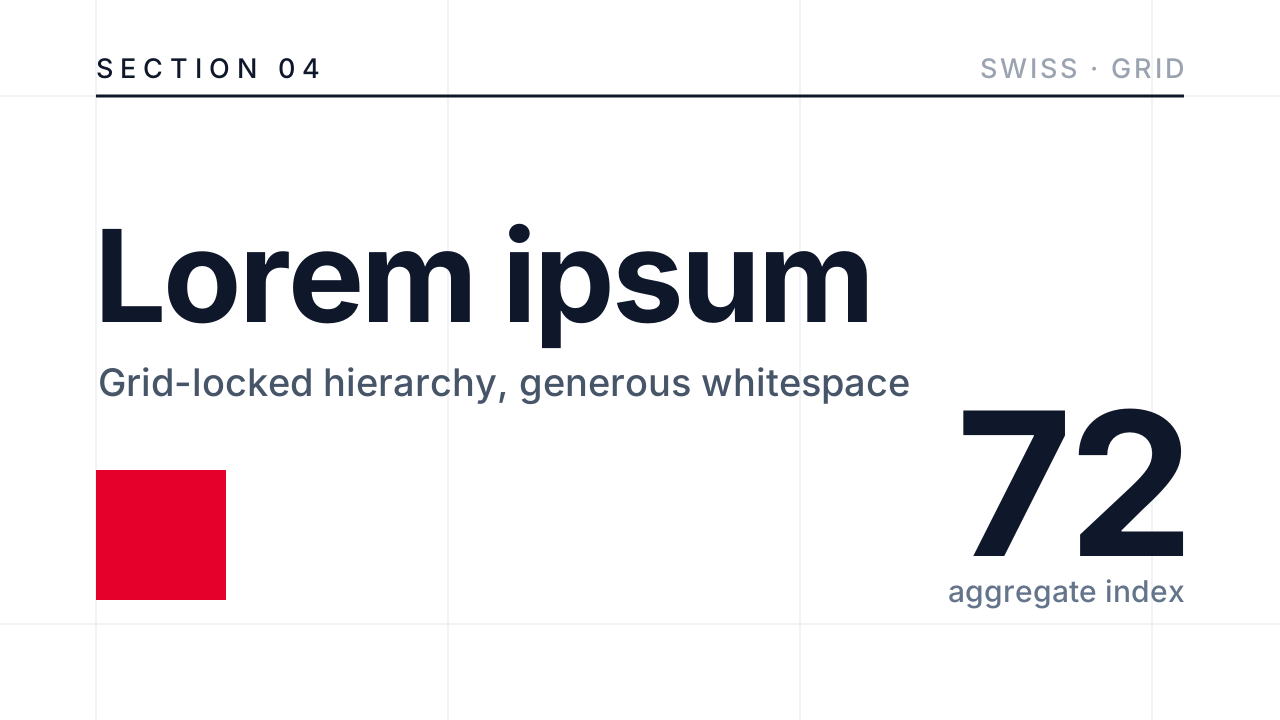 Swiss Minimal
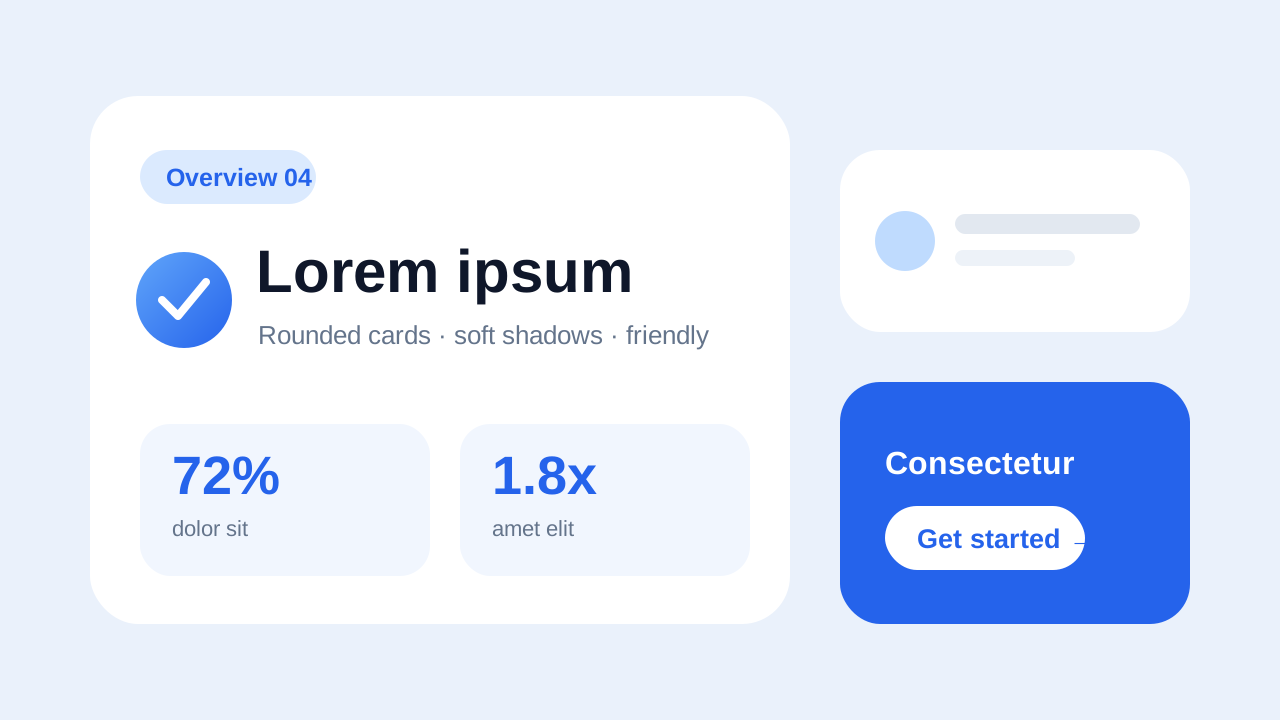 Soft Rounded
 Glassmorphism
 Dark Tech
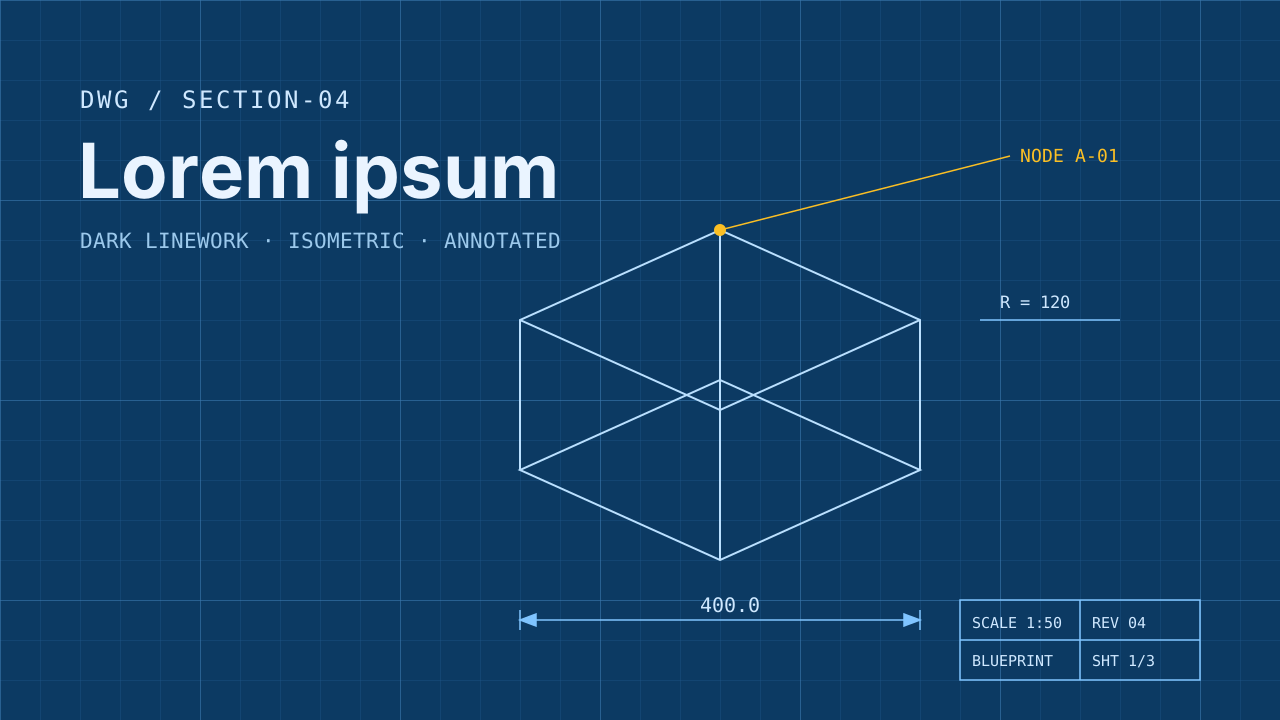 Blueprint
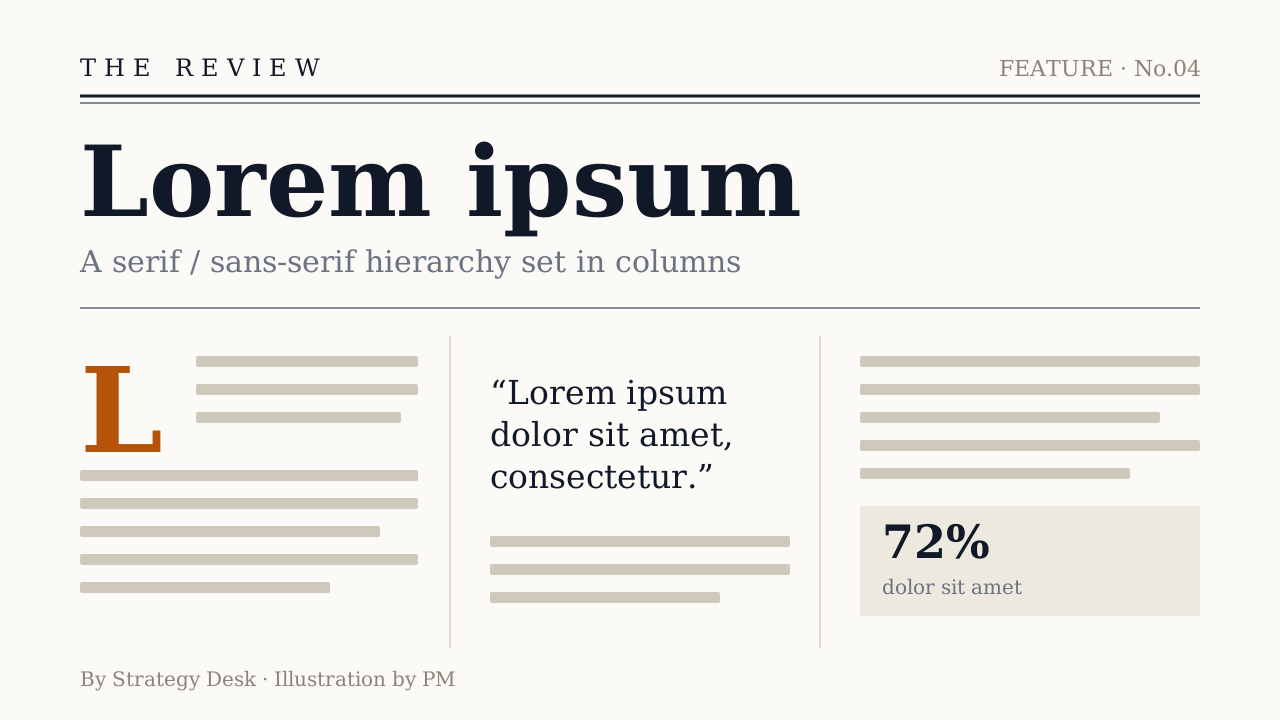 Editorial
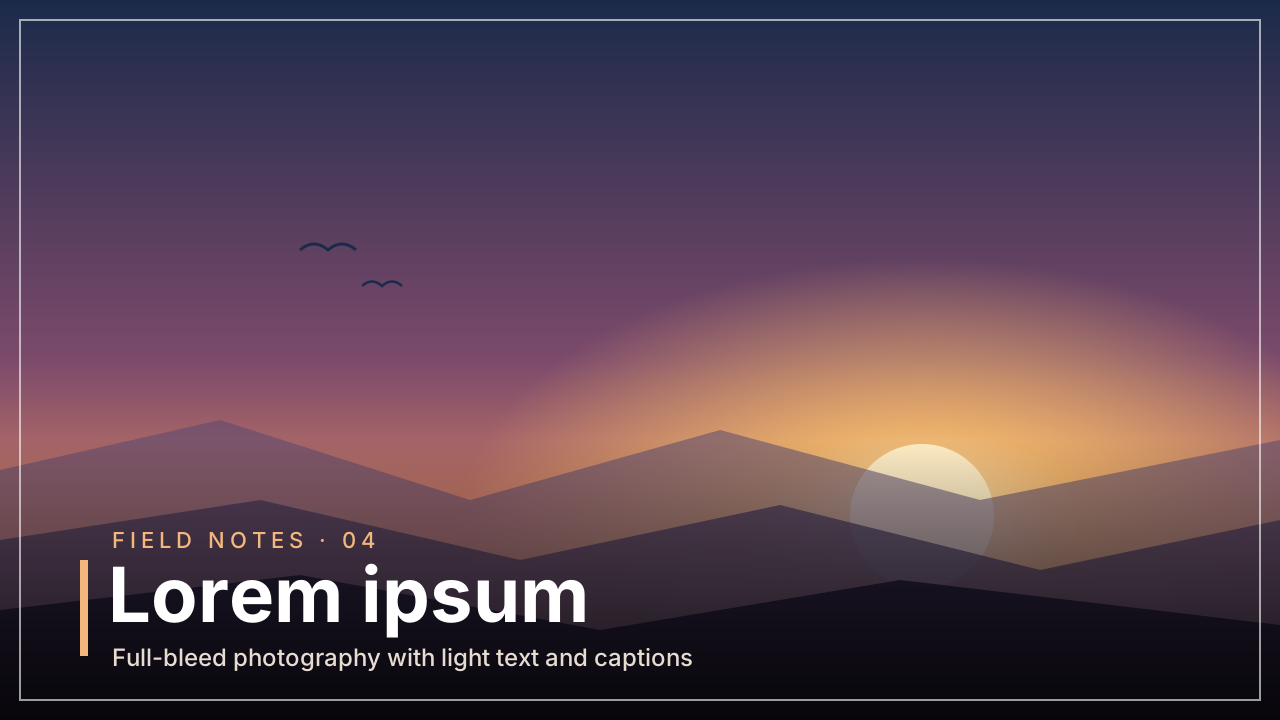 Photo Editorial
 Data Journalism
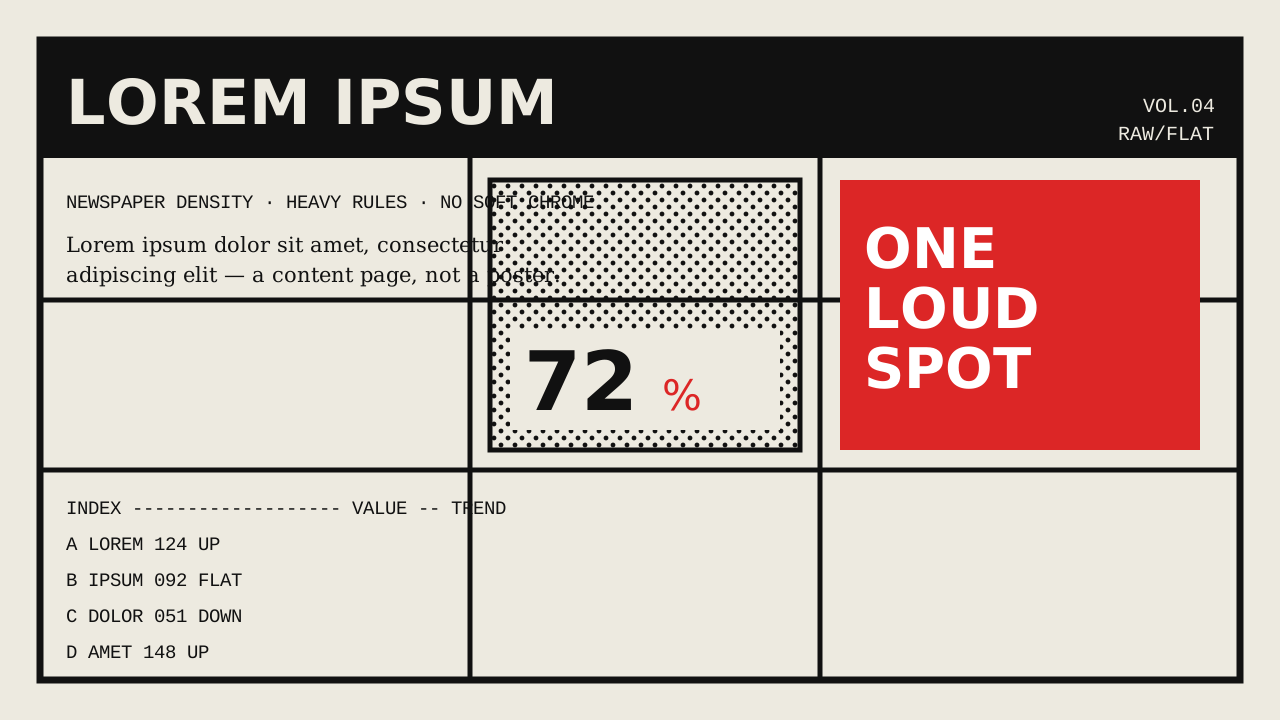 Brutalist
 Memphis
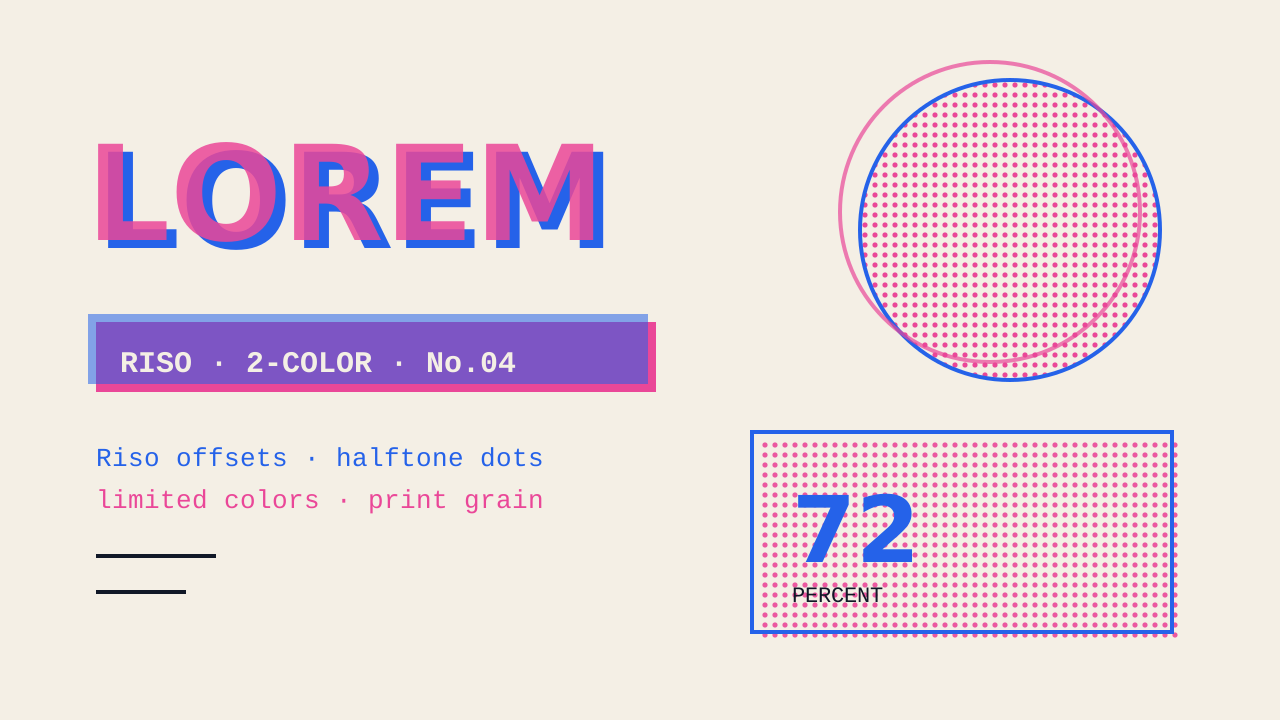 Zine
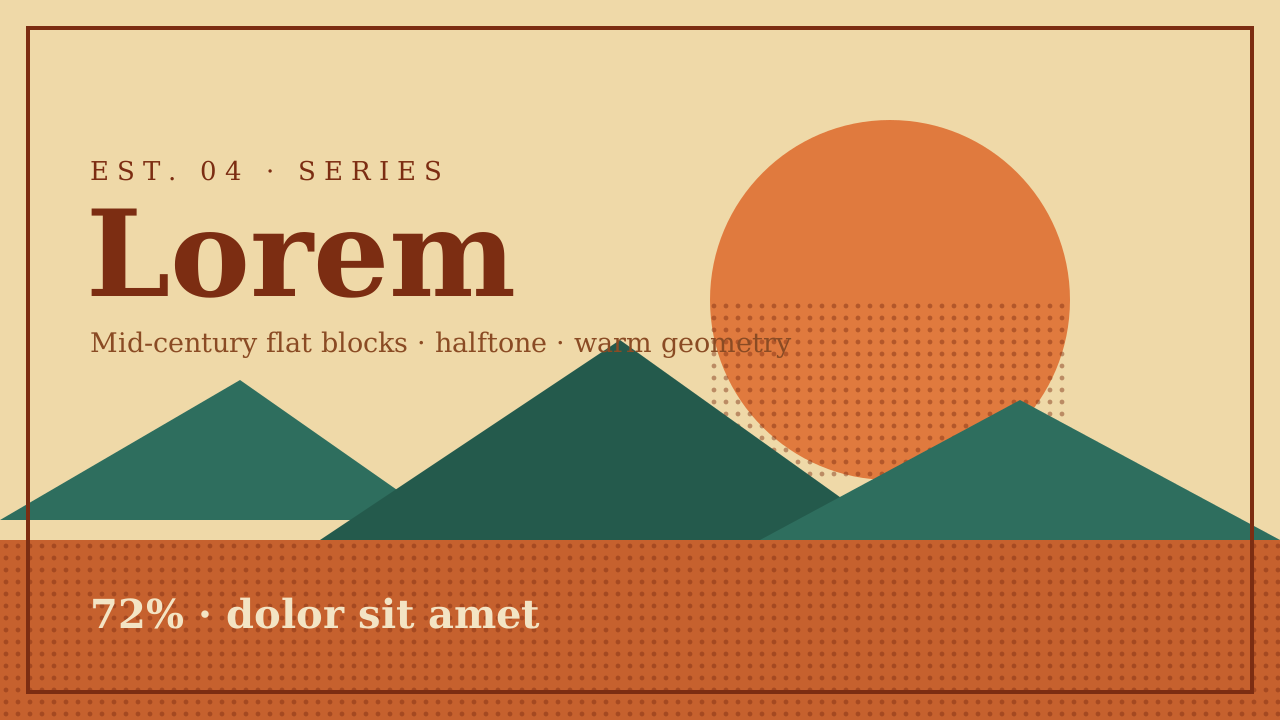 Vintage Poster
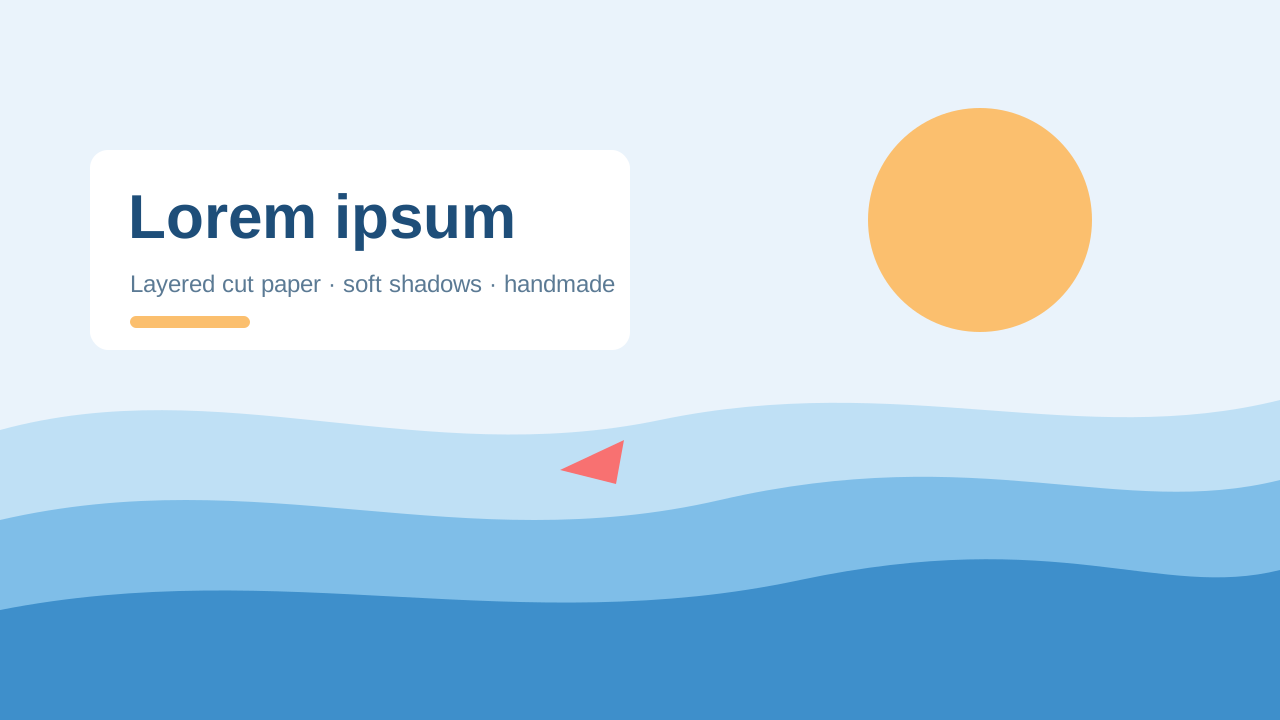 Paper Cut
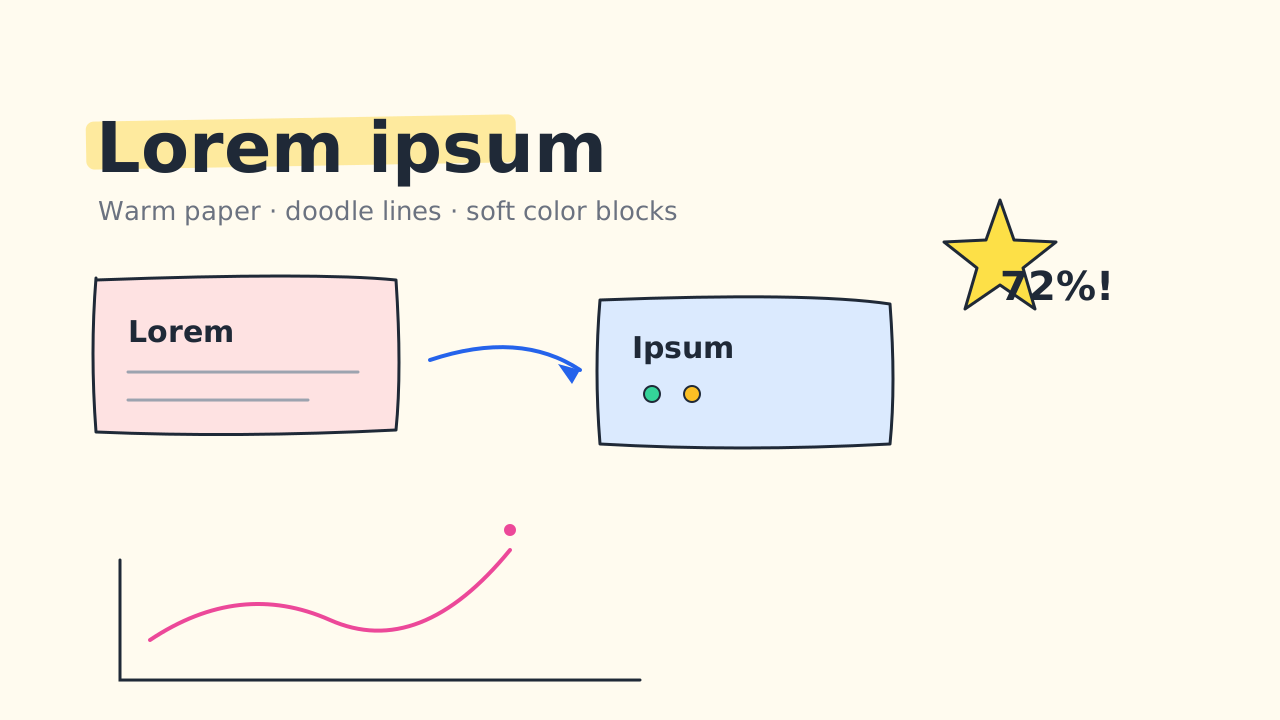 Sketch Notes
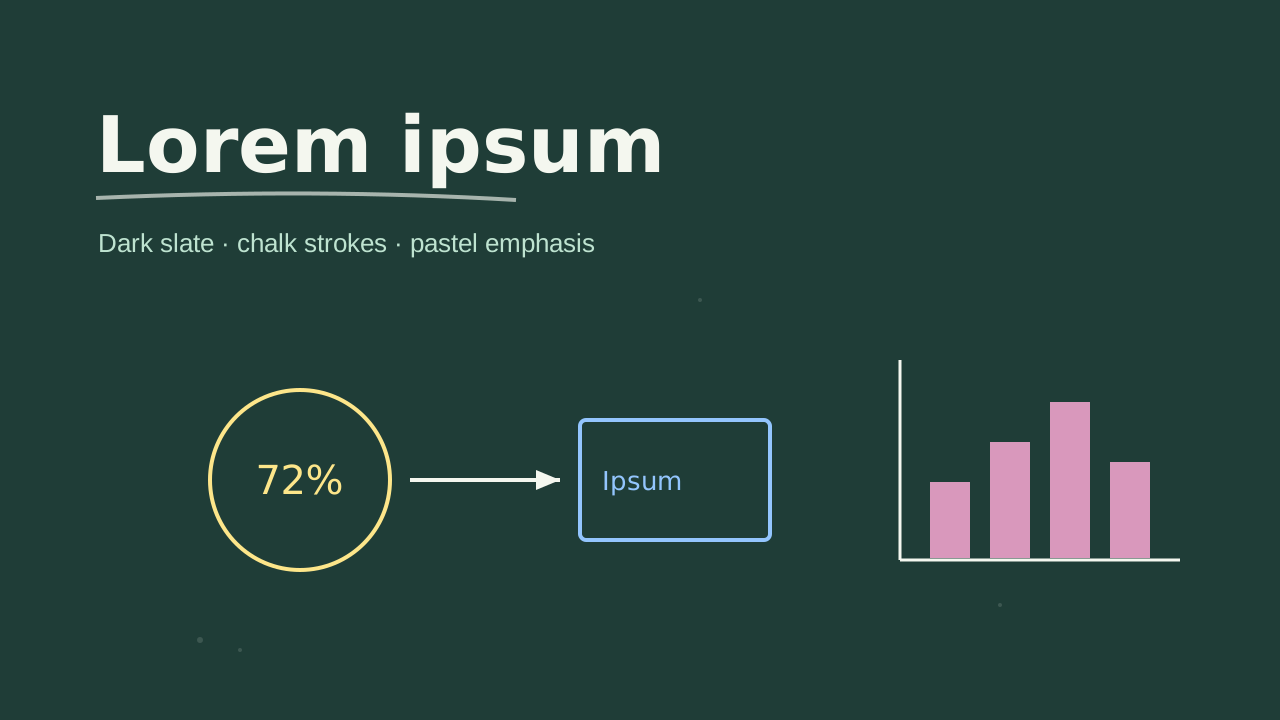 Chalkboard
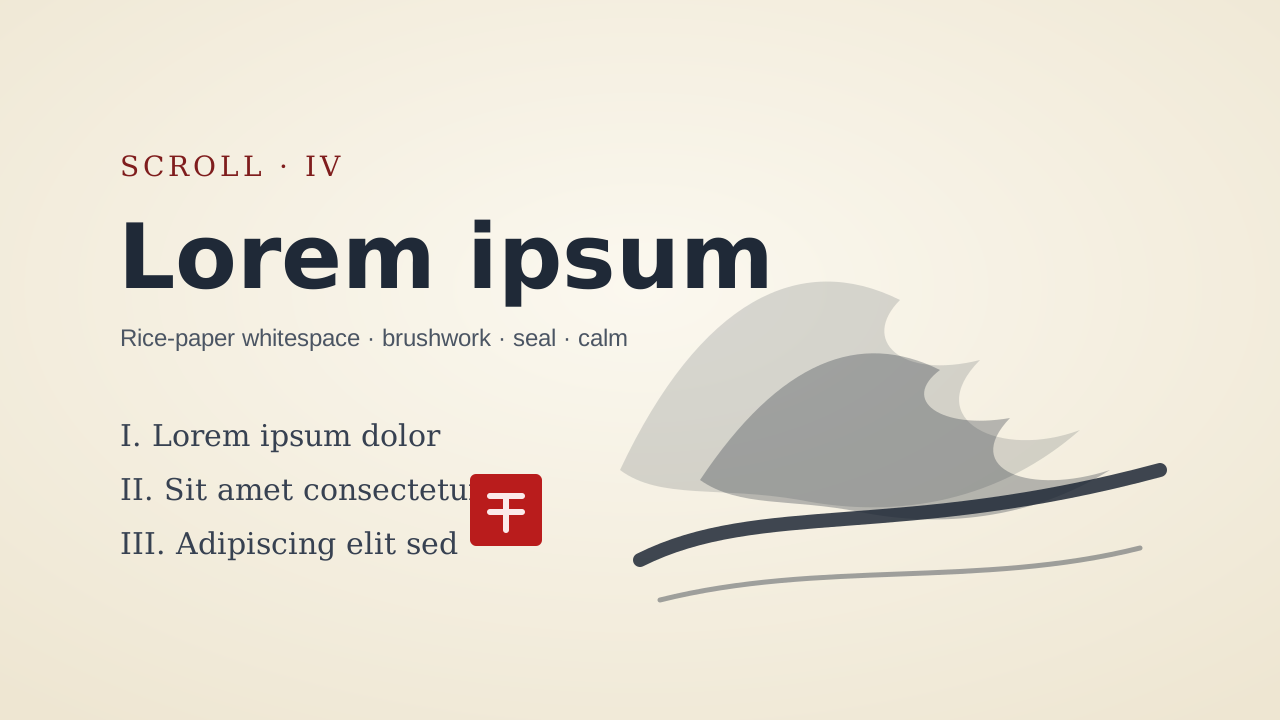 Ink Wash
 Pixel Art
Make your next deck in minutes, then make it yours.
Start with 20 free credits. No card needed.
Make a deck in this look