Side Band look for PowerPoint
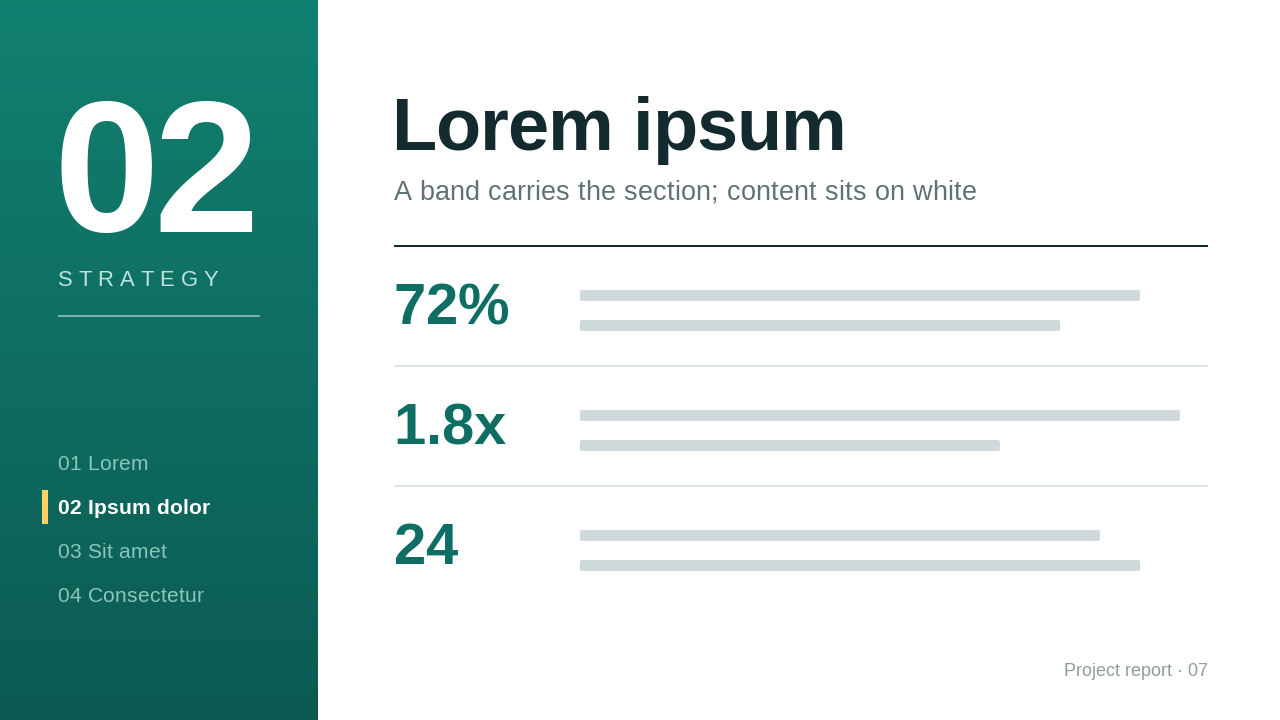
A strong band of colour runs down the left edge with the section's number and name; the content sits on white beside it, so the audience always knows where in the story they are.
- Strategy papers and consulting reports
- Project reports with several parts
- Proposals and reviews
Type this code on PPTNative, or open pptnative.com/c/BND100, to come back to this look. A code gives the same look (style, colours and fonts), not the same slides.
Decks made in this look
Real decks from the gallery. Open one to see every slide or download the .pptx.
 China's 2027 public holiday schedule: a staff briefing
Questions
When is Side Band the right choice?
Longer decks with clear parts: strategy papers, project reports, reviews. The band keeps the section in view on every slide. For a short talk of five or six slides the band has little to say; Classic Navy is simpler.
How do charts and tables look in Side Band?
On the white area, with plenty of room: native charts in the band's colour and neutral greys, one accent for the highlight. A key figure may stand in the band itself in white numerals.
Does Side Band use pictures?
Sparingly. The band and the grid do the work; a picture appears only where the content needs one.
Is the deck editable?
Yes. Every slide is native PowerPoint: text boxes, shapes, charts with Edit Data and tables. The look is colours, fonts and layout, so you can change any of it.
Other looks
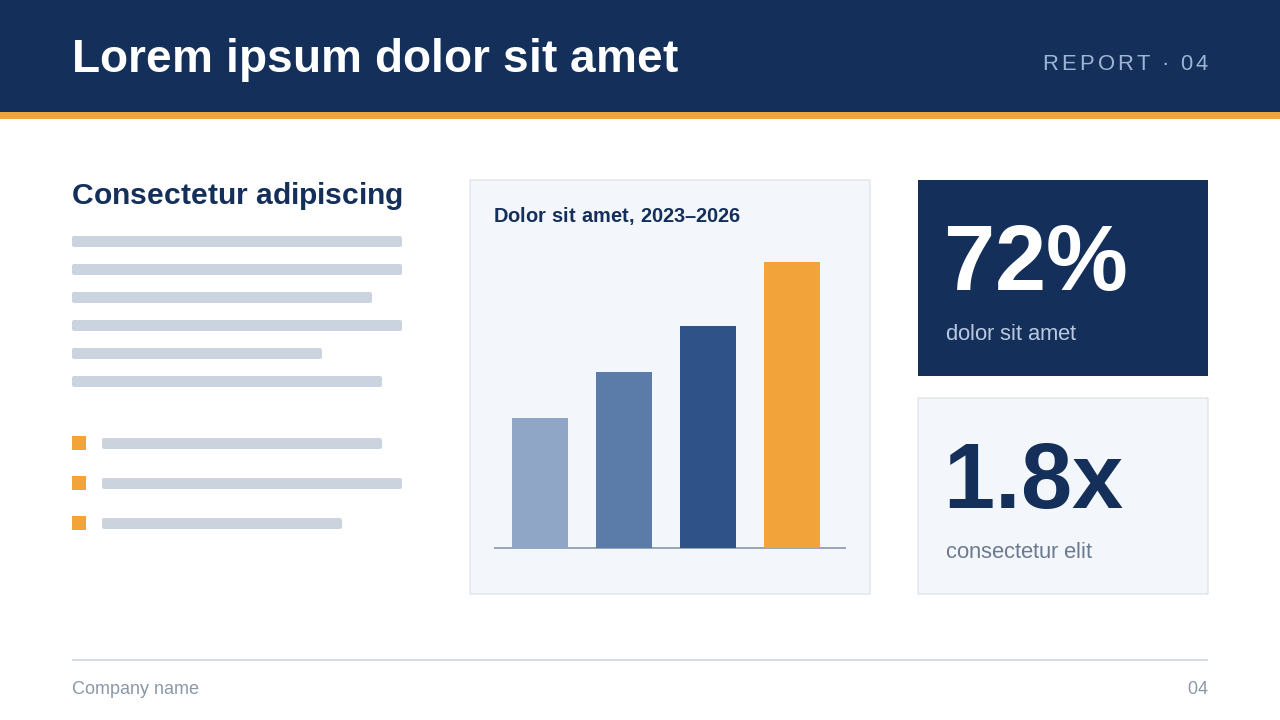 Classic Navy
 Color Block
 Facet
 Wave
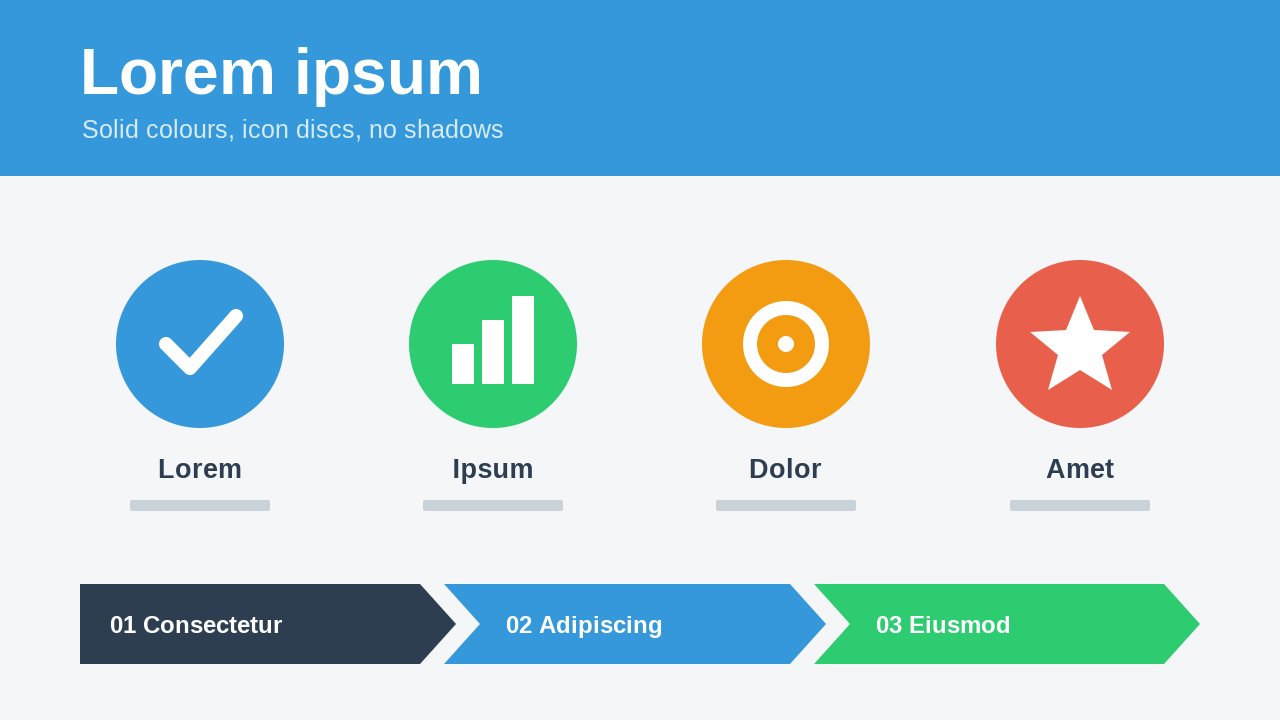 Flat
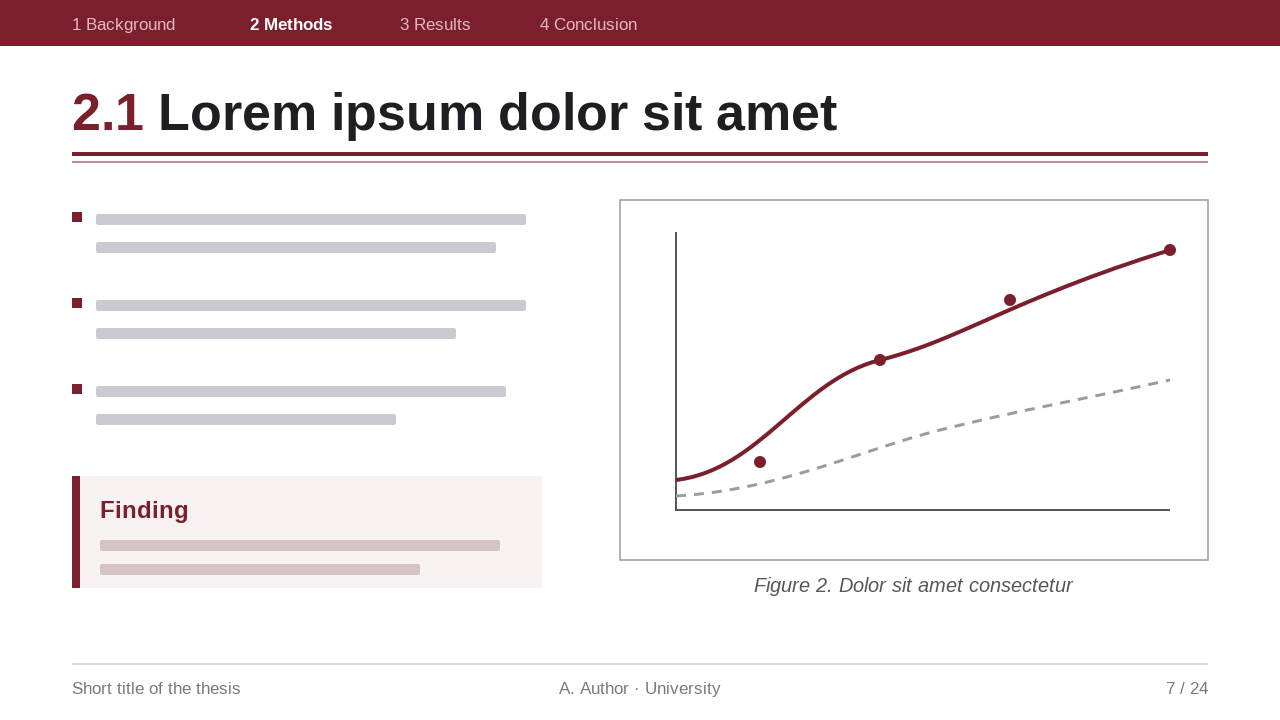 Scholar
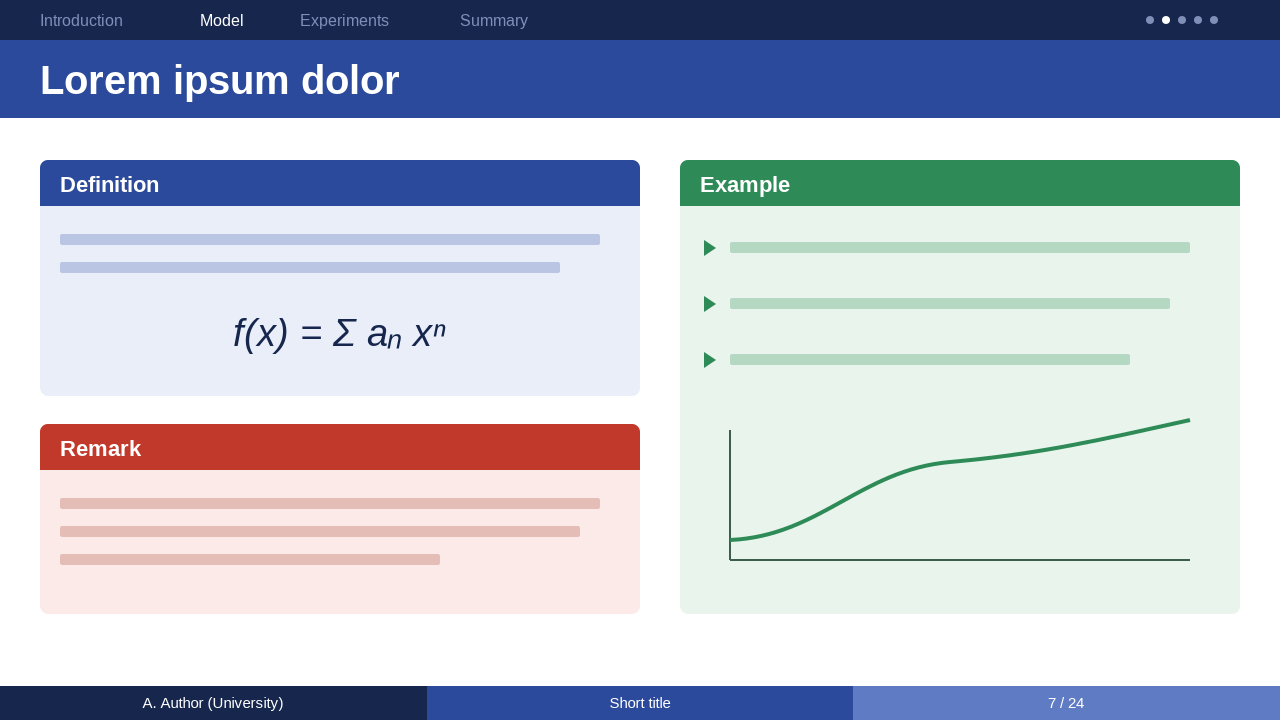 Lecture Blocks
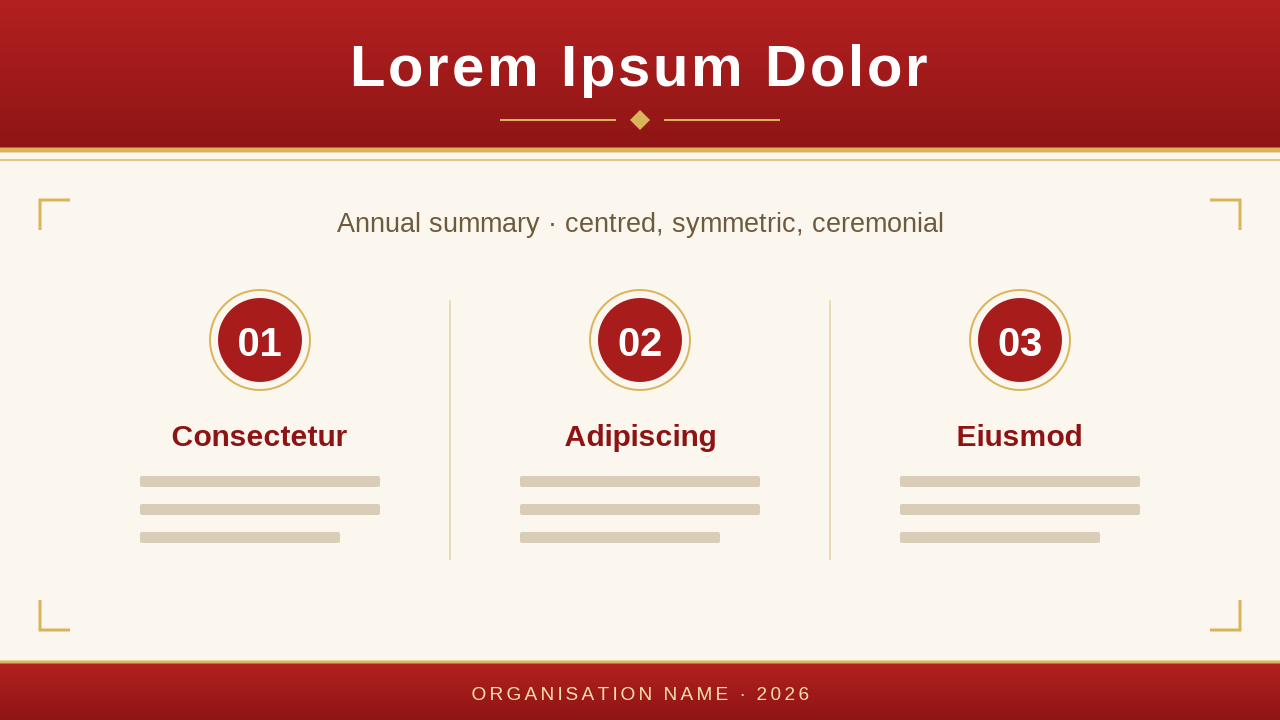 Formal Red
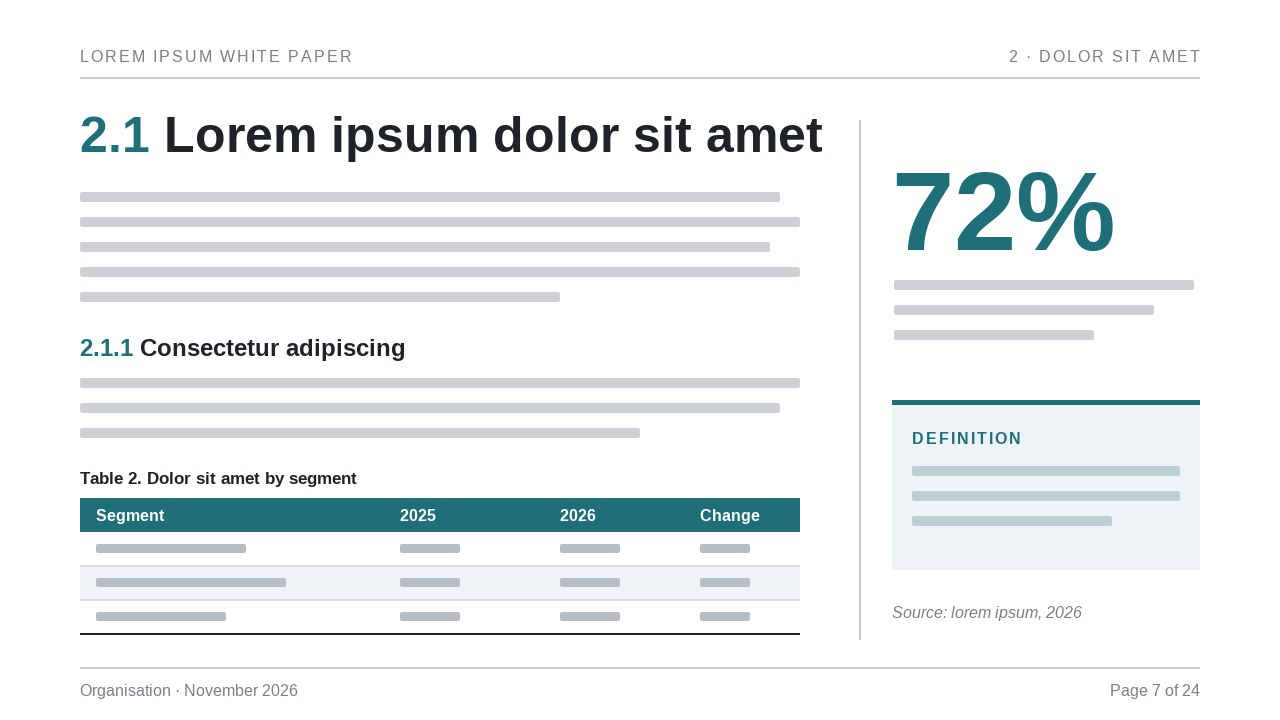 White Paper
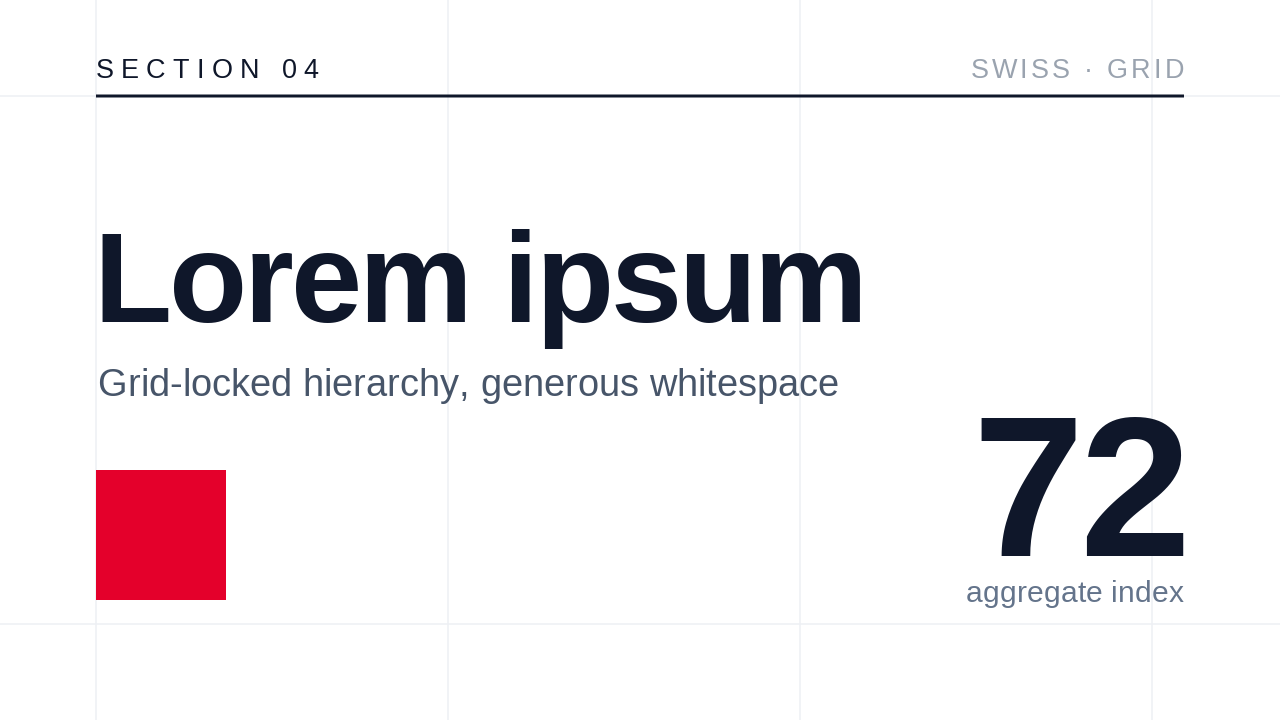 Swiss Minimal
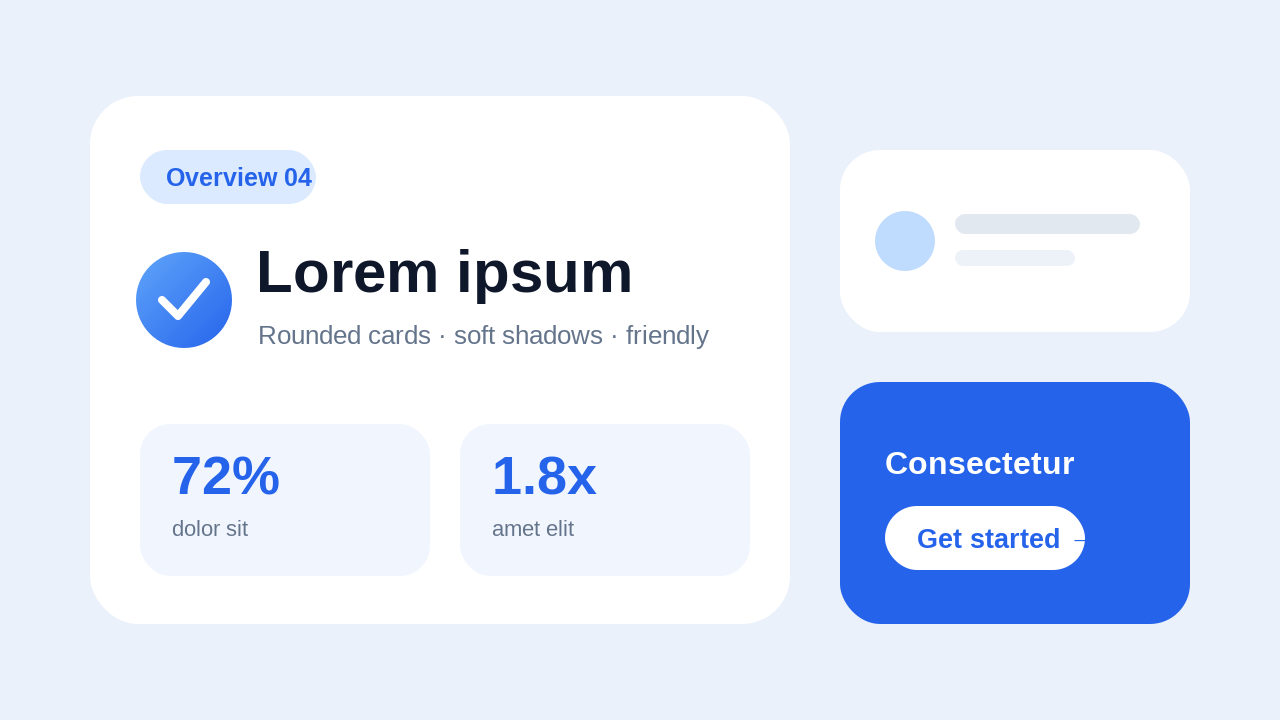 Soft Rounded
 Glassmorphism
 Dark Tech
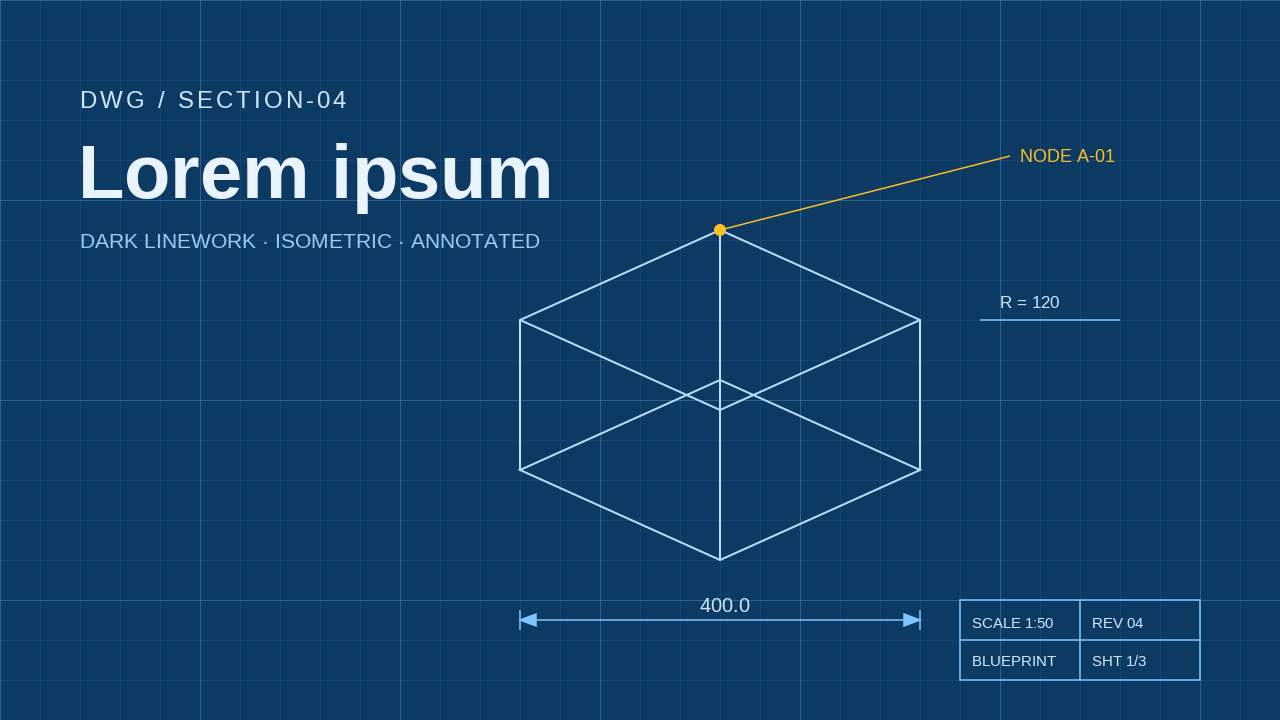 Blueprint
 Light Tech
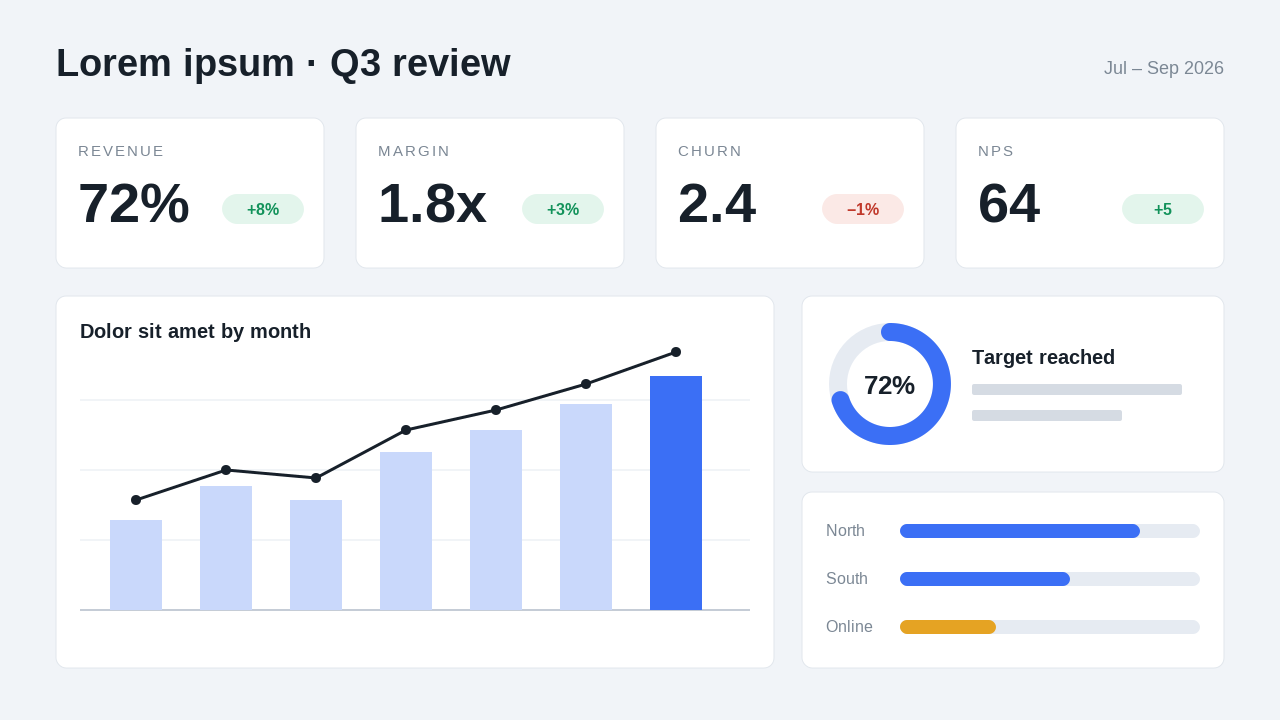 Dashboard
 Gradient
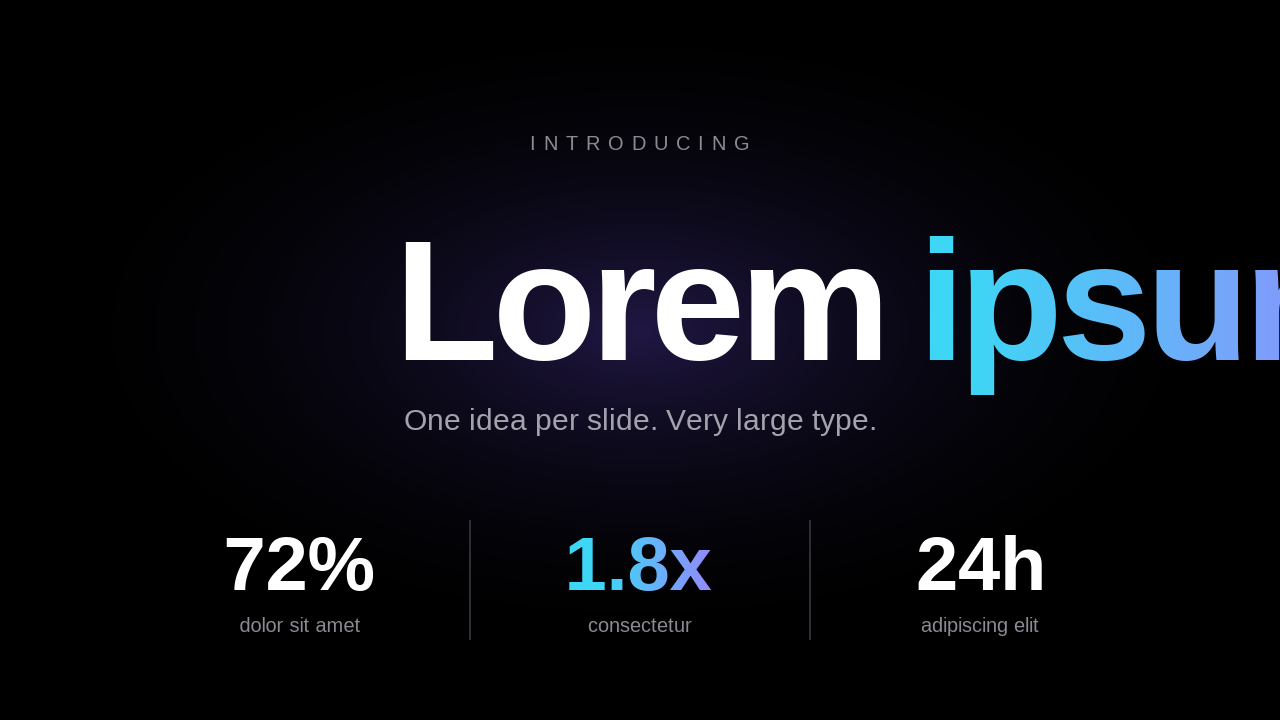 Stage
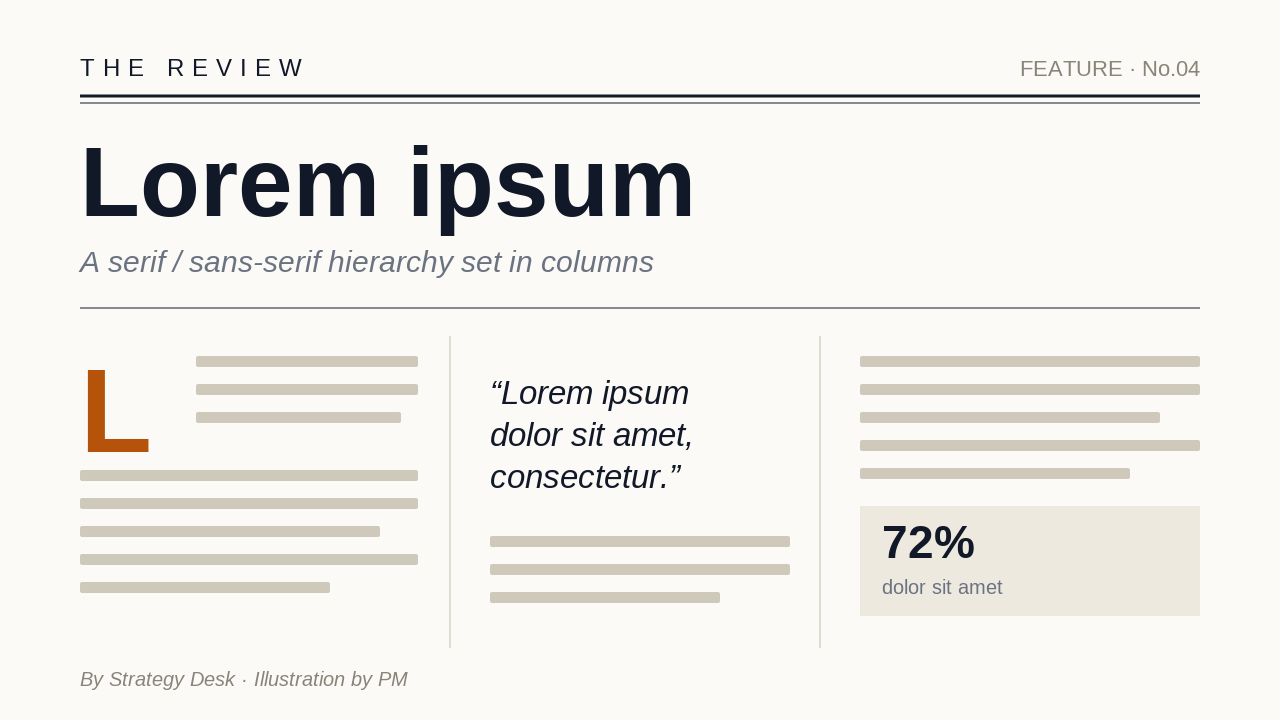 Editorial
 Photo Editorial
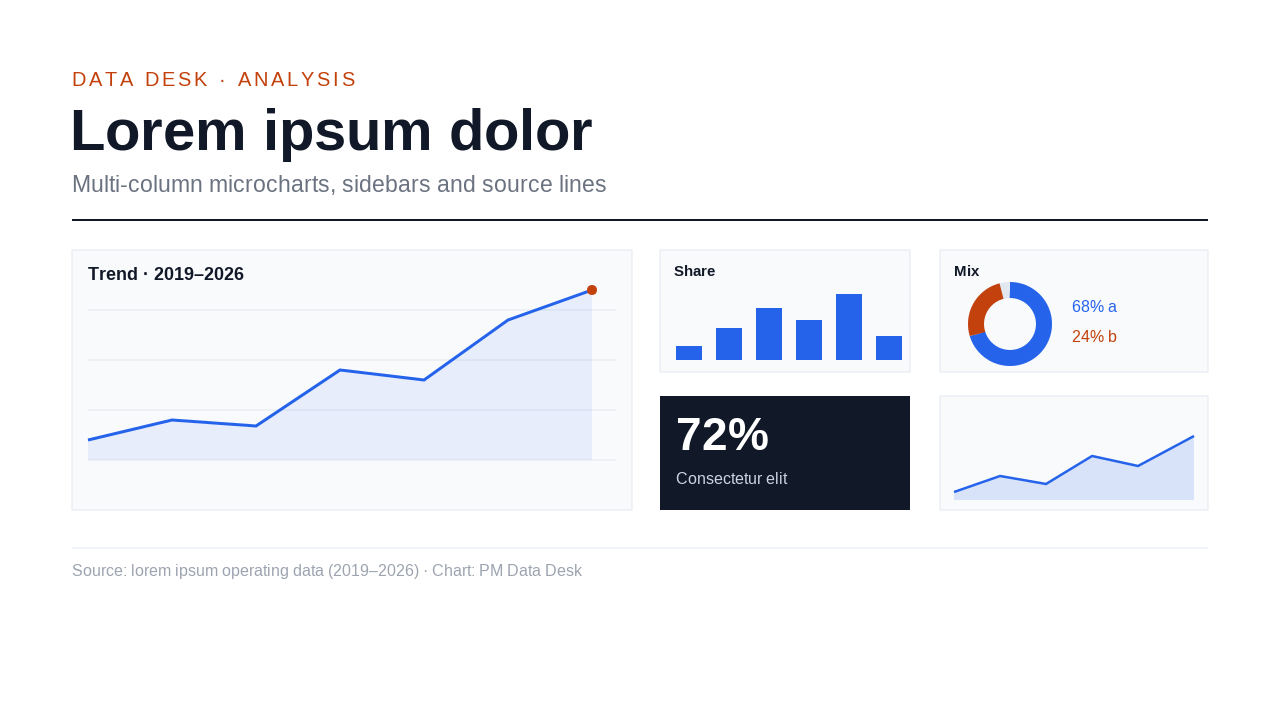 Data Journalism
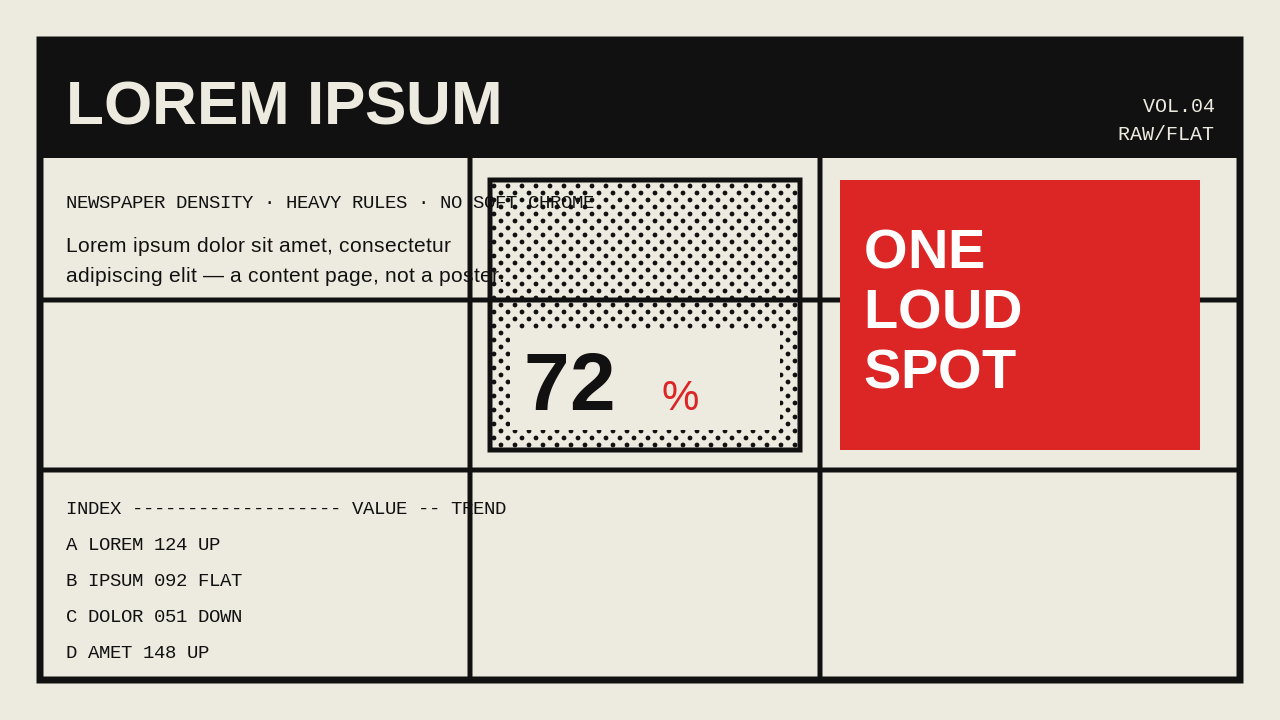 Brutalist
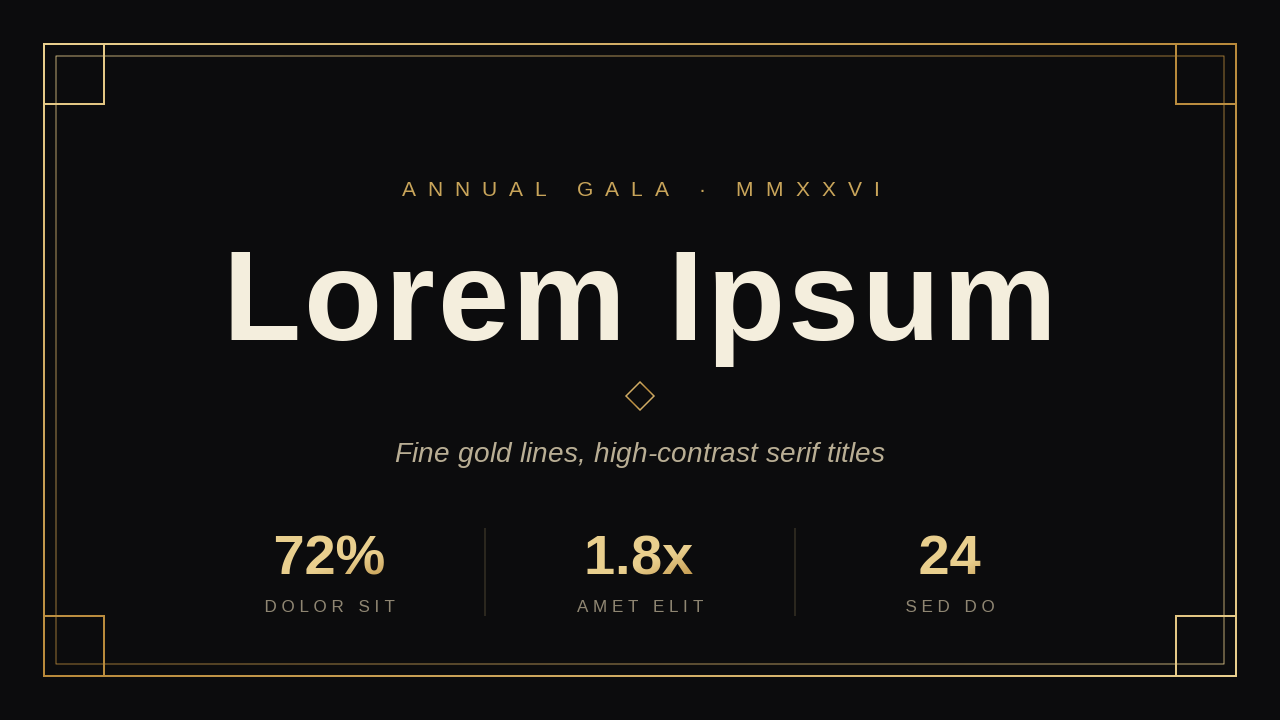 Black & Gold
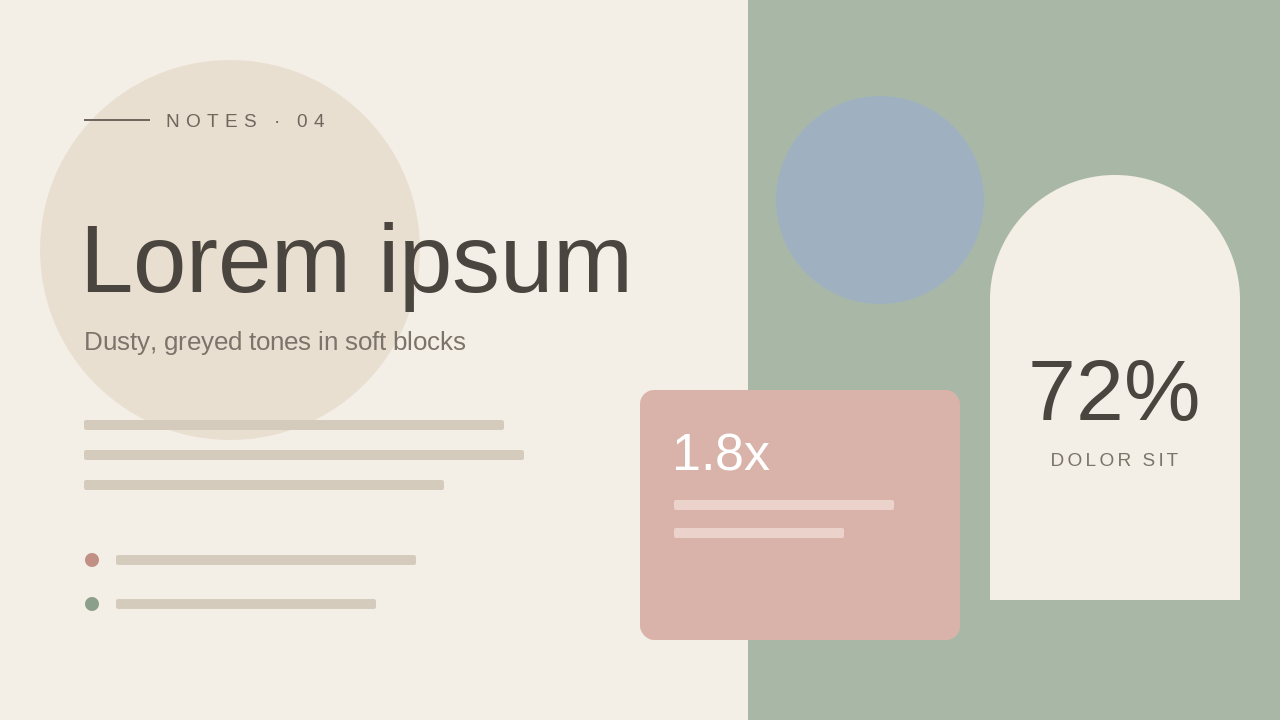 Muted Tones
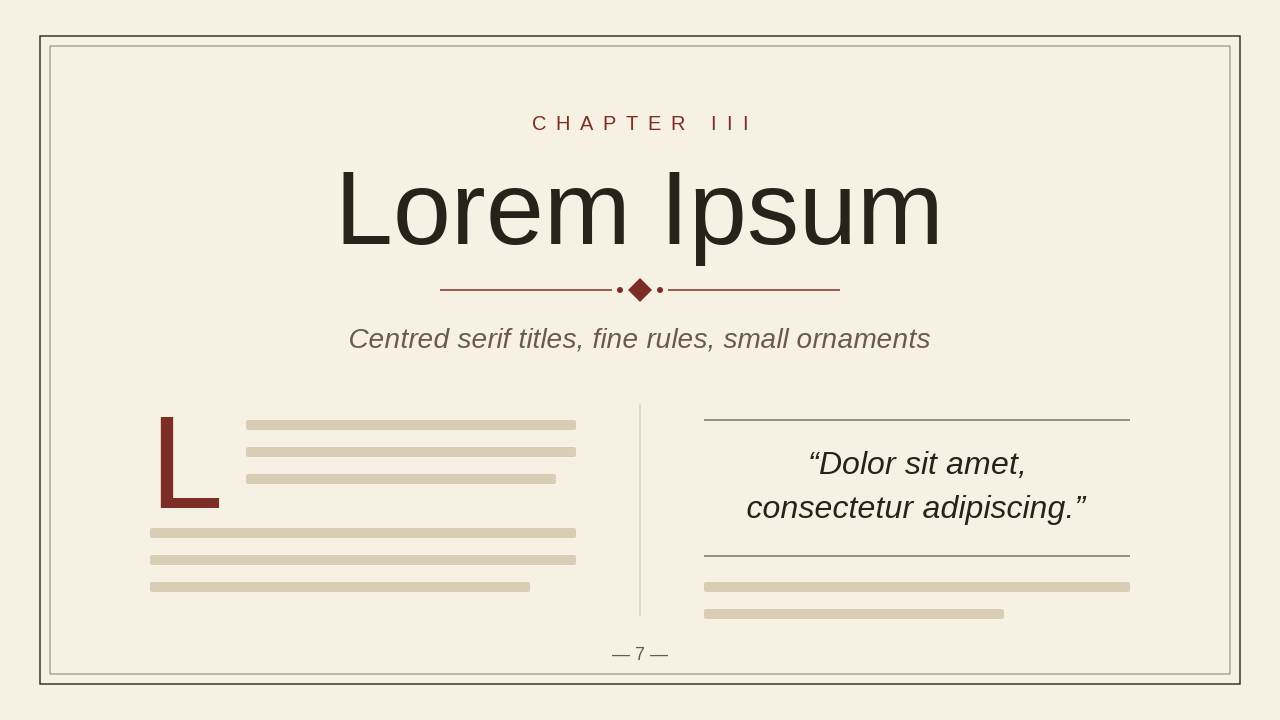 Literary
 Organic
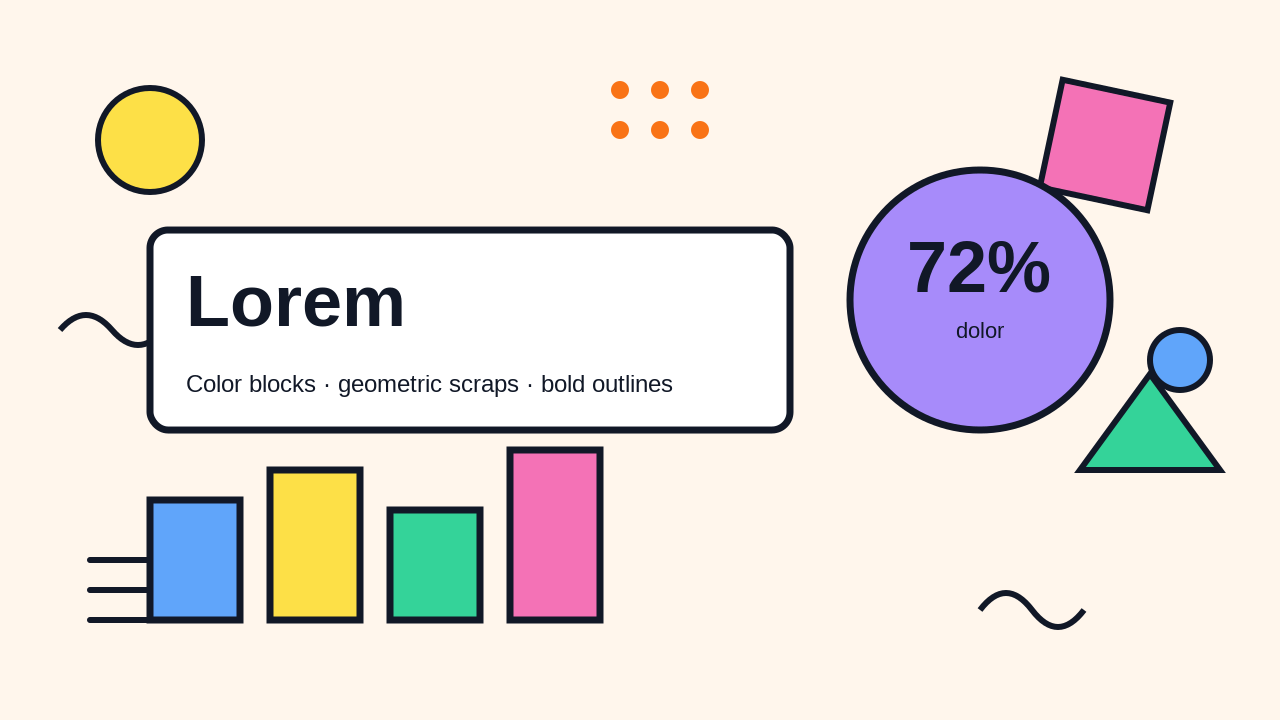 Memphis
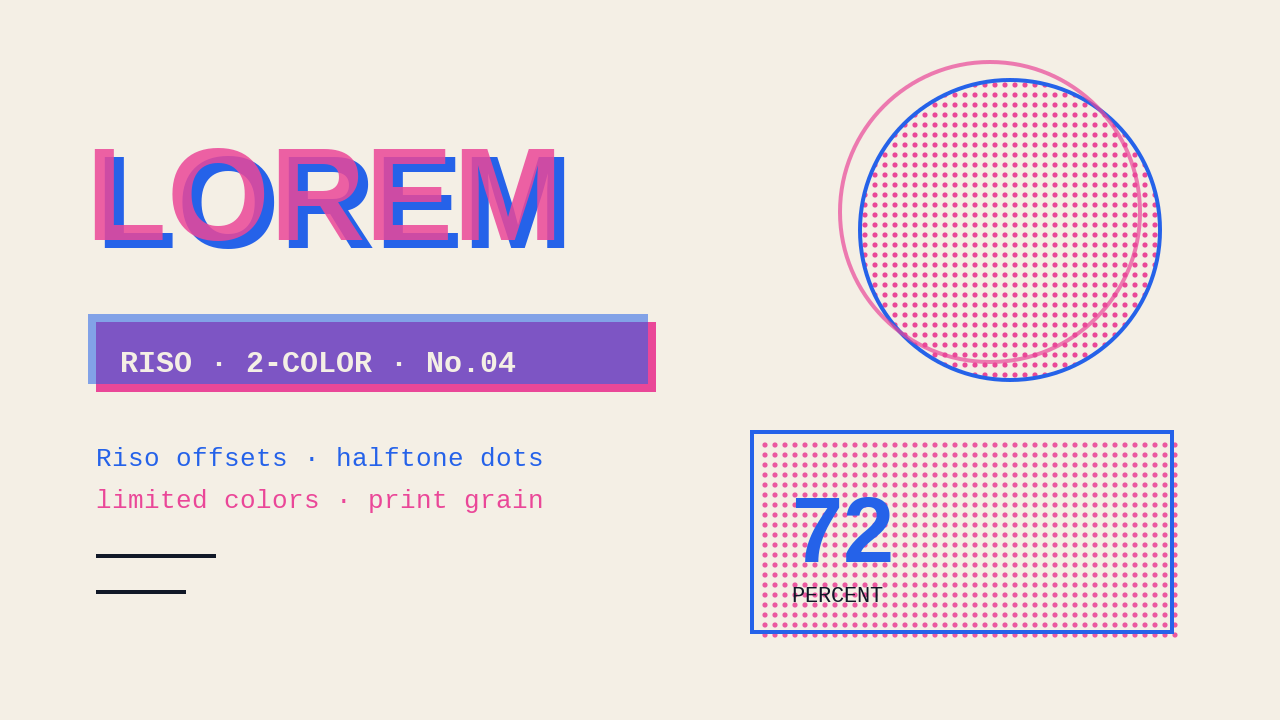 Zine
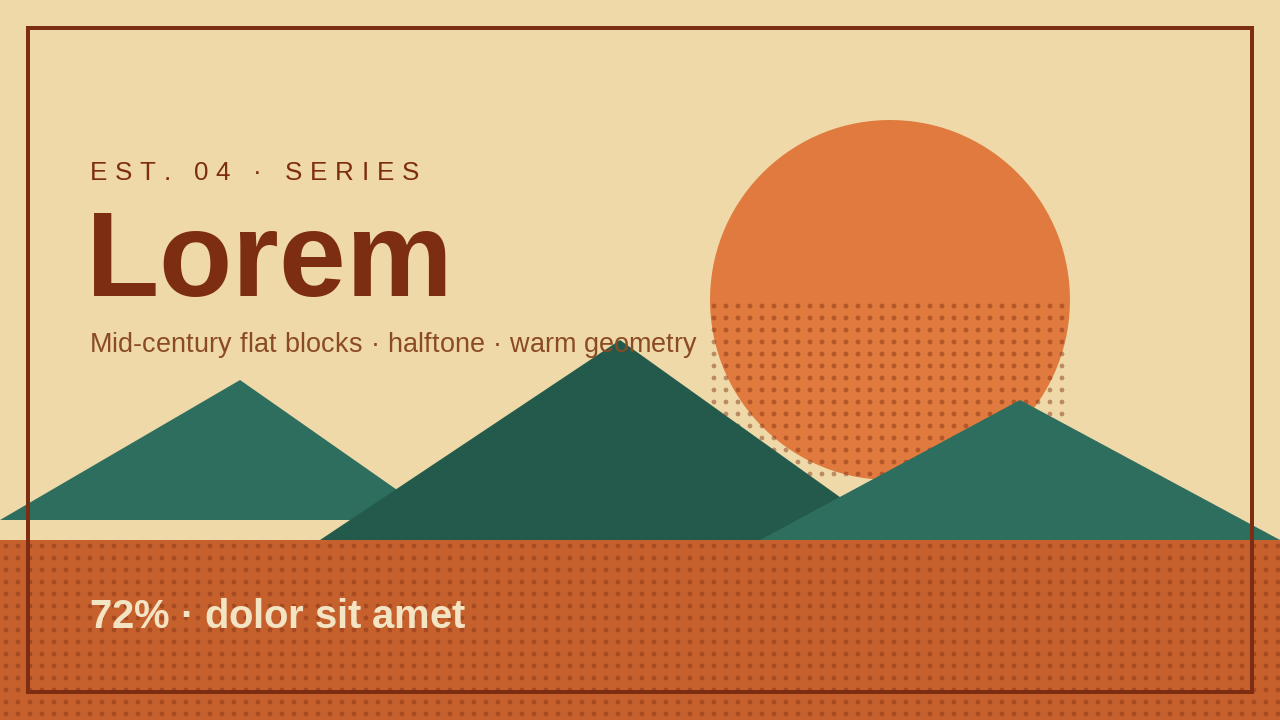 Vintage Poster
 Paper Cut
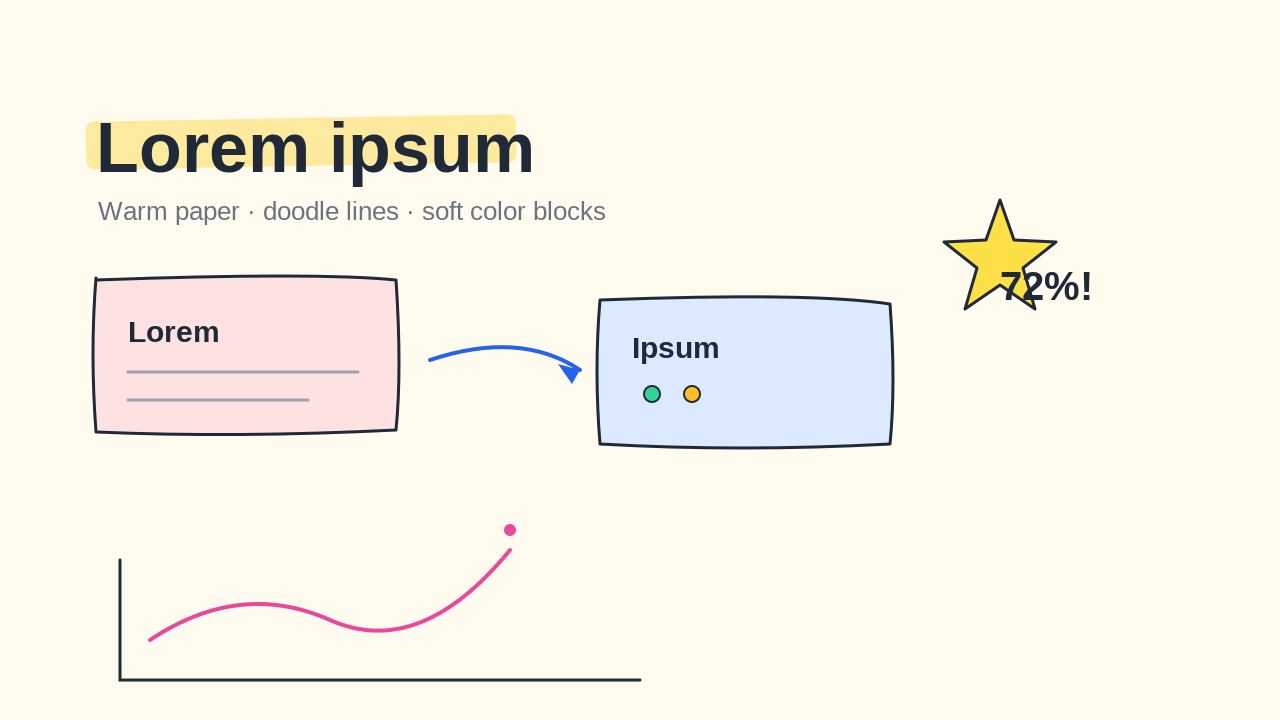 Sketch Notes
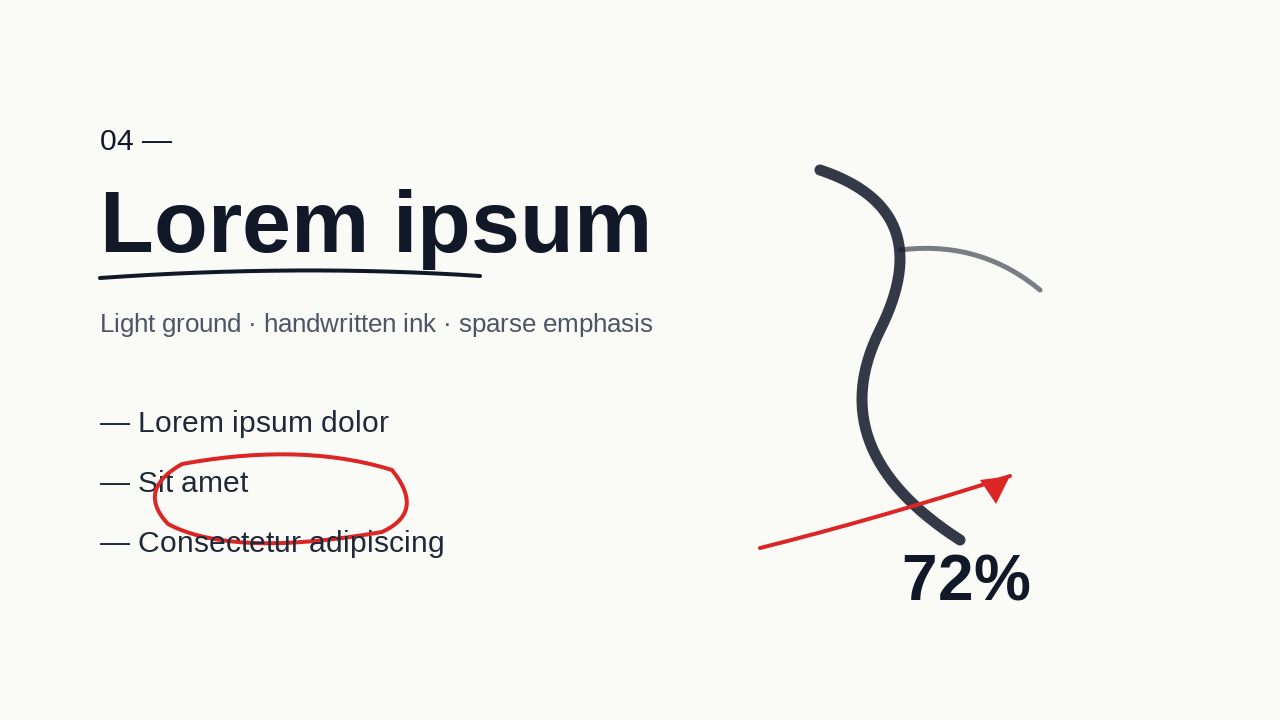 Ink Notes
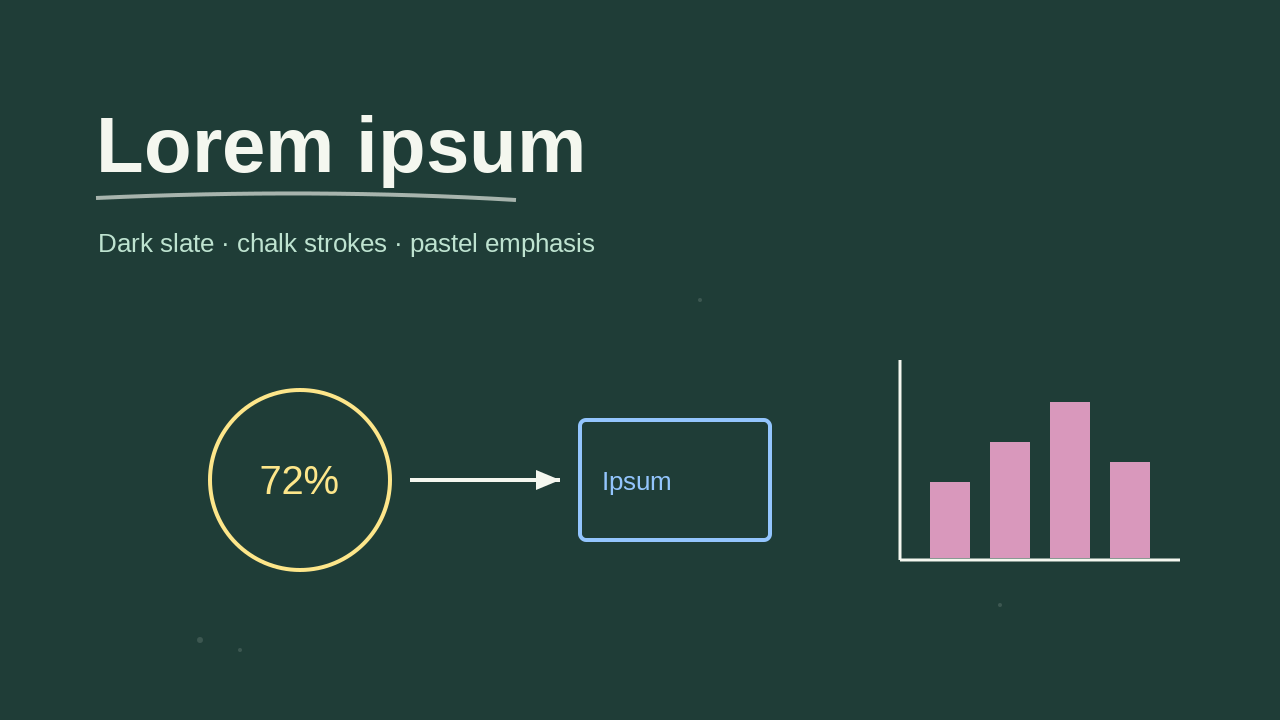 Chalkboard
 Ink Wash
 Pixel Art
Make your next deck in minutes, then make it yours.
Start with 20 free credits. No card needed.
Make my deck in this look