Dark Tech look for PowerPoint
A dark canvas, luminous accents and precise geometry, with monospace labels for numbers and versions.
- Engineering and release reports
- AI, data and developer tools
- Tech launches
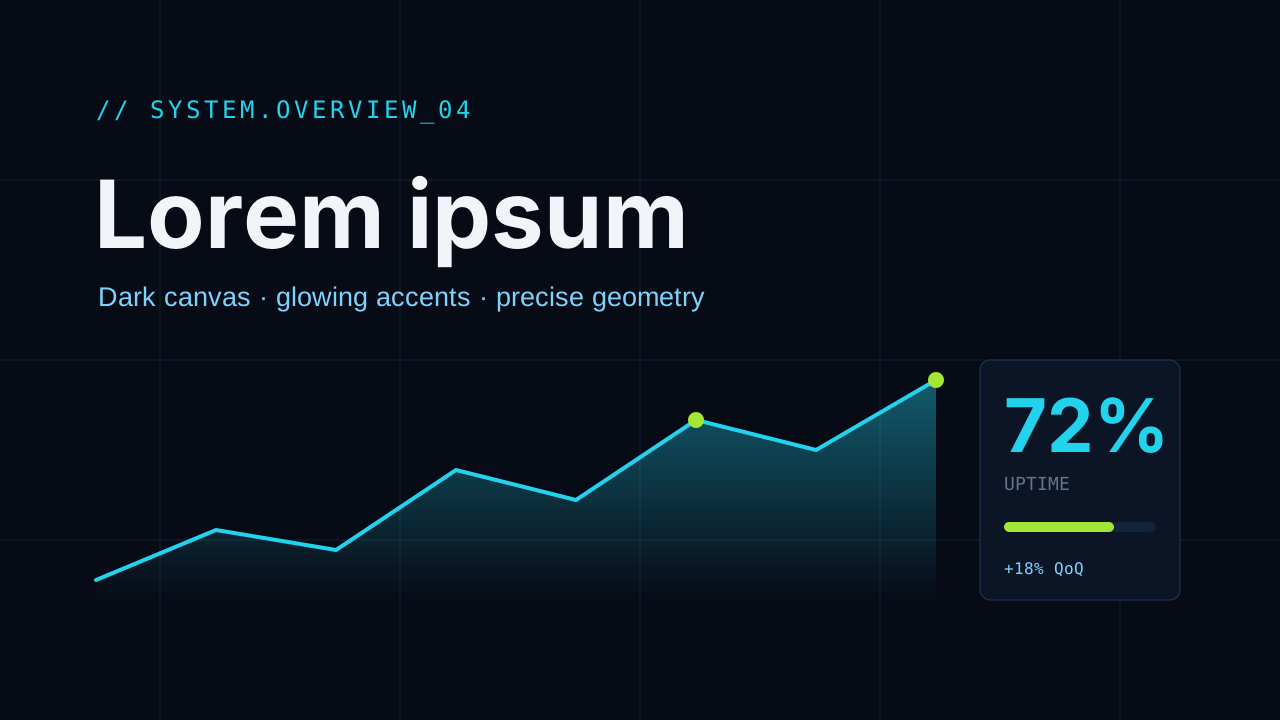
Decks made in this look
Real decks from the gallery. Open one to see every slide or download the .pptx.
 Engineering weekly: delivery, quality metrics and risks
Questions
When is Dark Tech the right choice?
Engineering reports, release reviews, AI and developer-tool decks and tech launches. On a projector in a bright room, a light look such as Swiss Minimal is easier to read.
How do charts and tables look in Dark Tech?
Most of the chart stays low-key on the dark canvas, and a luminous accent marks the series or value you are talking about. Labels and figures can use a monospace font.
Does Dark Tech use pictures?
Rarely. Glow, fine lines and geometry carry it; system and data-flow diagrams suit it better than photos.
Is the deck editable?
Yes. Every slide is native PowerPoint: text boxes, shapes, charts with Edit Data and tables. The look is colours, fonts and layout, so you can change any of it.
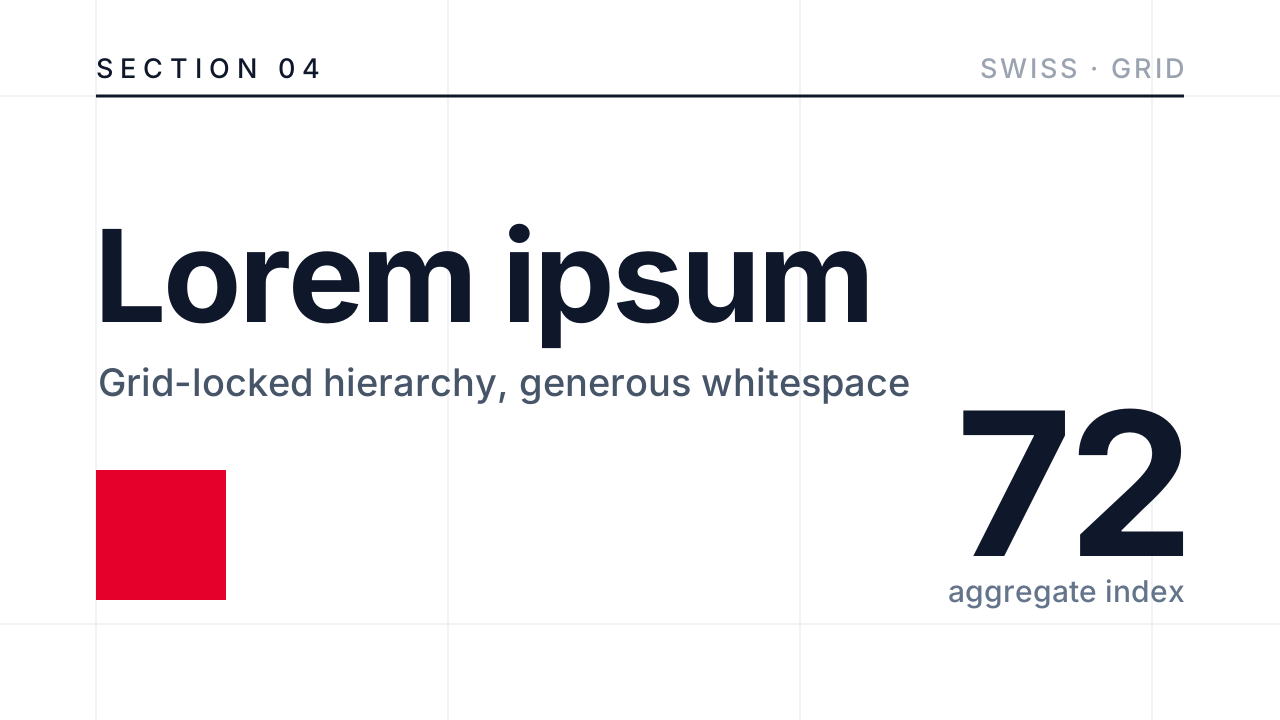 Swiss Minimal
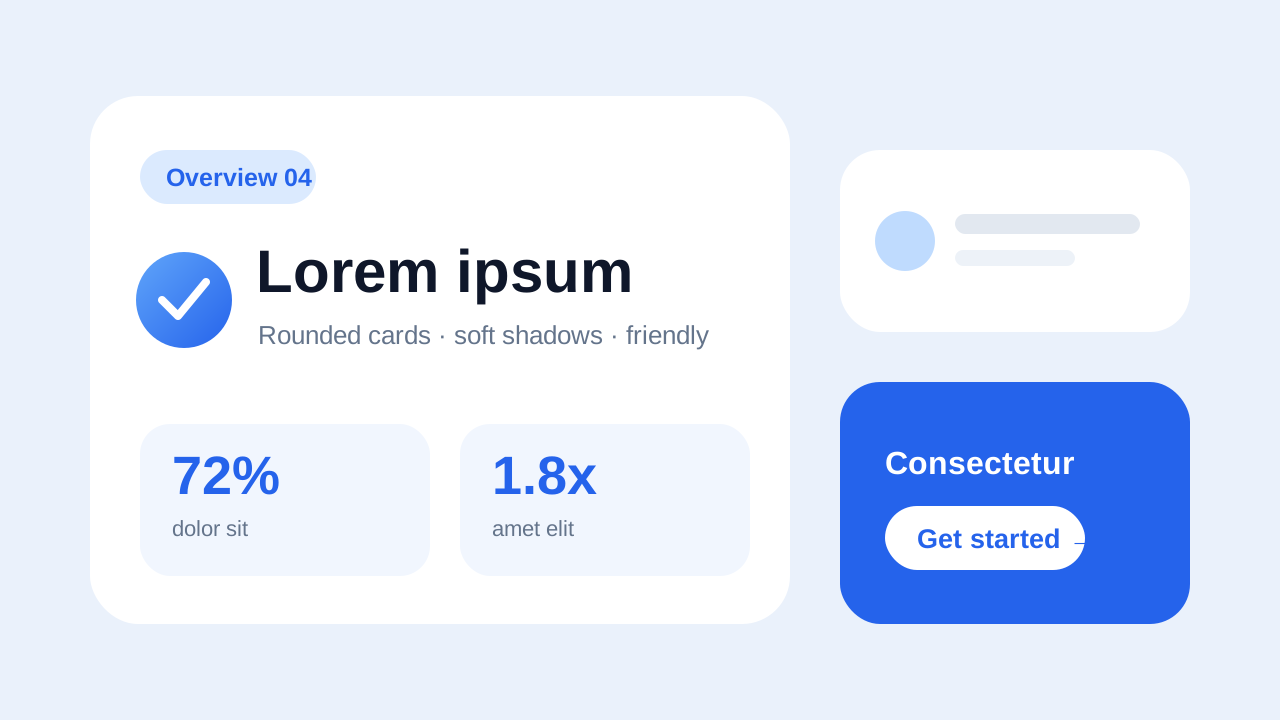 Soft Rounded
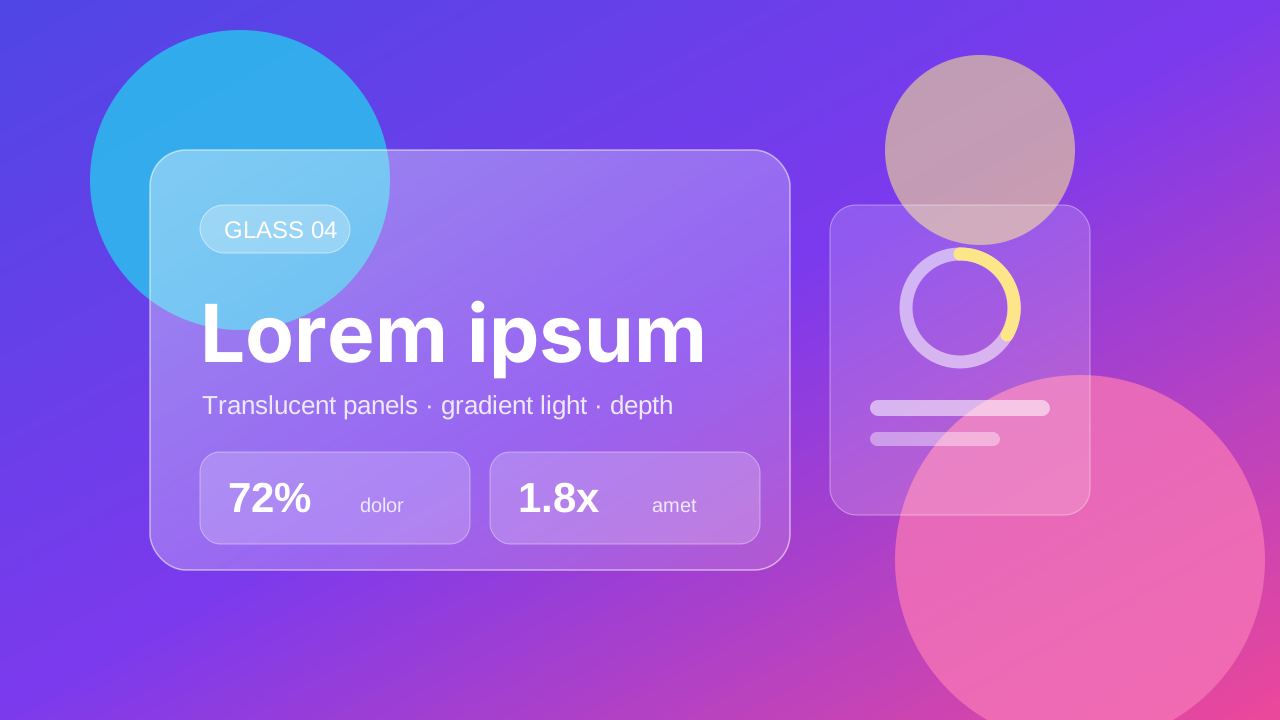 Glassmorphism
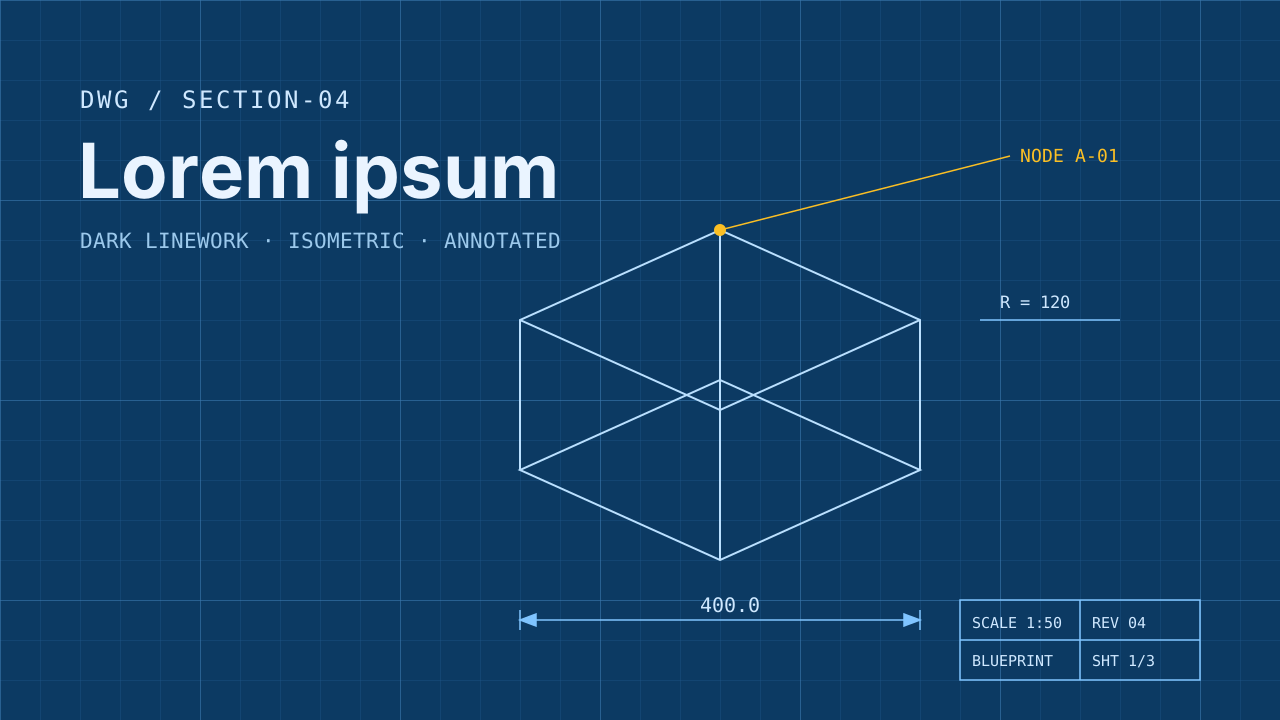 Blueprint
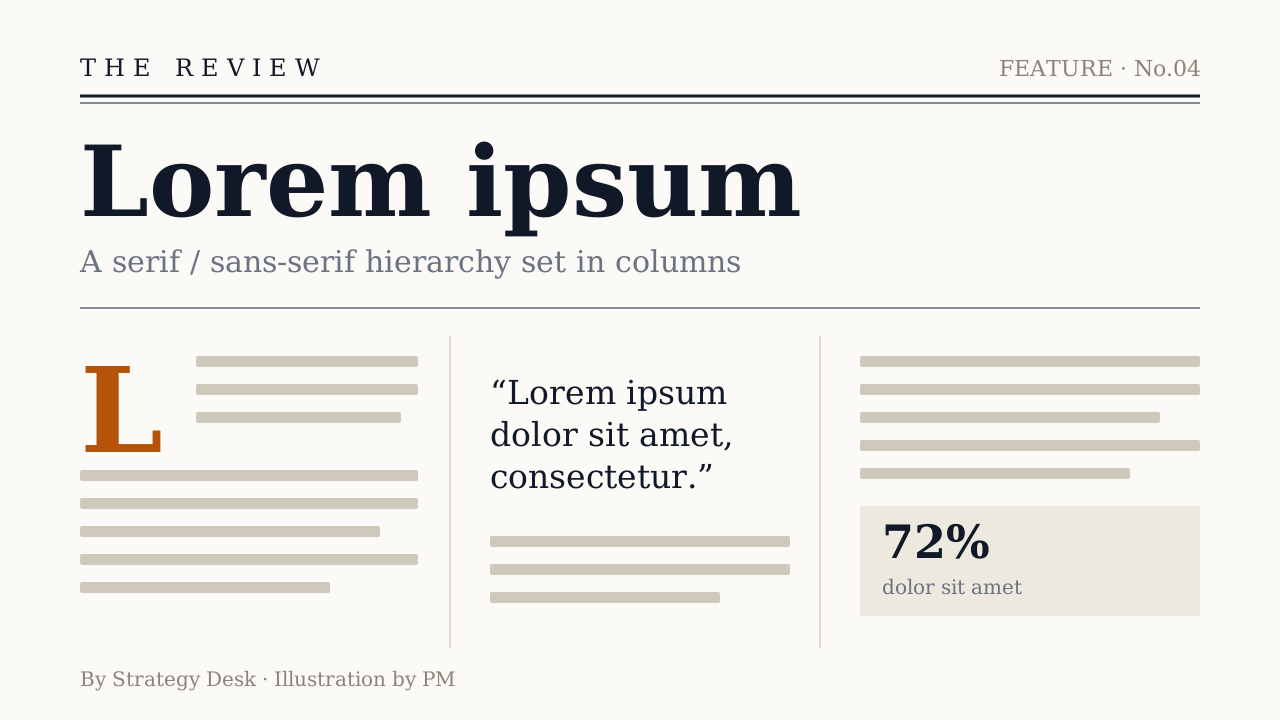 Editorial
 Photo Editorial
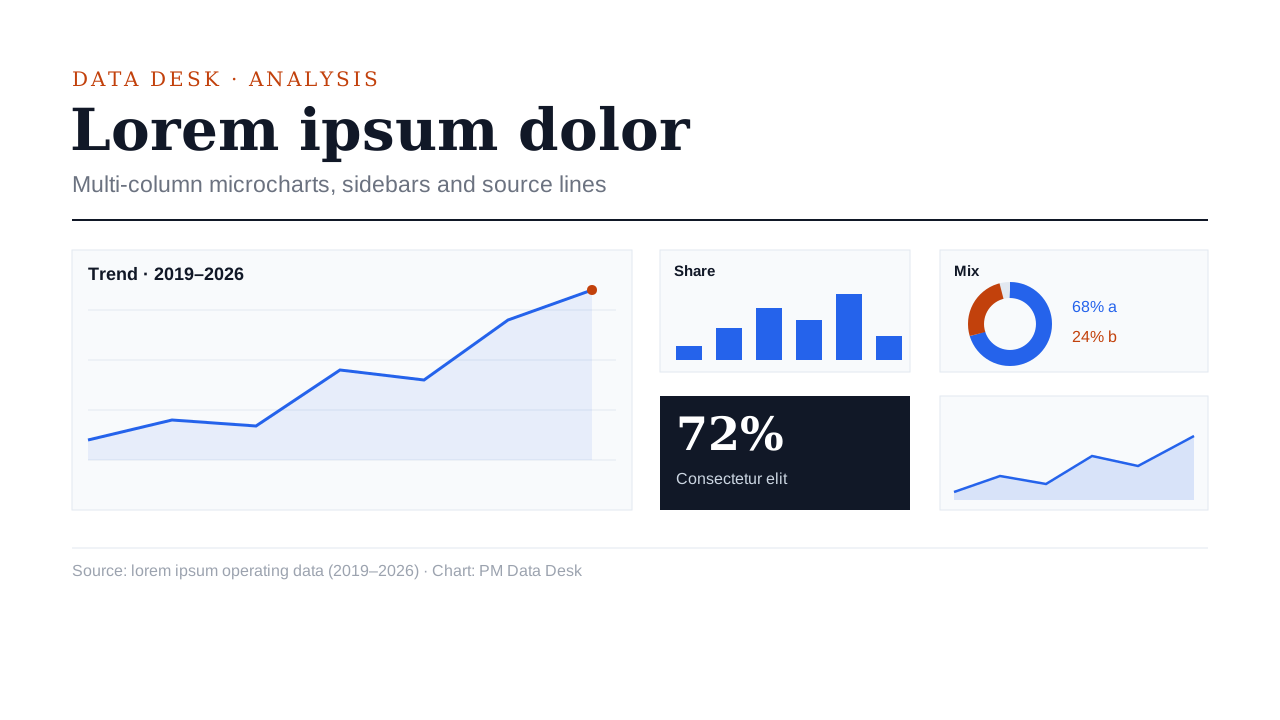 Data Journalism
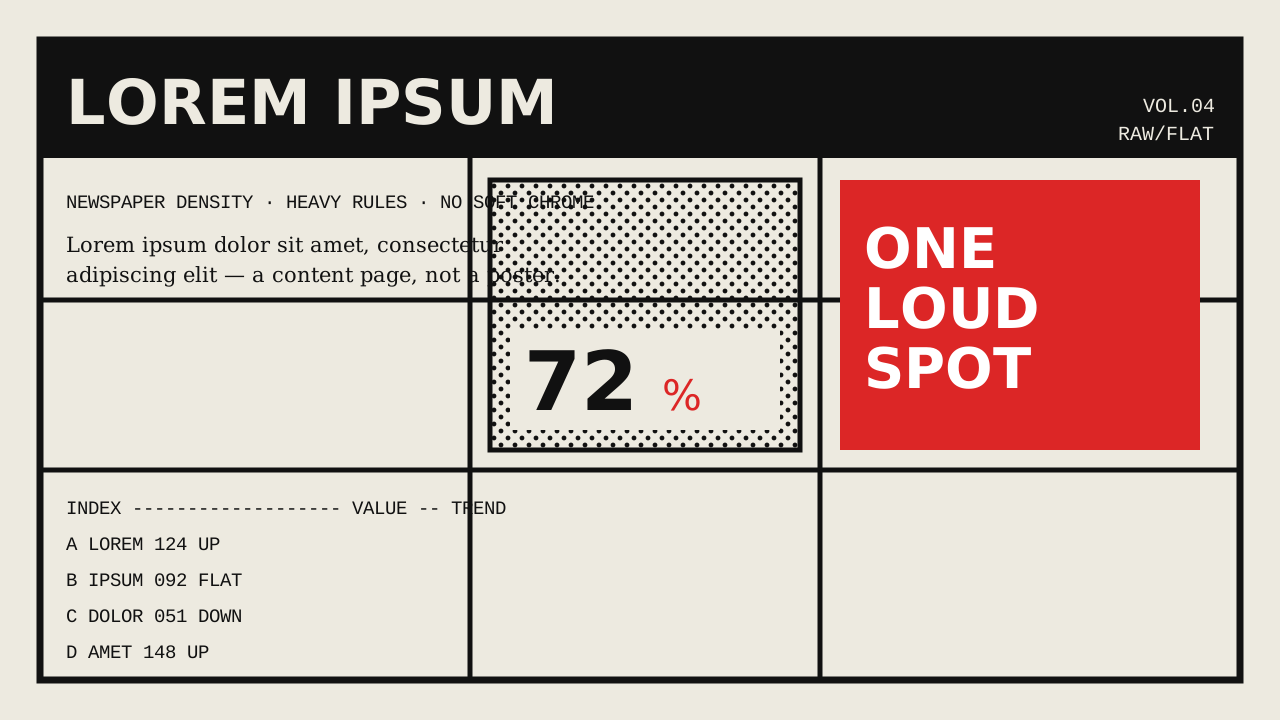 Brutalist
 Memphis
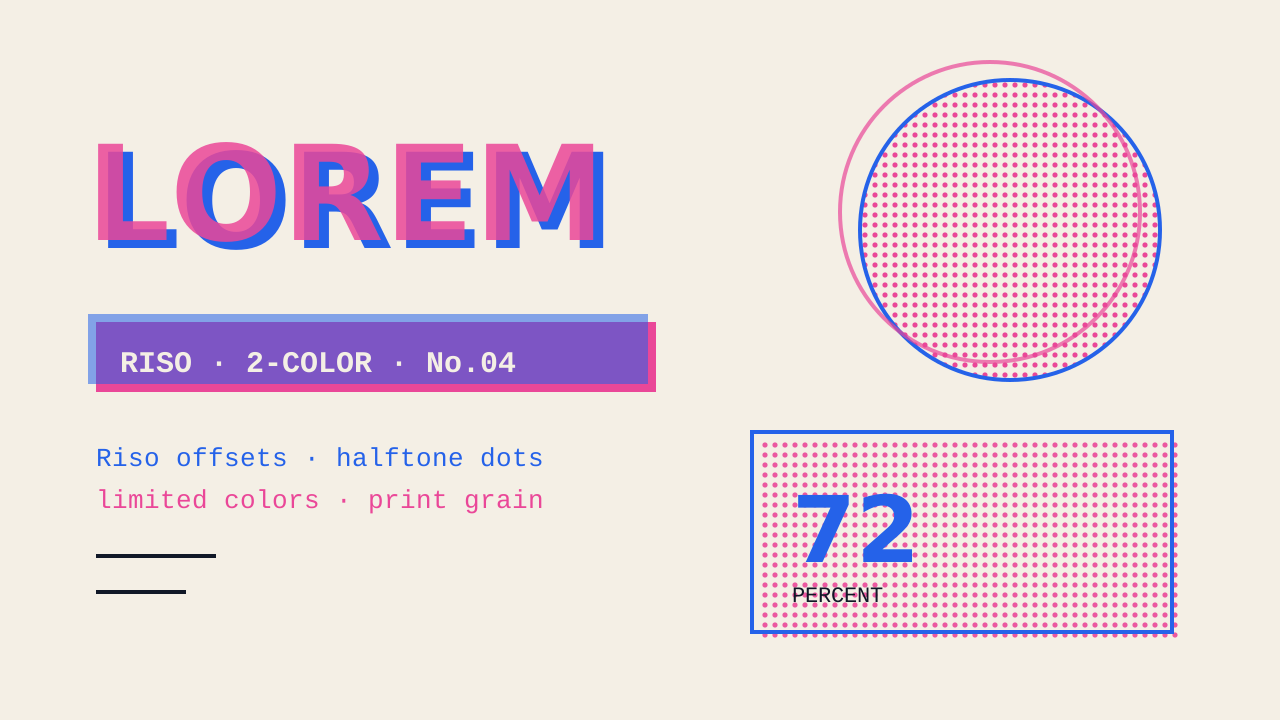 Zine
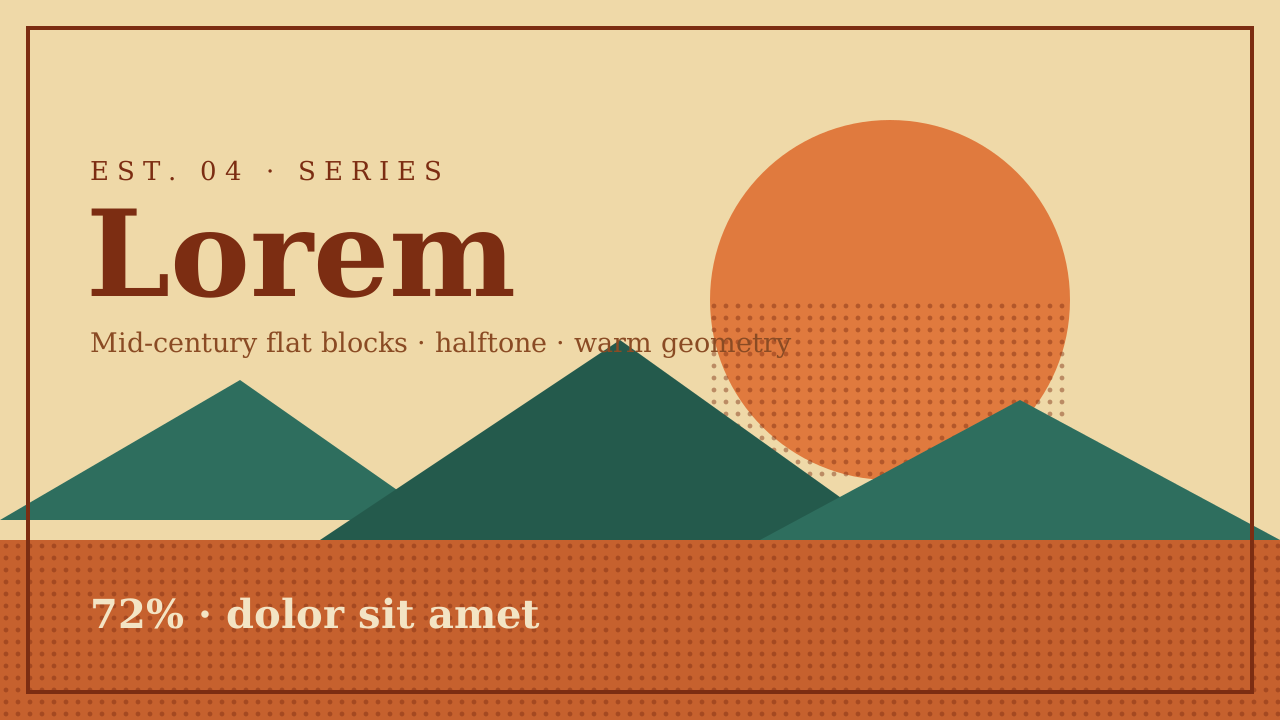 Vintage Poster
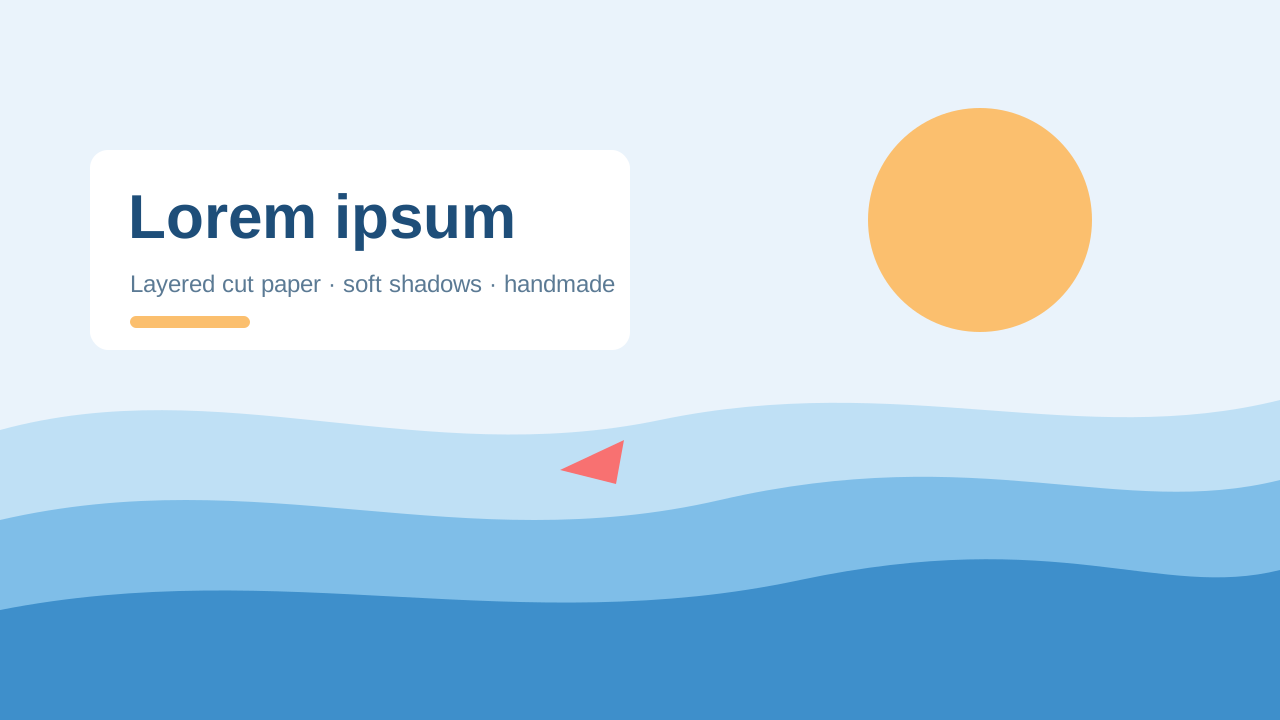 Paper Cut
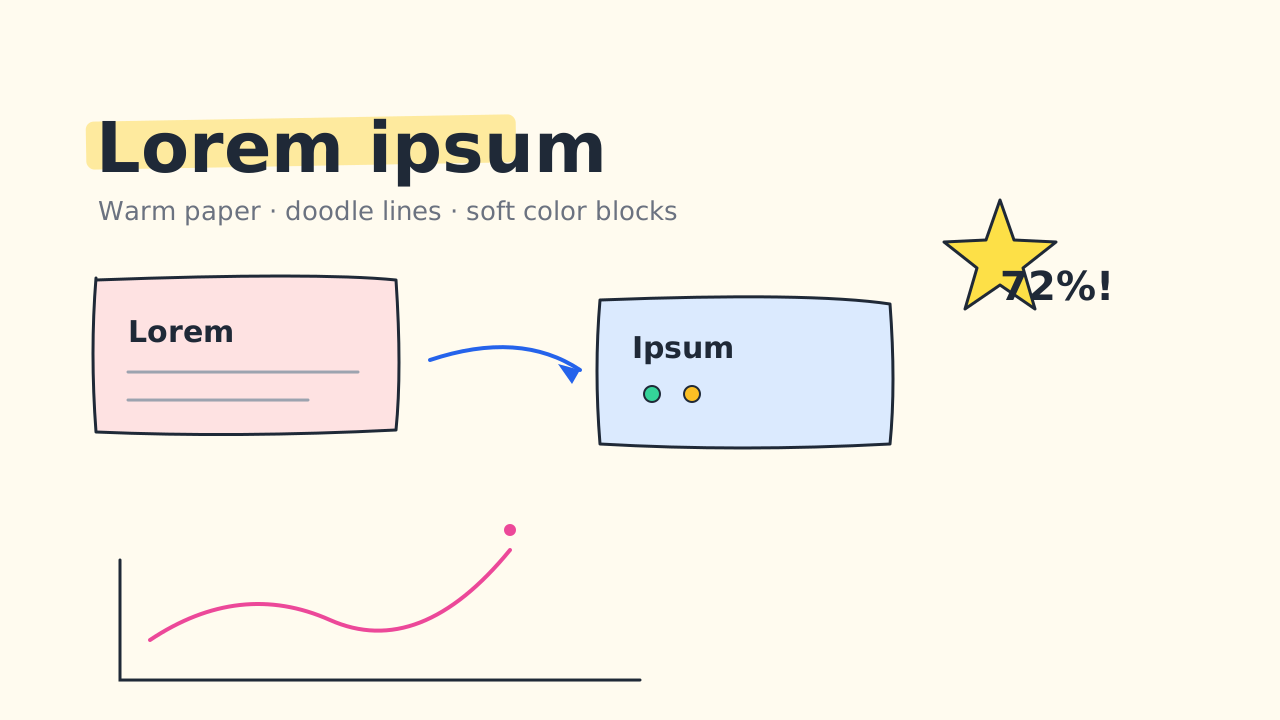 Sketch Notes
 Ink Notes
 Chalkboard
 Ink Wash
 Pixel Art
Make your next deck in minutes, then make it yours.
Start with 20 free credits. No card needed.
Make a deck in this look