Looks
18 built-in looks, or your own
A look sets the colours, fonts, shapes and layout of a deck. Pick one, leave it on Auto, or upload a deck you like and PPTNative follows its style.
Corporate / product
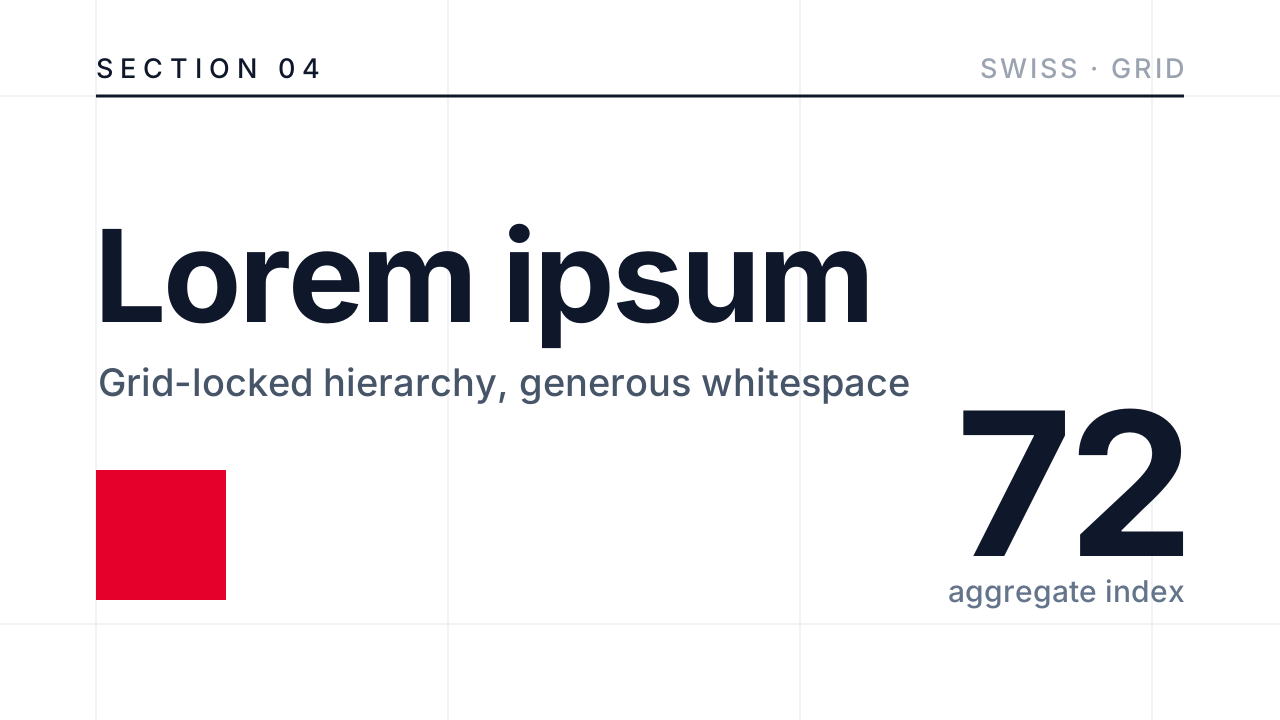 Swiss MinimalGrid-locked layout, sharp hierarchy, generous whitespace, and minimal decoration.2 example decks
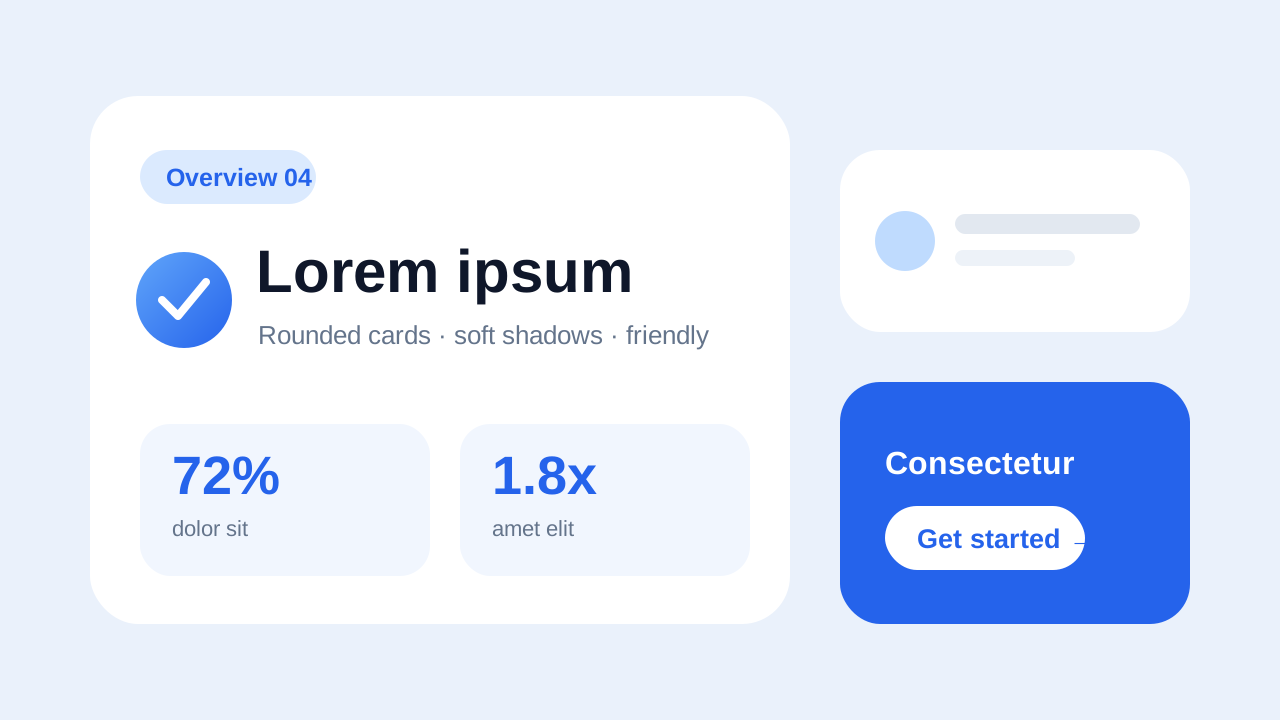 Soft RoundedRounded cards, soft shadows, and a friendly modern tone.2 example decks
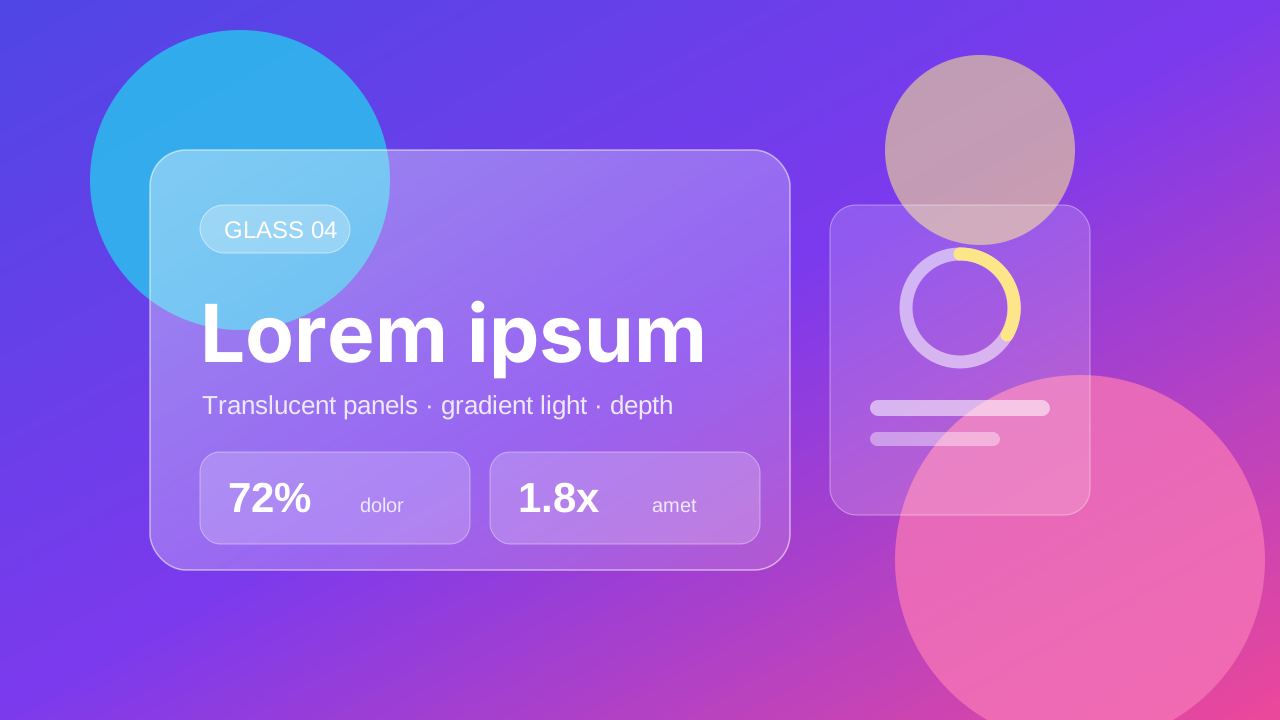 GlassmorphismTranslucent glass panels, gradient light, and floating depth.1 example deck
 Dark TechDark canvas, glowing accents, and precise geometry.1 example deck
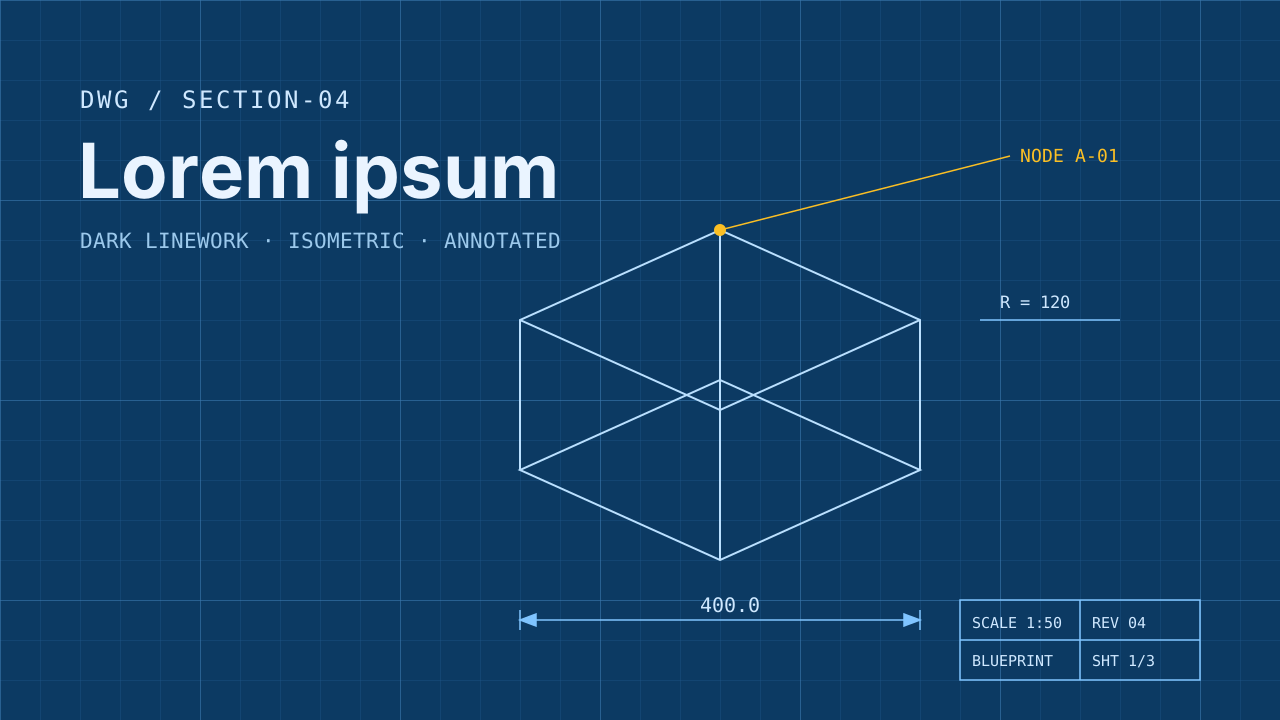 BlueprintDark blueprint linework, isometric structure, and engineering annotations.1 example deck
Editorial / publication
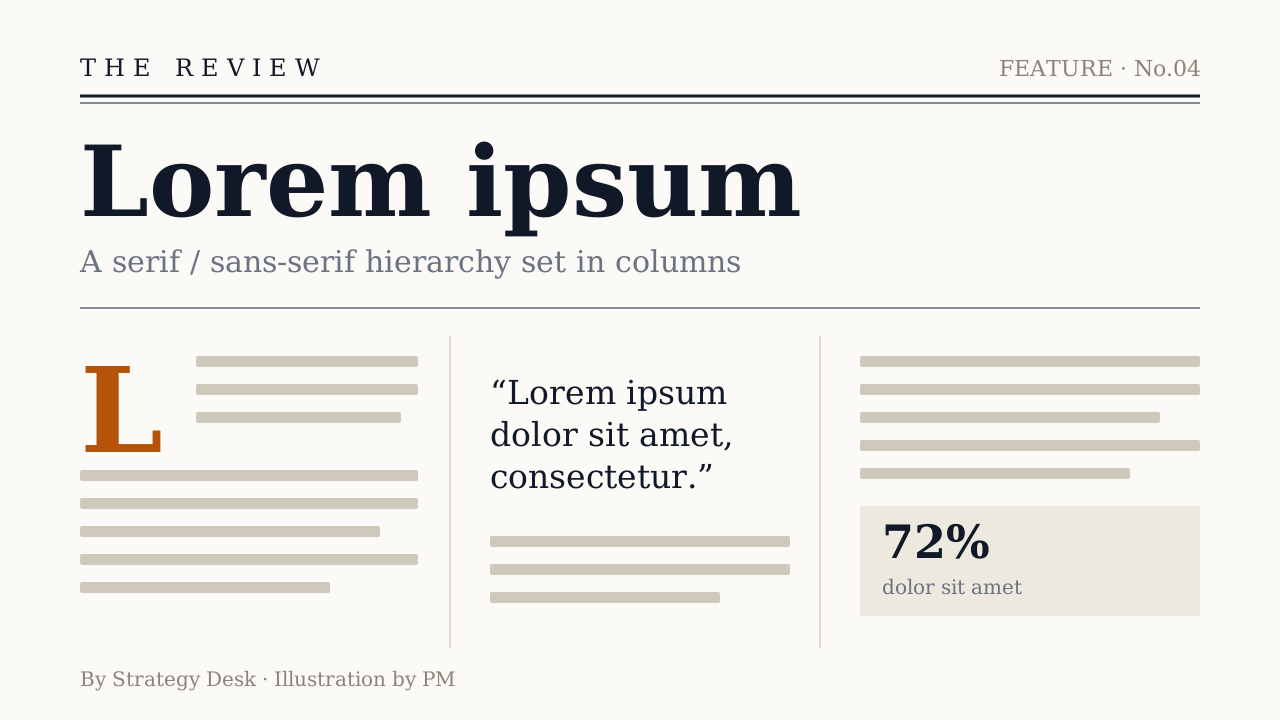 EditorialMagazine hierarchy, column rules, and a serif/sans-serif mix.1 example deck
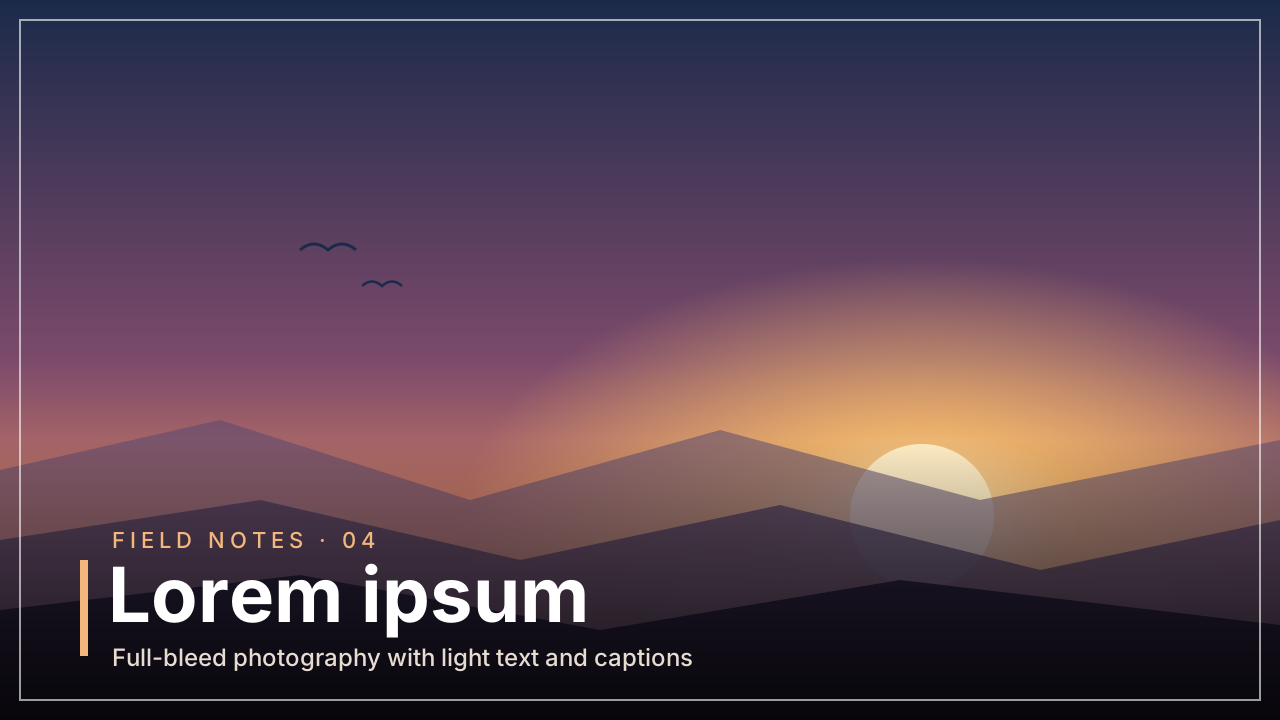 Photo EditorialFull-bleed photography leads, supported by light text and captions.1 example deck
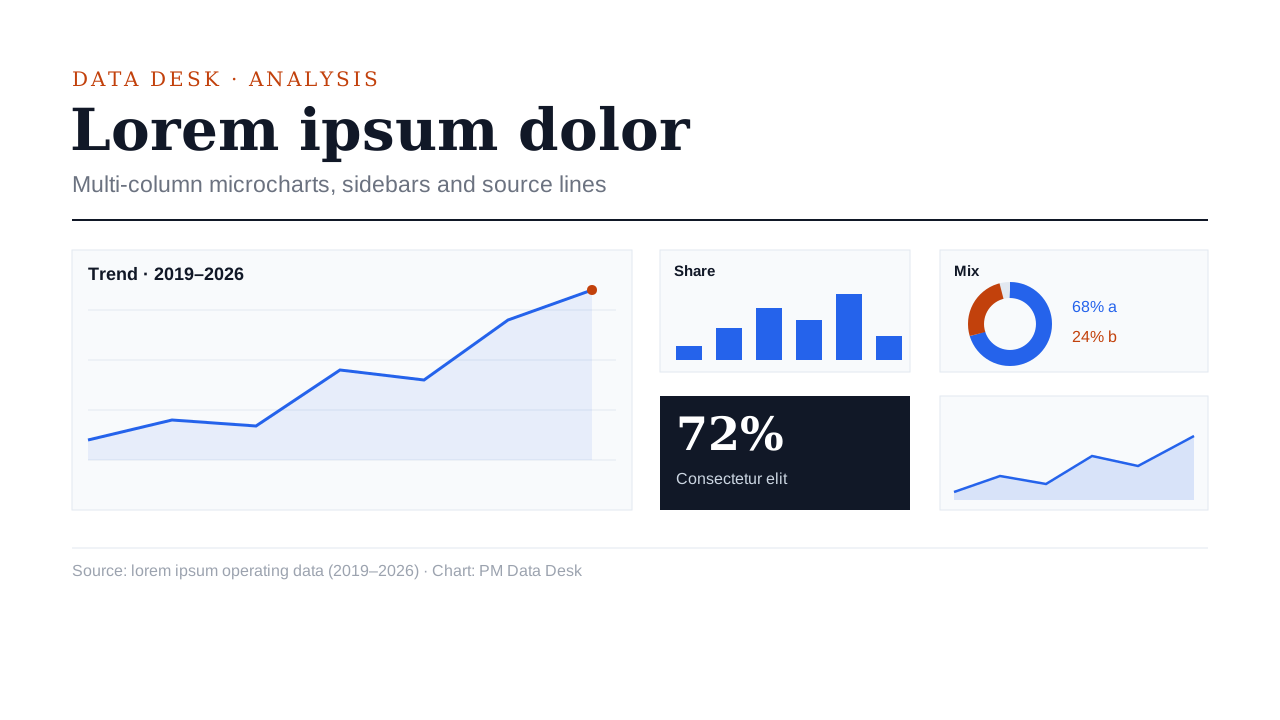 Data JournalismMulti-column microcharts, sidebars, source lines, and dense information.1 example deck
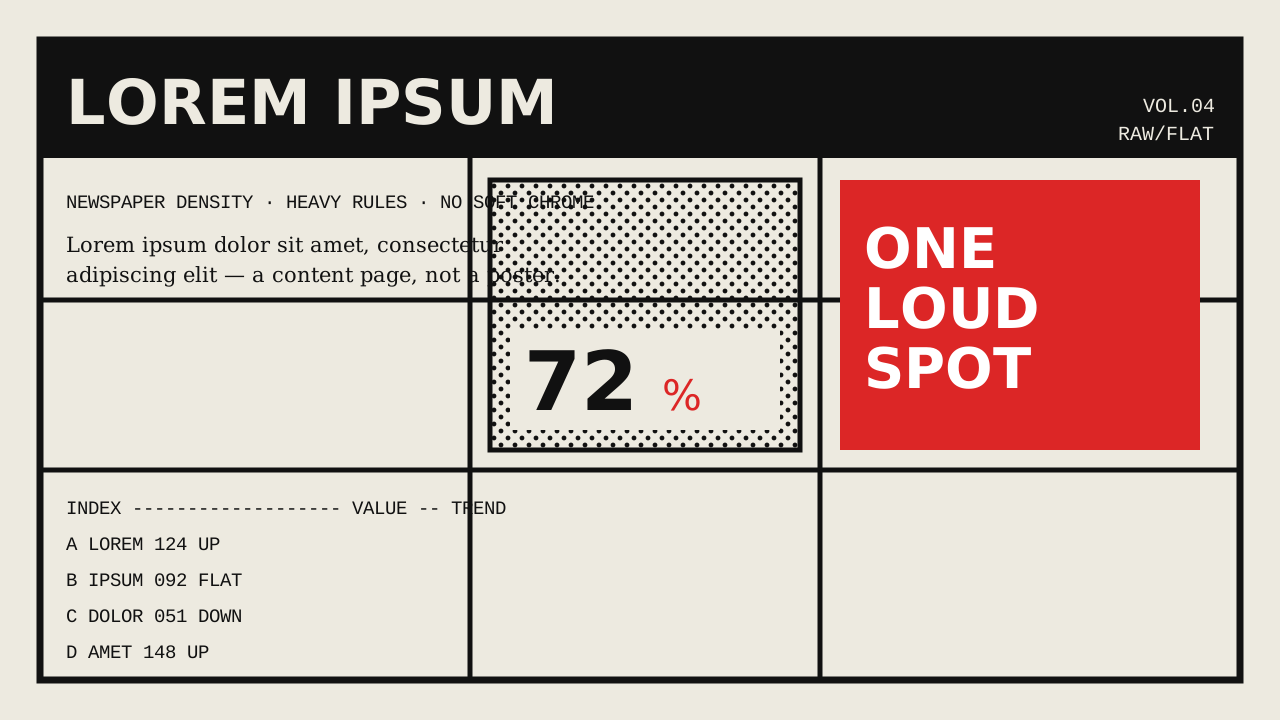 BrutalistNewspaper-like density, heavy rules, raw structure, and flat treatment.1 example deck
Expressive / print
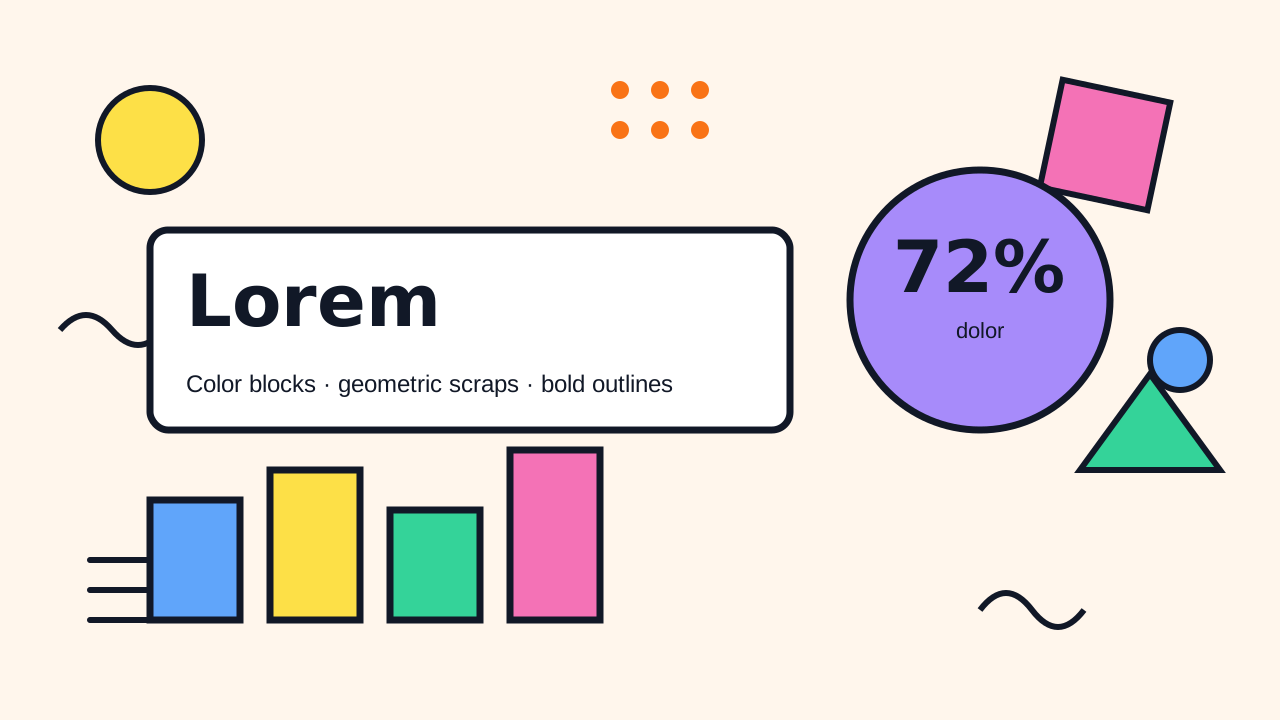 MemphisContrasting color blocks, geometric scraps, and heavy outlines.1 example deck
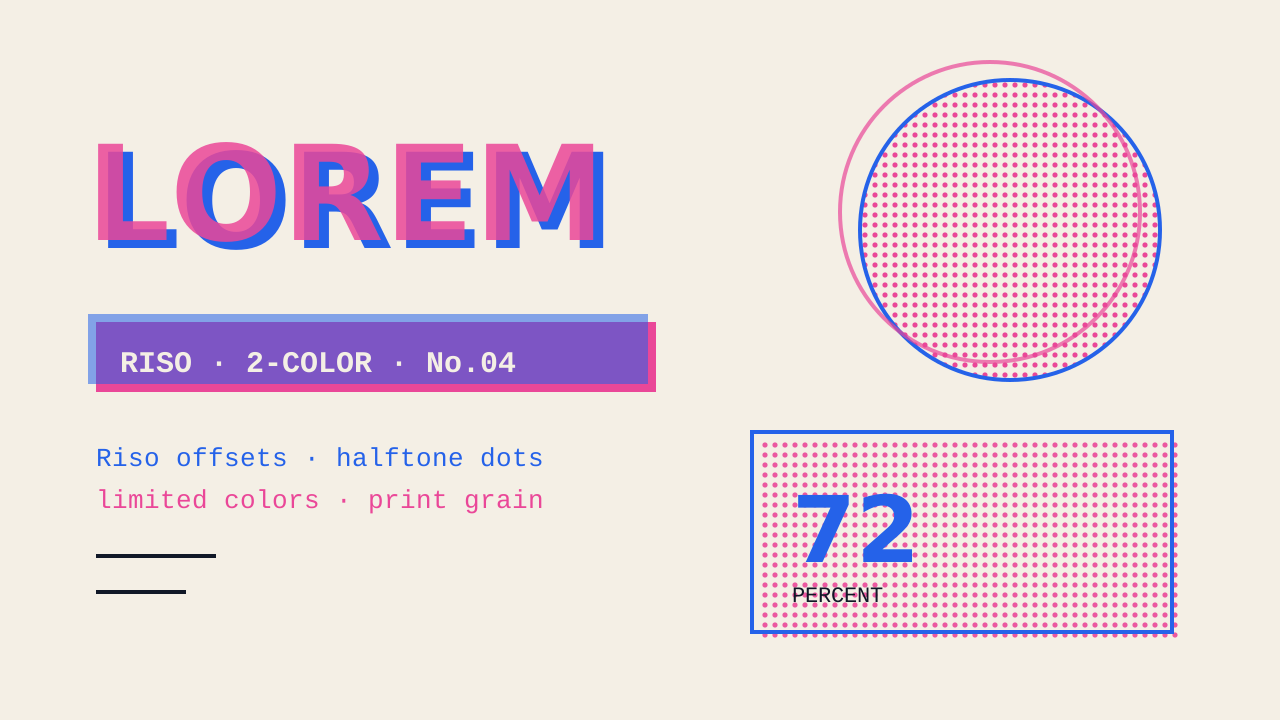 ZineRiso offsets, halftones, limited colors, and print grain.1 example deck
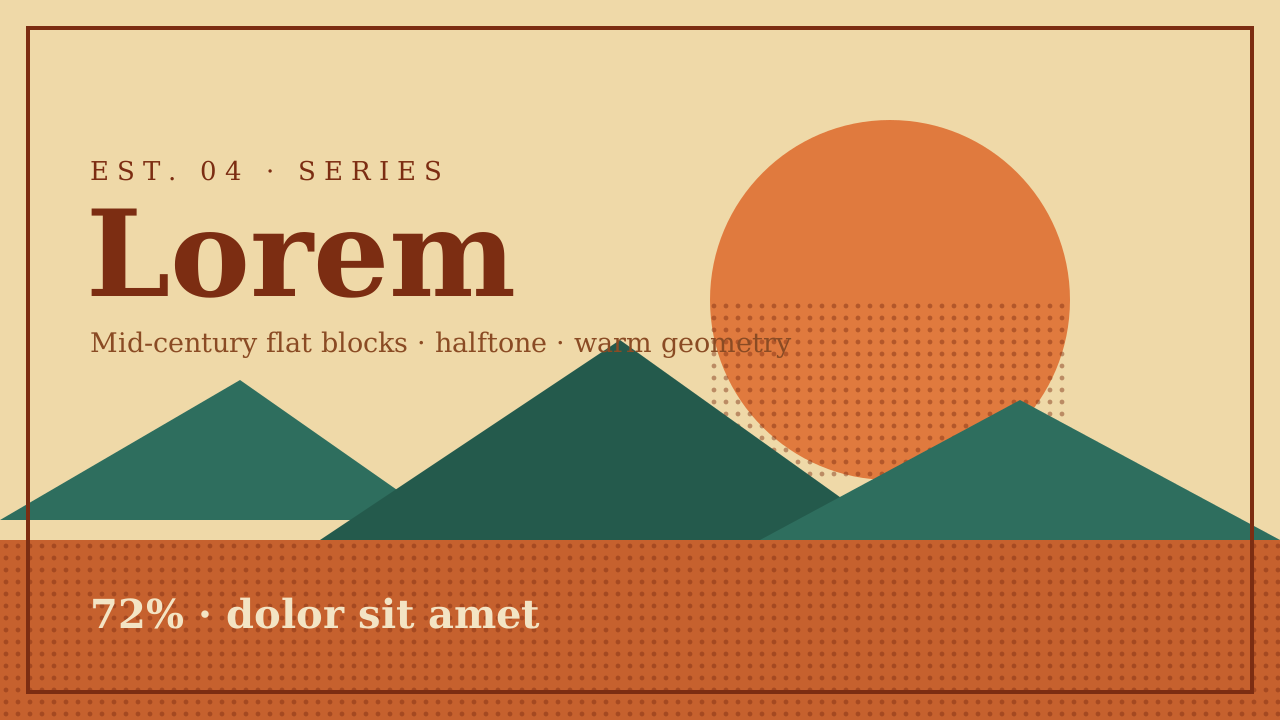 Vintage PosterMid-century flat color blocks, halftones, and warm vintage geometry.1 example deck
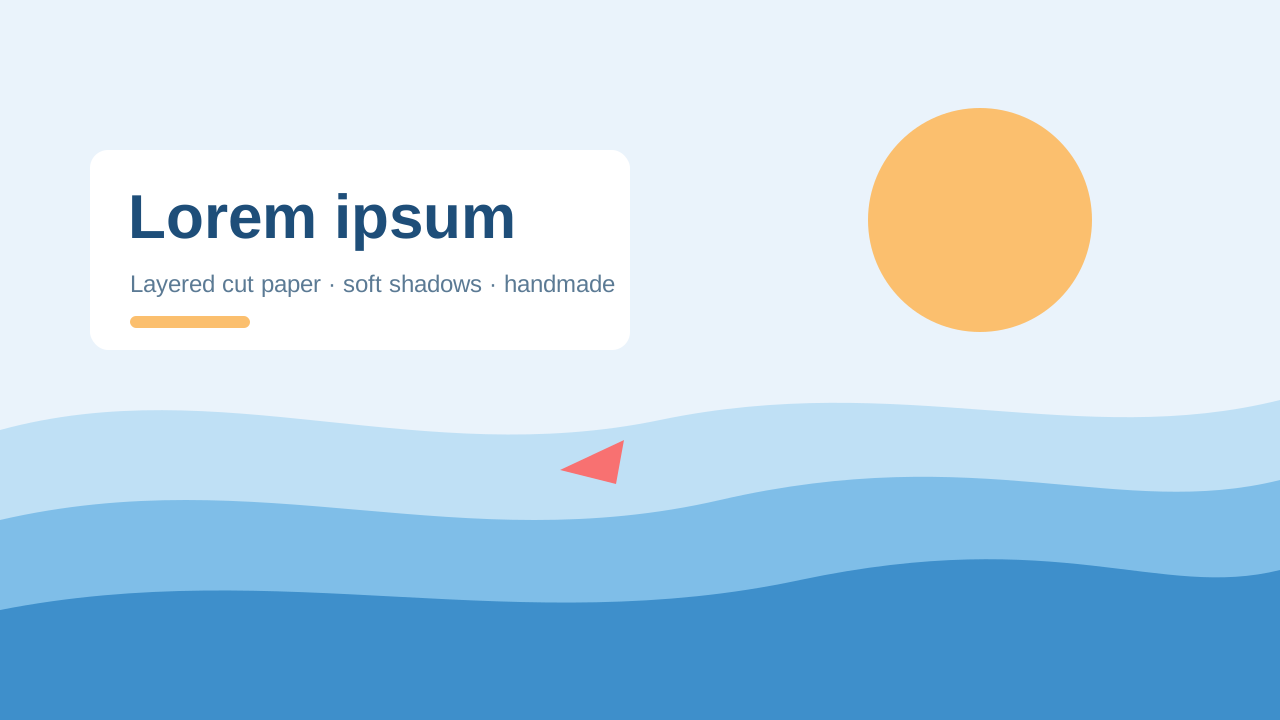 Paper CutLayered cut paper, soft inter-layer shadows, and a handmade feel.1 example deck
Hand-drawn / brush
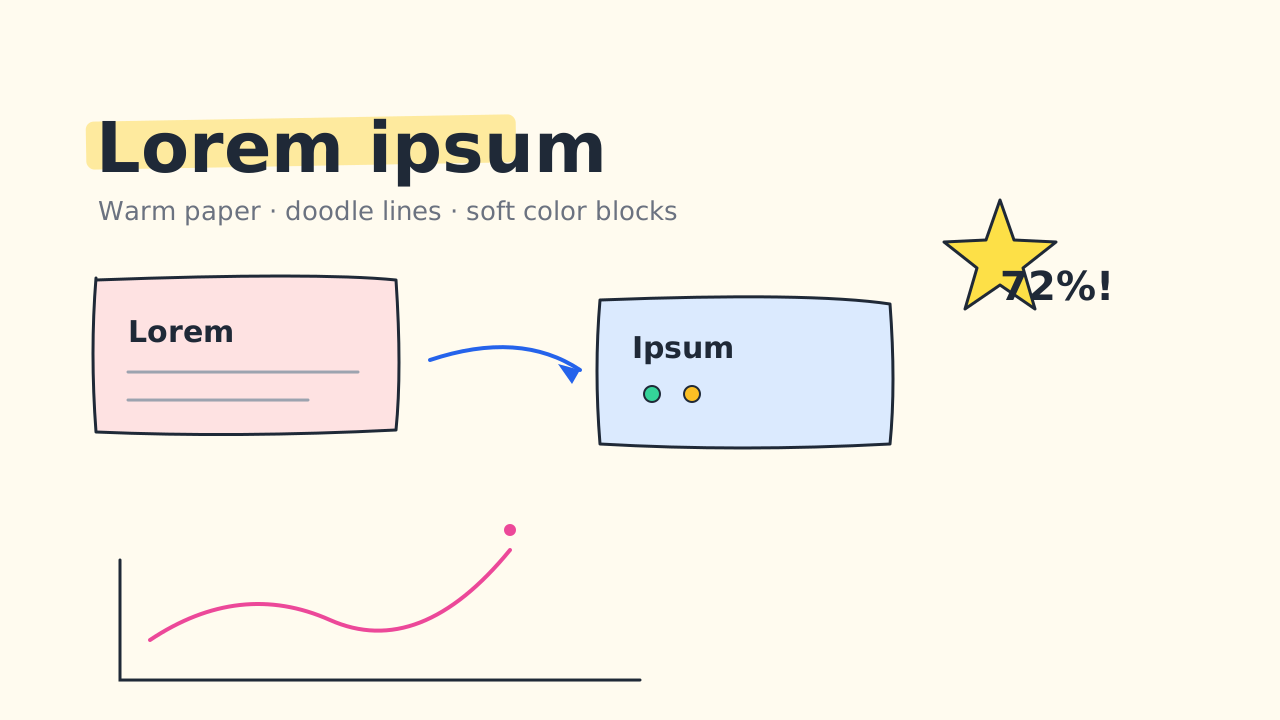 Sketch NotesWarm paper, doodle lines, and soft color blocks.1 example deck
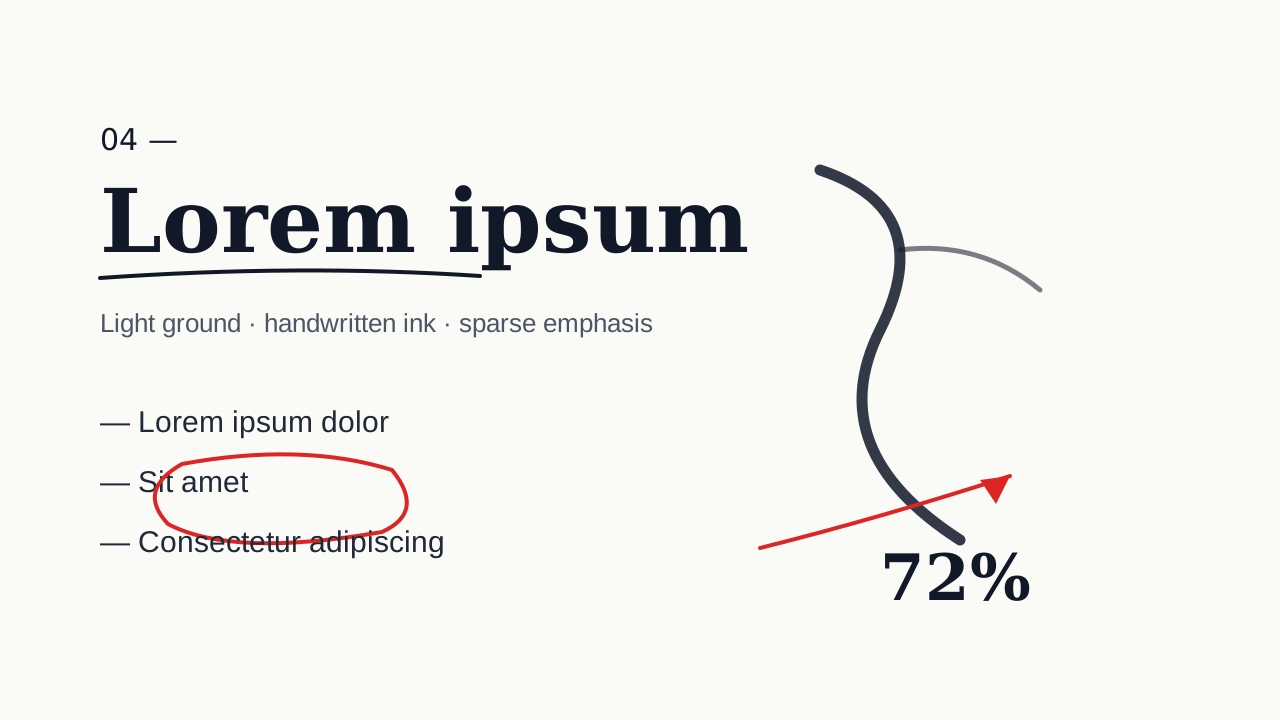 Ink NotesLight background, black handwritten ink, and sparse semantic emphasis.1 example deck
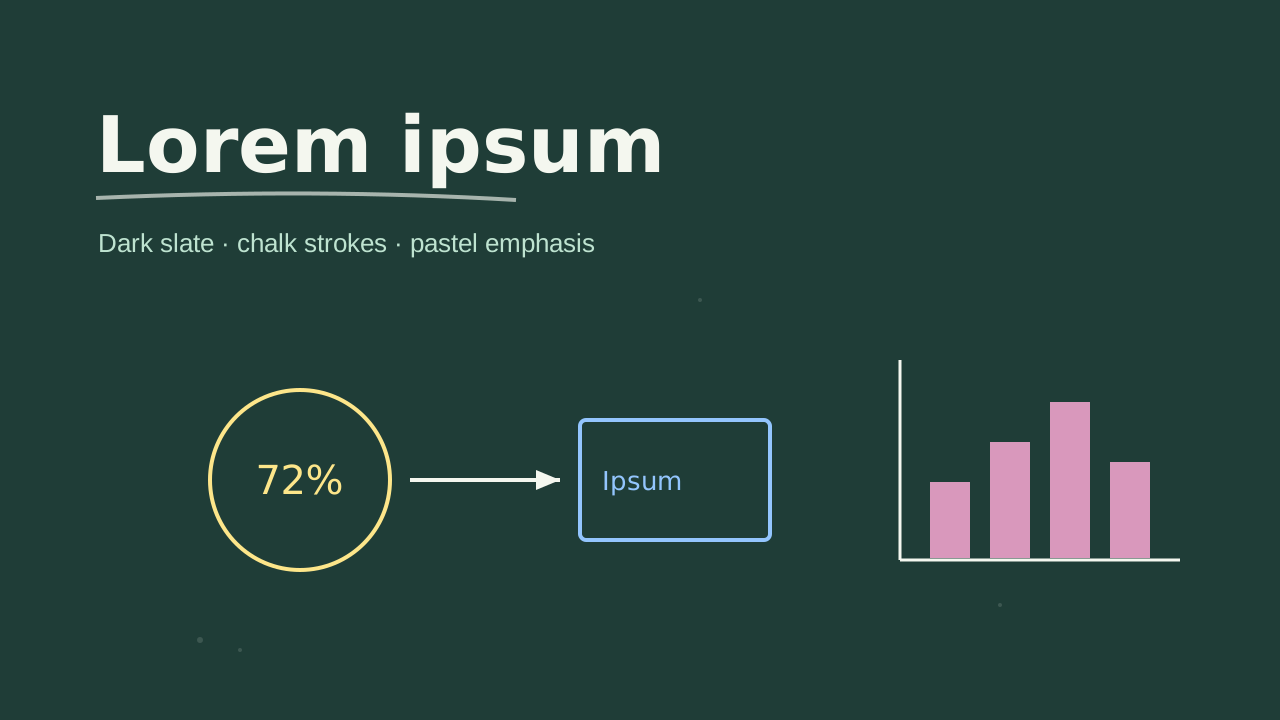 ChalkboardDark slate surface, chalk strokes, and pastel emphasis.1 example deck
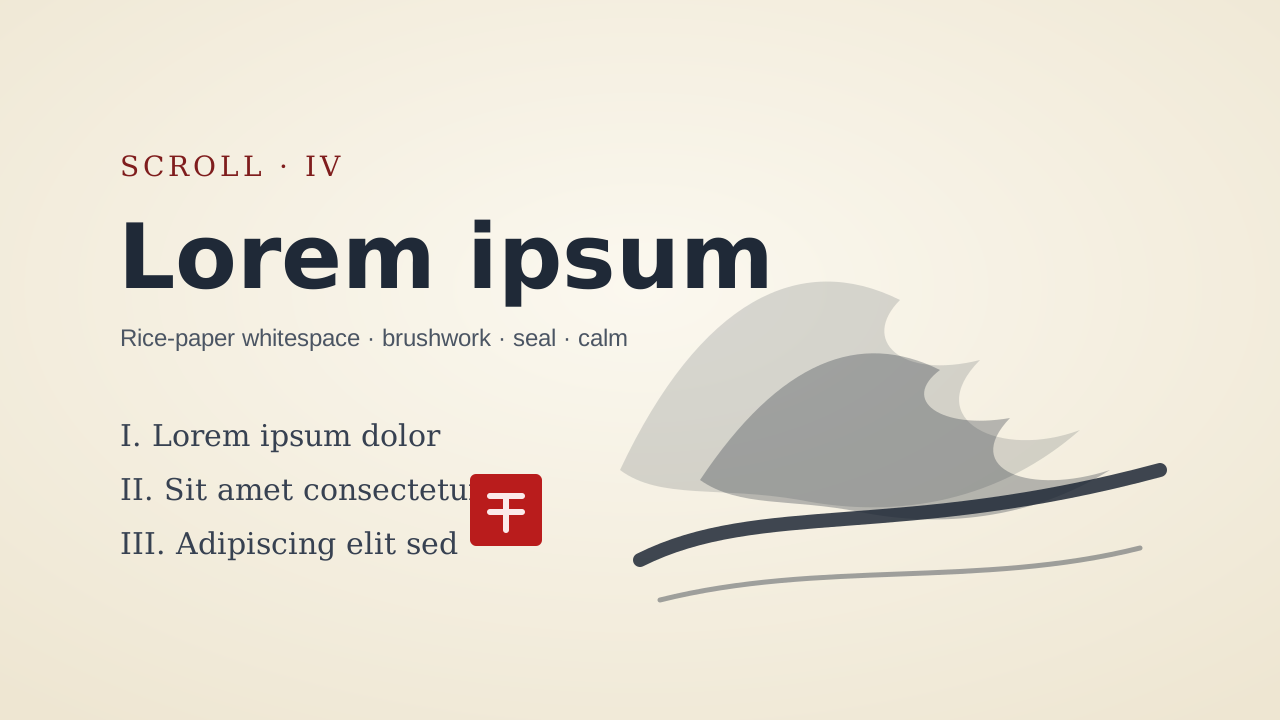 Ink WashRice-paper whitespace, brushwork, seals, and a quiet contemporary Chinese tone.1 example deck
Specialty
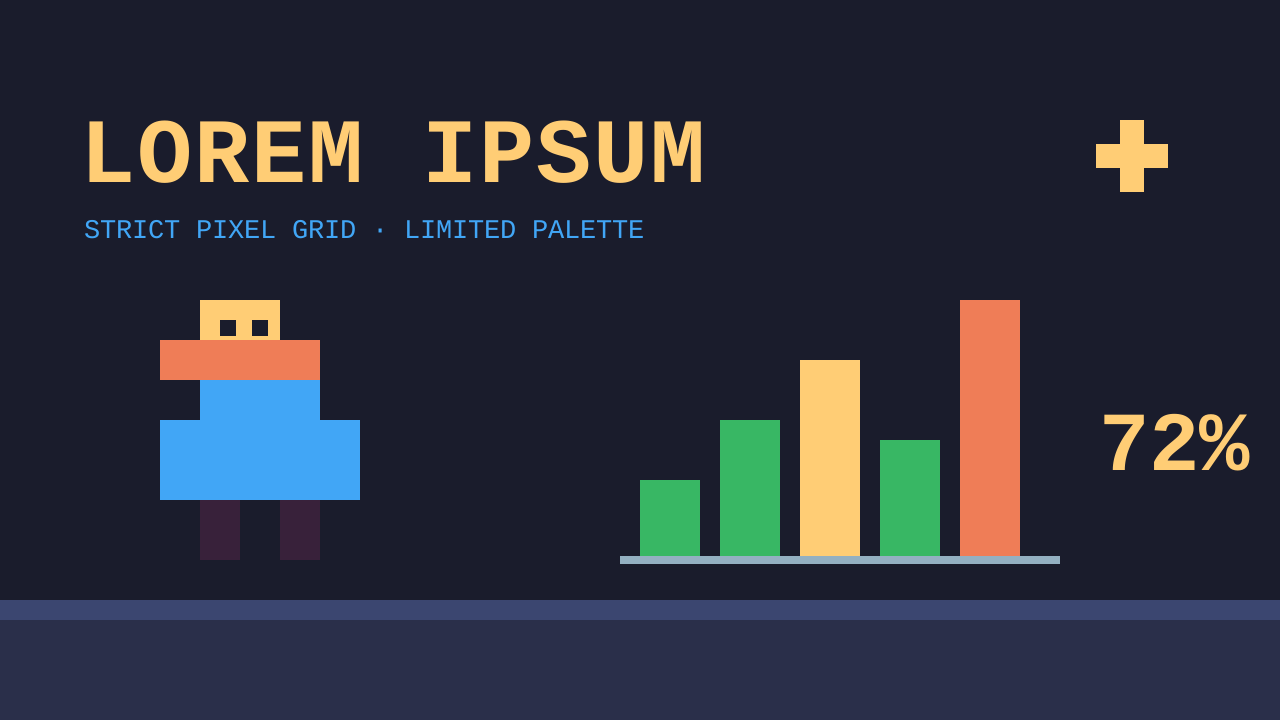 Pixel Art
Questions
Is the deck editable?
Yes. Every slide is native PowerPoint: text boxes, shapes, charts with Edit Data and tables. The look is colours, fonts and layout, so you can change any of it.
Which fonts does it use?
Fonts that come with PowerPoint, so the deck looks the same on the computers that open it.
Can I use my company's style instead?
Yes. Upload a PowerPoint or PDF you like and the new deck follows its colours, fonts, title placement and logos.
Who chooses the look?
You can pick one when you create a deck, or leave it on Auto and PPTNative chooses a look that suits your audience.
Make your next deck in minutes, then make it yours.
Start with 20 free credits. No card needed.
Start free