《数字综合法案》之后的欧盟《人工智能法》:何时适用什么
会前阅读的政策简报:(EU) 2026/1744 号条例之后的《人工智能法》时间表,高风险义务推迟到 2027 年 12 月和 2028 年 8 月,八项修改、哪些没有变、处罚标准和一份工作清单。2026 年 11 月 12 日根据欧盟官方公报文本整理,仅为摘要,不构成法律意见。
一份事实清单,2026 年 11 月 12 日根据 (EU) 2024/1689 号条例和 (EU) 2026/1744 号条例整理。 查看原文
以及这些说明A policy brief for our compliance and product leads, to be read before the meeting: the EU AI Act timeline after the Digital Omnibus and a working checklist. Use only the facts and figures in the fact sheet. End with a sources slide.
在 PPTNative 输入这个风格码,或直接打开 pptnative.com/c/WPR111,就能回到这份 PPT。从这里做你自己的 PPT,得到的是同样的风格(版式风格、颜色和字体),不是同样的幻灯片内容。
免费下载,无需登录。用 PowerPoint 打开即可随意修改。

- 风格
- 白皮书
- PPT 类型
- 战略文档自动选择
- 图片
- 不用图片
- 幻灯片
- 10
- PPT 语言
- English
每一页,未经修改
点击幻灯片查看大图。
-
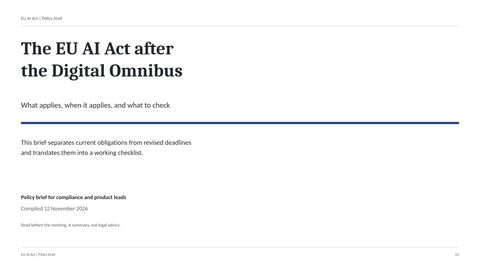
1The EU AI Act after the Digital Omnibus
-
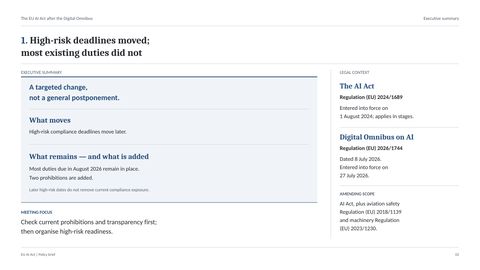
21. High-risk deadlines moved; most existing duties did not
-
32. Existing duties remain the starting point
-
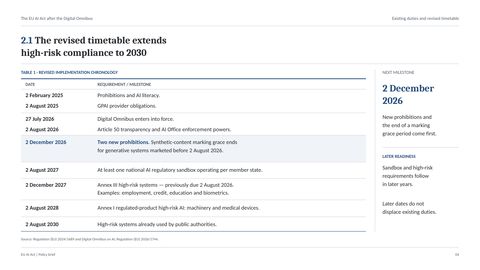
42.1 The revised timetable extends high-risk compliance to 2030
-
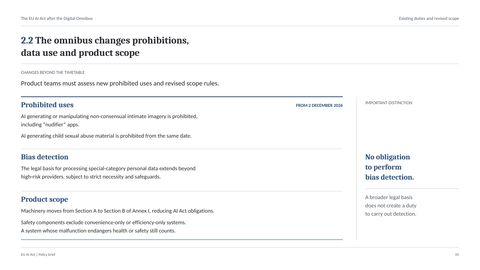
52.2 The omnibus changes prohibitions, data use and product scope
-
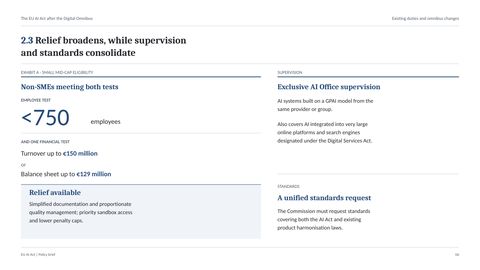
62.3 Relief broadens, while supervision and standards consolidate
-
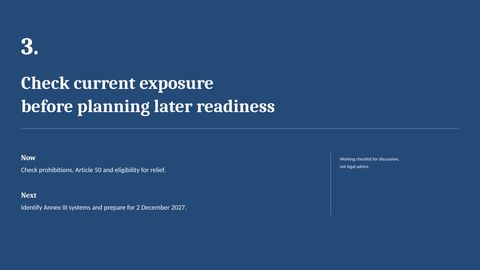
73. Check current exposure before planning later readiness
-
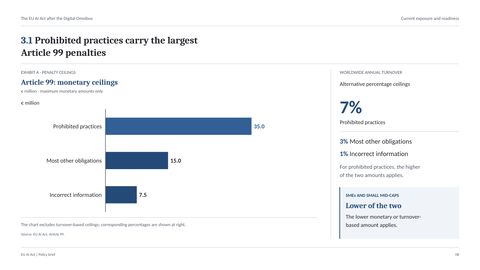
83.1 Prohibited practices carry the largest Article 99 penalties
-
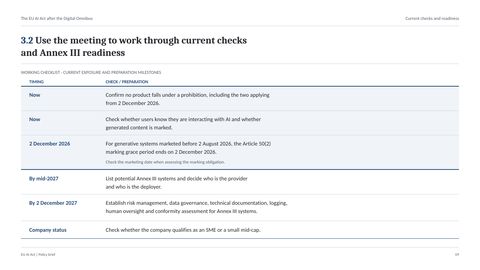
93.2 Use the meeting to work through current checks and Annex III readiness
-
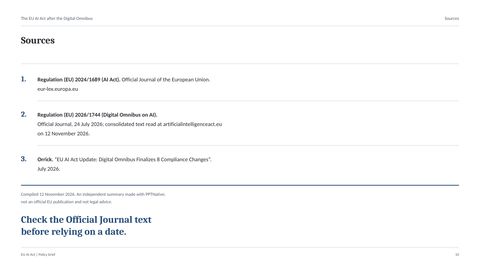
10Sources


文件里可以修改什么
每个字都是真实文字
标题、要点和标签都是文本框,可以改写、换样式或翻译。
图示都是形状
方框、箭头和图标都是 PowerPoint 形状,可以移动、缩放和改颜色。
图片各自独立
照片和插画都是单独的图片,可以替换或裁剪。
图表是真正的图表
每个图表的数据都保存在自己的 Excel 表里。选择“编辑数据”,输入新数字,图表就会重新绘制。
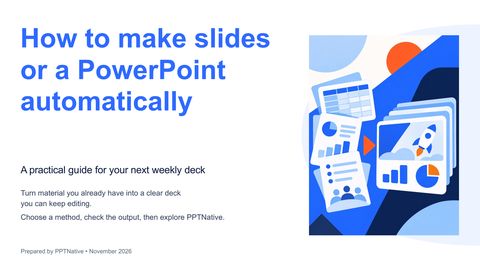 如何自动制作幻灯片或 PowerPoint
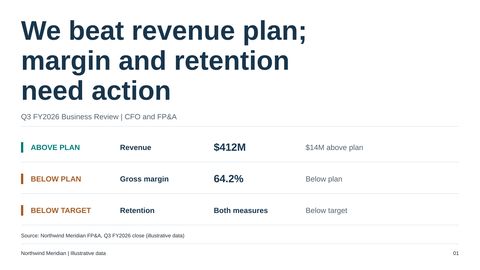 季度经营回顾:业绩、驱动因素与决策
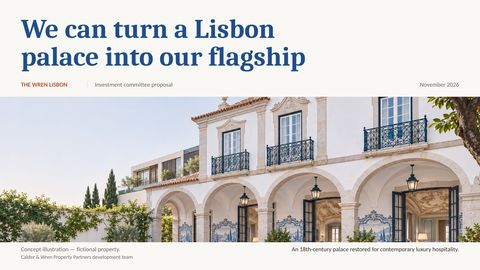 高端酒店:旗舰物业投资提案